
See auxi in action
your workflows and save you time!
For years, consulting firms and investment banks have relied on fragmented workflows to produce decks. External PowerPoint design services for high-stakes deliverables. Legacy add-ins for basic formatting. General-purpose AI tools for first drafts that still need hours of cleanup. These disconnected systems create inefficiencies, inflate costs, and slow the adoption of AI-driven workflows across enterprise teams.
Today, that changes.
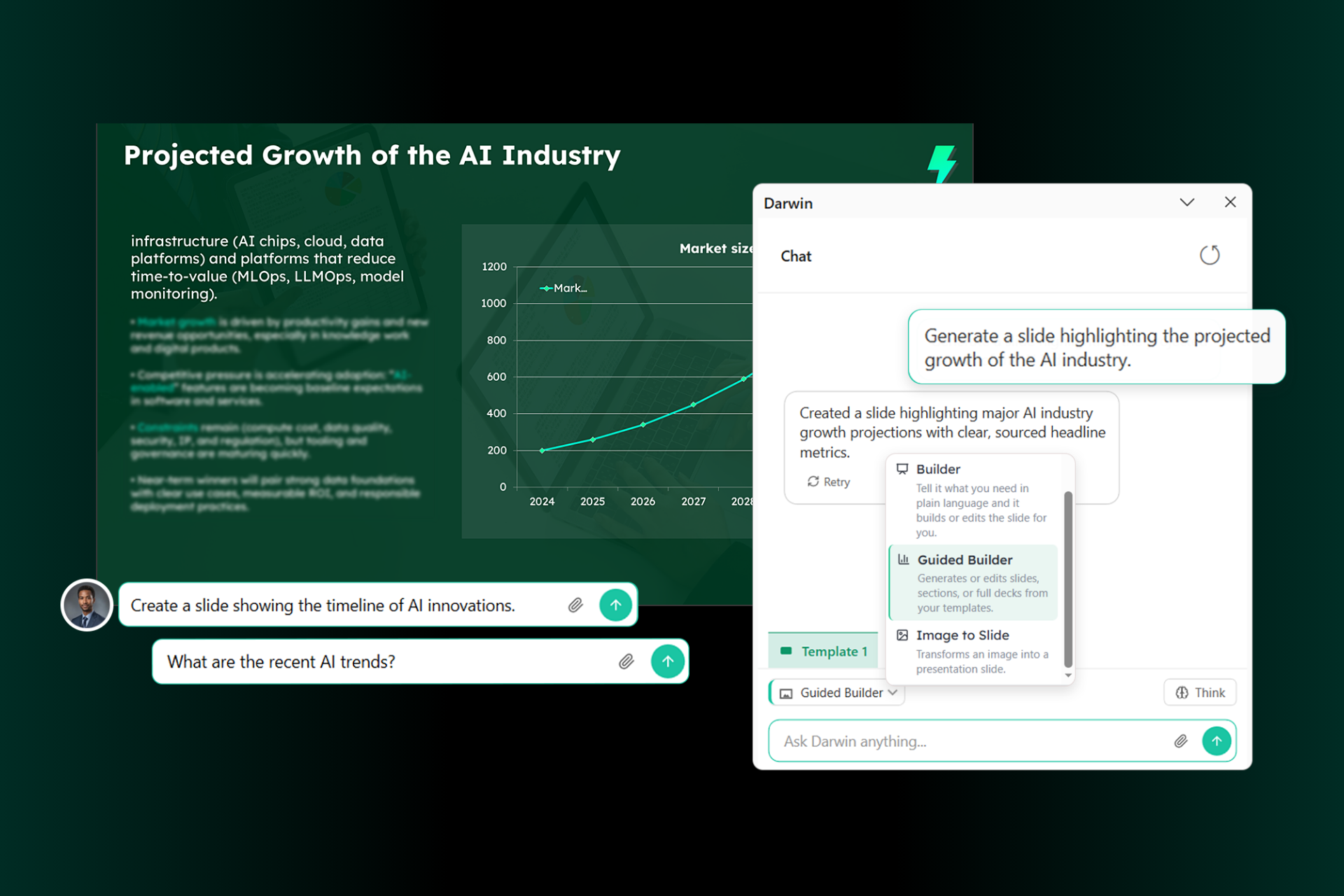
Meet Darwin, auxi's conversational AI built to redefine professional slide-making through a fully integrated, end-to-end agentic workflow. Darwin combines on-brand deck generation, advanced reasoning and research capabilities, a guided PowerPoint builder, and image-to-PowerPoint functionality into a single enterprise solution. No switching between tools. No copy-pasting between apps. No last mile editing headaches.
And because Darwin is fully embedded within all auxi enterprise plans, advanced AI-driven deck creation is now accessible to your entire team without incremental spend.
"Enterprise teams are increasingly concerned about relying on external resources that are both costly and difficult to scale," said Rami Khoury, CEO of auxi. "Darwin brings that capability in-house, powered by AI. Our customers are excited for it to help reduce deck-building cycles, eliminate inefficiencies, and free their teams to drive serious value from strategy."
Check out the walkthrough of Darwin to see it in action.
Generating 100% Brand-Compliant Decks
Darwin's built-in Guided Builder lets users generate complete slide decks using natural language prompts. But unlike general-purpose AI tools that approximate your brand, Darwin ensures full compliance by referencing your company documentation, historical presentations, and official brand guidelines. The result: polished, on-brand decks produced in minutes rather than days.
This is not 85% compliance that requires a manual cleanup pass. This is deterministic brand enforcement built into every slide Darwin generates, because it was engineered around your firm's rules from the ground up.
Credible Research with Verified Sources
Strategy decks need more than good design. They need defensible content. Darwin integrates deep research capabilities directly into the slide-building workflow, allowing users to generate data-backed insights and incorporate credible information with verified sources into their presentations. No more toggling between a browser, a research tool, and PowerPoint. The research happens where the deck is being built.
For teams producing client-facing materials under tight timelines, this collapses what used to be a multi-tool, multi-hour research process into a single conversational workflow.
Search Your Entire Database from Within PowerPoint
Built into Darwin is auxi's SuperSearch, which lets users find files, historical presentations, and previous templates using simple prompts, all without leaving PowerPoint. Need that market sizing slide your colleague built last quarter? Ask Darwin. Looking for the latest version of a client's brand template? Darwin finds it.
This is what we mean by truly end-to-end. The workflow never leaves PowerPoint, and nothing falls through the cracks between disconnected tools.
Turn Any Image into a Client-Ready Slide
Darwin can also convert images into fully formatted, editable PowerPoint slides. Upload a photo of a whiteboard sketch, a screenshot of a framework, or a picture of a hand-drawn slide layout, and Darwin transforms it into a native PowerPoint slide that matches your brand and template structure.
For consultants who sketch ideas during workshops or capture frameworks on the fly, this removes the entire manual rebuild step.
What Your Workflow Looks Like with Darwin
Build entire decks in a few prompts. Describe what you need in plain language. Darwin delivers structured, on-brand slides the way a senior analyst would build them, following your firm's internal logic and storyline conventions.
Complete all actions within PowerPoint. Whether you need a document from SharePoint, research from the web, a slide from last quarter's deck, or a brand-compliant layout, everything happens inside PowerPoint. No tab switching. No context loss.
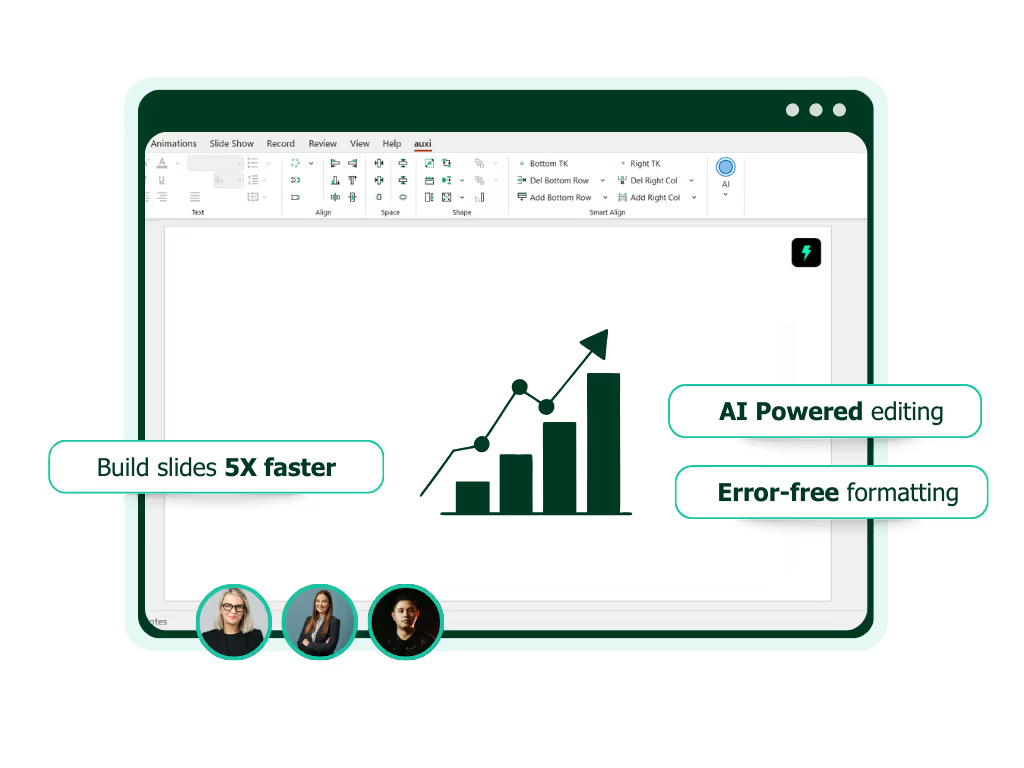
Focus on what actually matters. Darwin cuts deck-building time in half so your team can spend that time on strategy, storytelling, and client impact, not on formatting, alignment, and branding compliance.