
Branding Automation














Whether you want to make your deck compliant to your own brand or your client's brand, you can transform the entire deck with one button.

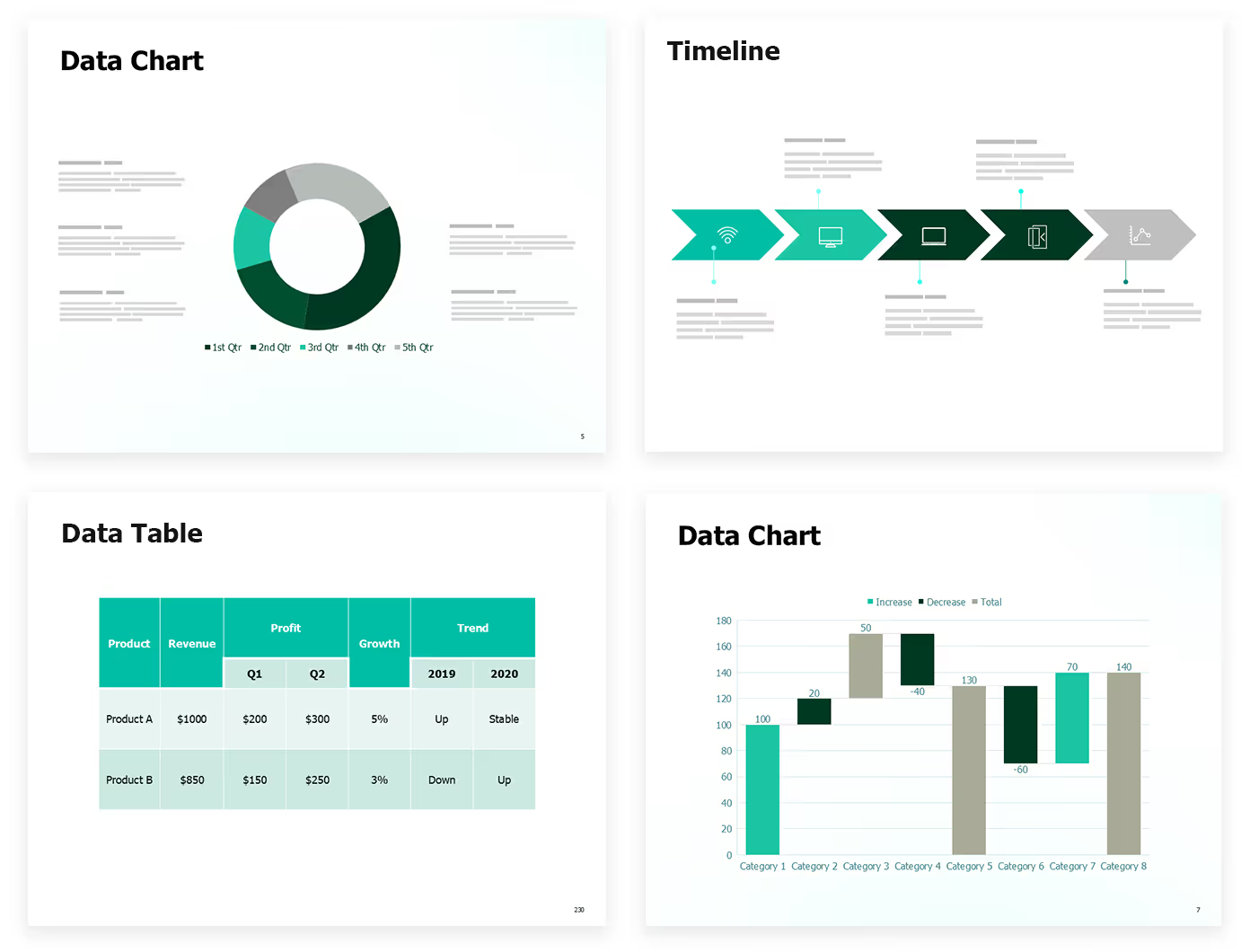
Reap full benefits of bulk transformation to help you go from old designs to new designs across the organization—so, if you have 5,000 decks to update, simply use bulk brand transformation.
slides built on
auxi each month
top consulting
firms use auxi
enterprise companies
building slides with auxi
What is brand automation for presentations?

Brand automation for presentations is the process of using software to automatically enforce brand guidelines — fonts, colors, logos, spacing, and template standards — across PowerPoint slides without manual review. Instead of checking every slide by hand, brand automation tools apply corrections across entire decks in one click. For a detailed breakdown of how it works at enterprise scale, read our complete guide to brand automation for enterprise presentations.
Is there a limit to how many decks I can bulk transform?
No, there is no limit to how many decks you can transform.
Can I transform layouts?
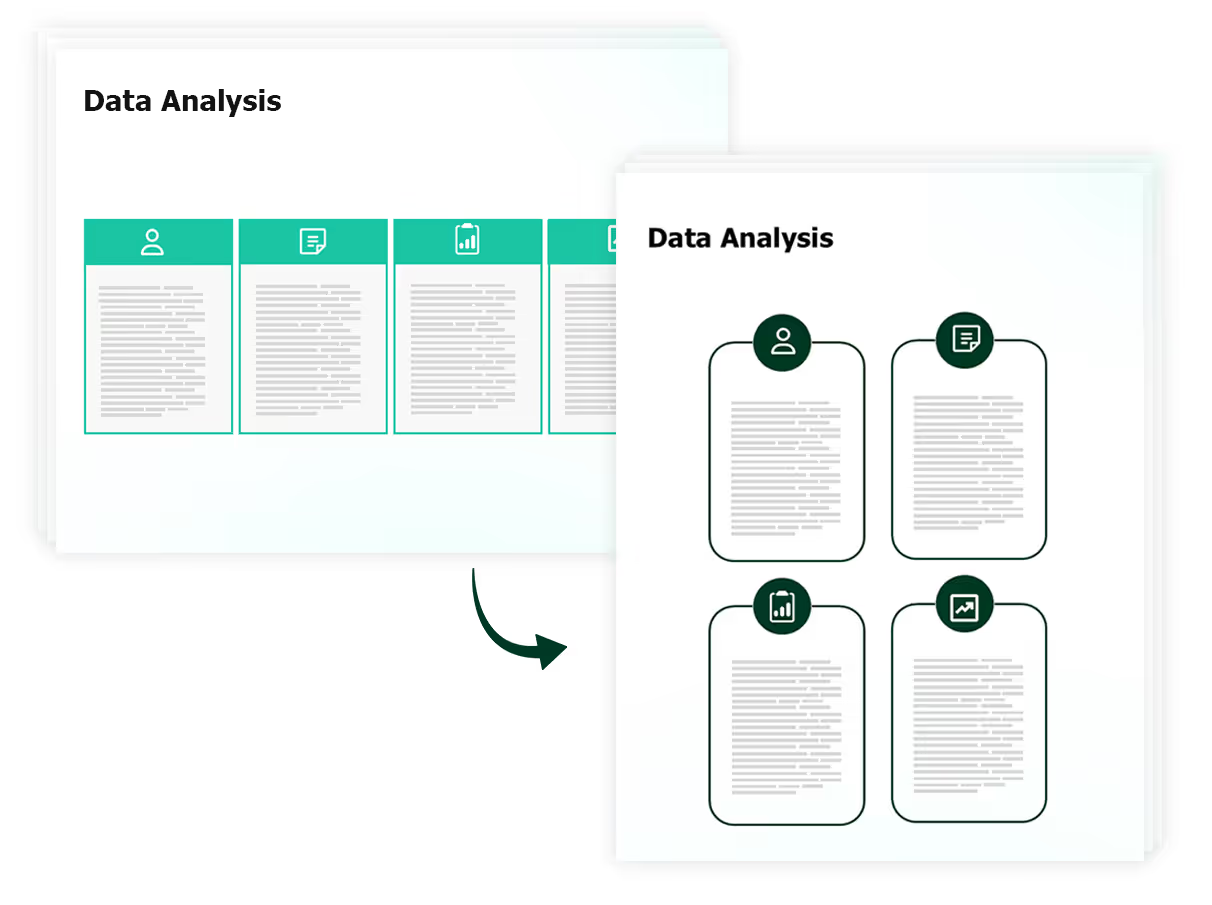
Yes, similar to charts and tables, you can transform layouts as well.
What if I want to transform one chart only?
Yes, you can transform individual elements easily.