NewDarwin is now on the web, and in Claude, ChatGPT and Copilot through the auxi connector.See what's included →

auxi for Big 4 & advisory

One standard across every practice. Every client's brand on demand.

For global advisory firms with thousands of deck builders. auxi keeps every office on the current template, rebrands to any client's look in one step, and puts 250+ PowerPoint features behind a single shortcut.

Rolling out to a practice or region? We'll scope a pilot with your brand and IT teams.

Used by teams at PwC, Deloitte, KPMG and Accenture
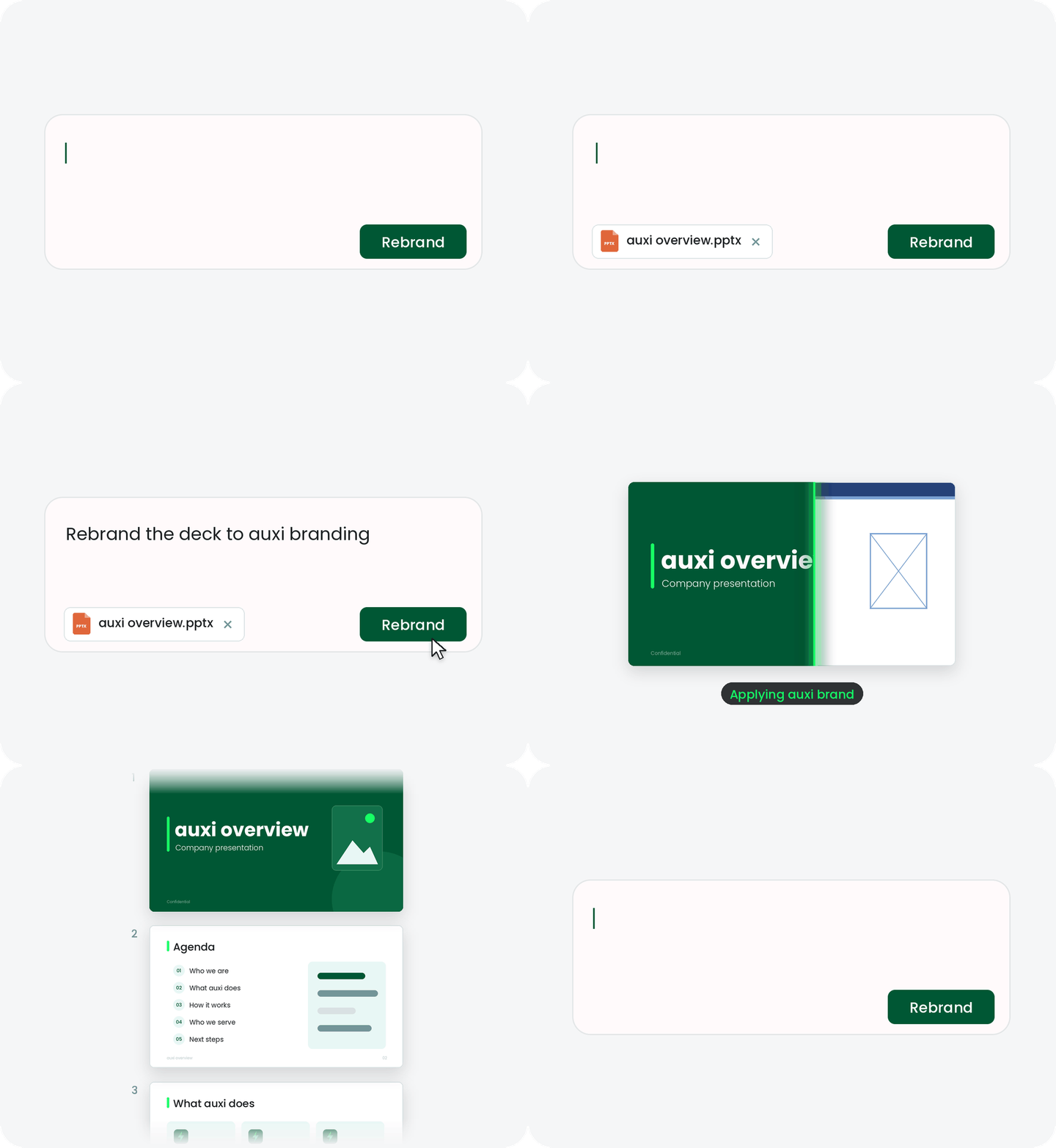
auxi rebranding a consulting deck to a new template

Consulting teams that build on auxi

PwCDeloitteKPMGAccentureMercerKearney
Why Big 4 firms choose auxi

Built for firms where one deck has twenty authors.

Global practices, local offices and client teams all touch the same material. auxi keeps it consistent without slowing anyone down.

Governance
One template, every office
Set the master template once. Checker flags off-brand fonts, colors and layouts before a deck reaches the client.
Client brands
Dozens of client looks, managed centrally
Save each client's brand profile and switch between them, so engagement teams rebrand a deck in one step instead of rebuilding slides.
Productivity
250+ features, one shortcut
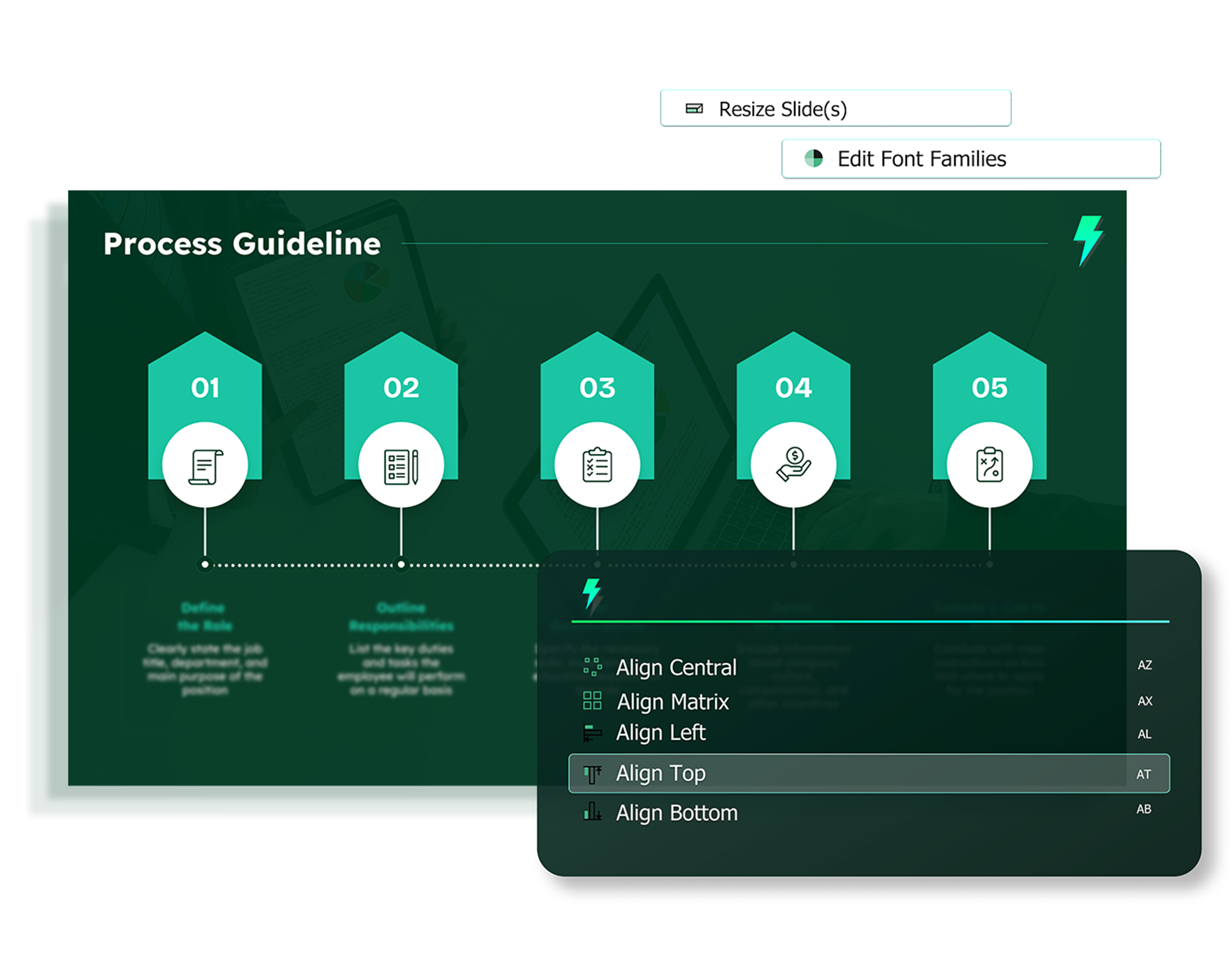
Align, distribute, resize and fix formatting across a whole deck, or open any feature with CTRL+SPACE.
What changes

The consulting workflow, minus the formatting.

01 · Proposals

From RFP to proposal in minutes.

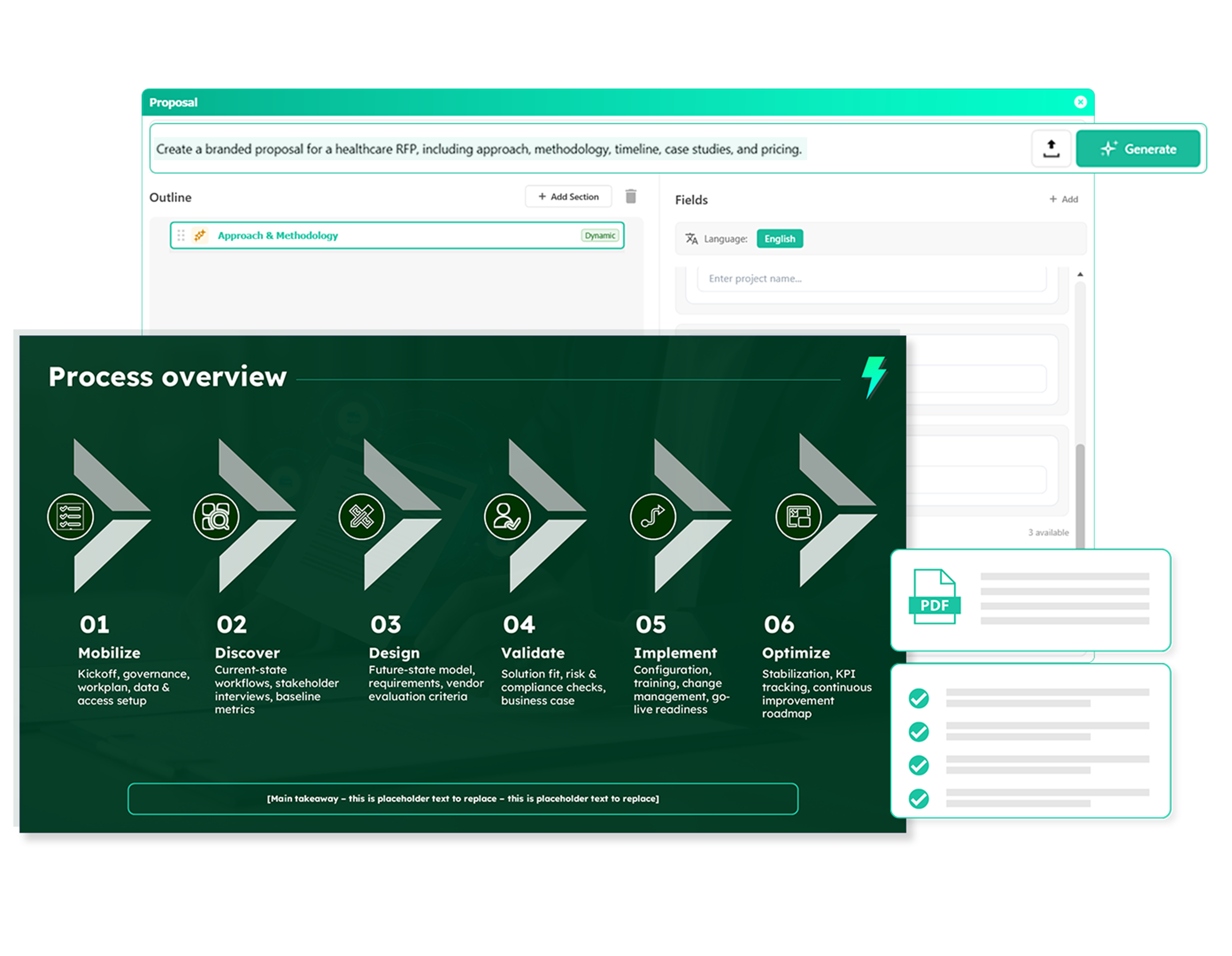
Upload the RFP, add your details and get a fully branded, structured proposal back, with the right bios, case studies and credentials pulled from your firm's library.

Proposal BuilderBiosCase studiesCredentials
See the Proposal Builder →
auxi generating a branded proposal
02 · Brand

Your brand, or your client's, in seconds.

Store brand profiles and switch between them. Scan a deck, see every font and color with instance counts, and replace them in bulk. Admins can lock brand settings across teams.

Brand profilesFonts & colorsLocked templates
Explore brand automation →
auxi replacing fonts and colors across a deck
03 · Quality

Audit 200 slides before the partner does.

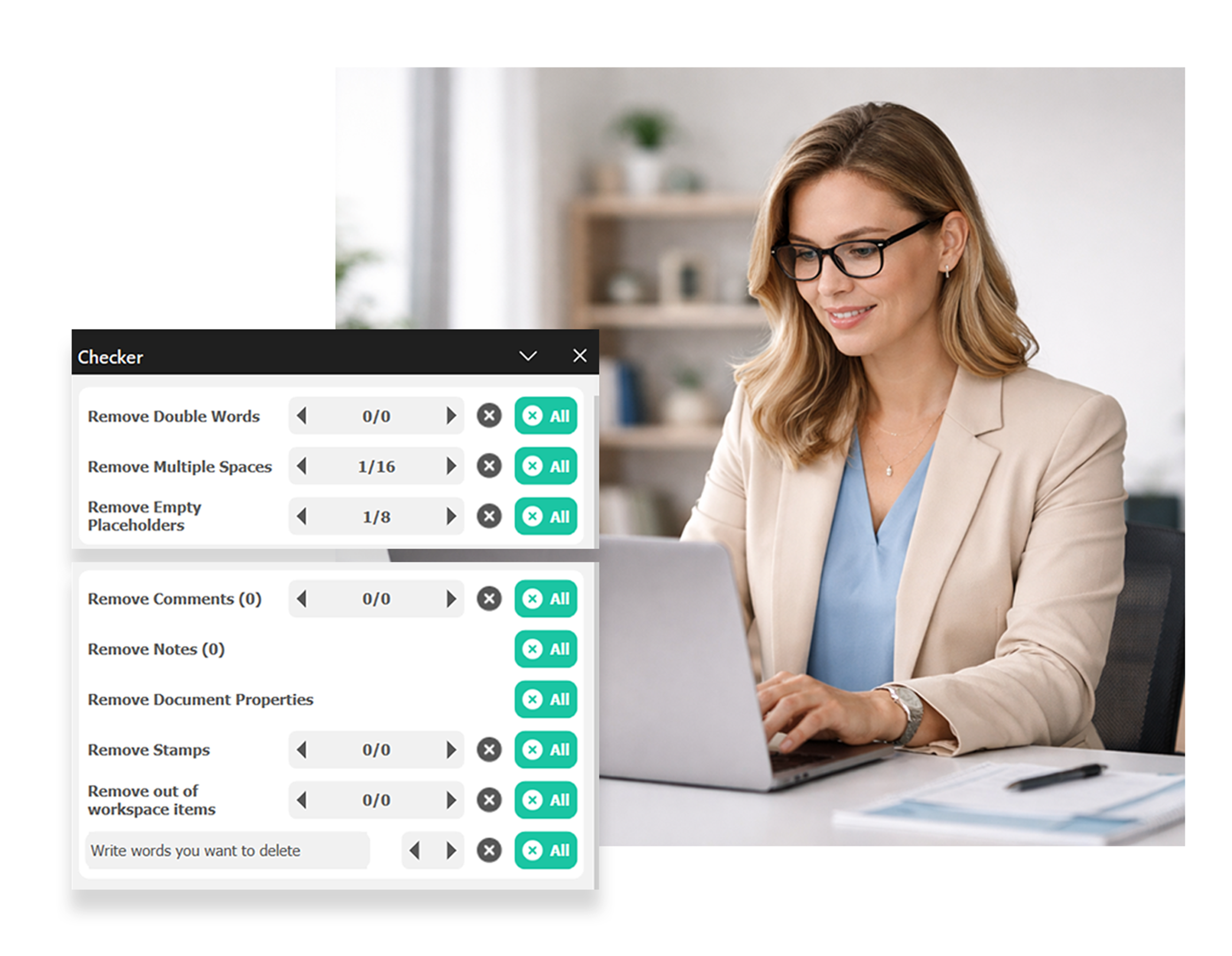
Checker flags double words, extra spaces, empty placeholders, off-slide elements and font violations across the whole deck. Review one list and fix everything in bulk.

CheckerBulk fixesLayout compliance
See what Checker catches →
auxi Checker listing issues across a deck
Built for consulting deliverables

Everything a steerco deck needs, native in PowerPoint.

No exported images of charts and nothing to rebuild. Every element stays editable, on your template.

◆
Consulting-grade charts
Waterfalls, Marimekkos, Gantt timelines and stacked bars with totals, native and editable in PowerPoint.
◆
Translation and right-to-left
Translate full decks, including Arabic, for clients in every market.
◆
Slide library and reuse
Save layouts, snippets and past engagement slides, and find the right one by slide type.
◆
Darwin and your AI
Storyline reviews, rewrites in a consultant's voice, and MCP connectors for Claude, ChatGPT and Copilot.
6M+
slides built with auxi every month
80%
of the top consulting firms use auxi
350
enterprise companies building slides with auxi
250+
PowerPoint features in one add-in
“

Our decks are always consistent in formatting at a quicker rate, without relying on or burdening consultants or analysts.

Senior Strategy ConsultantGlobal digital transformation consultancyRead the case study →
How to get started

Prove it on your own decks before you commit.

No generic demo slides. We start with your template and your work, and agree what success looks like up front.

1
Live demo on your template
30 minutes. Send us a deck and we convert it to your brand while you watch.
2
2–4 week pilot
Named users on real work, with three success metrics agreed at kickoff.
3
Readout and rollout
A readout booked from day one, then a rollout plan with onboarding and training.
FAQ

Questions advisory firms ask us.

Planning an enterprise rollout? Our team answers within one business day.

Talk to sales
Can we manage our own brand and our clients' brands?
Yes. Your firm template stays the default, and each client's brand profile sits alongside it. Switch between them and rebrand a deck in one step.
How do you roll out to thousands of users?
We start with a 2–4 week pilot in one practice, with three success metrics agreed at kickoff, then roll out with onboarding and training workshops.
Where does our data go?
You choose: auxi cloud, your own cloud, or fully on-premise. See the Security page for certifications and deployment details.
Does auxi work with the AI tools we already use?
Yes. The auxi connector (MCP) links Claude, ChatGPT and Microsoft Copilot to PowerPoint, so AI drafts land on your template instead of a blank slide.

See your own deck, on your brand, in 30 minutes.

Book a live demo with our team, or try auxi Pro free for 14 days.

Free 30-minute demo · SOC 2 · GDPR · PowerPoint 2016+ on Windows and macOS