
Darwin - Conversational AI for PowerPoint
Eliminate repetitive slide work with deep research capabilities, trusted answers, super search, and automated deck building — all compliant to your company's brand guidelines.
Trusted by Leaders in Consulting and Investment Banking

Cut the time you spend on building decks into half and let Darwin do the heavy lifting – from research to deck building, its your end-to-end solution.
Darwin finds your slide from millions of documents, gives you real-time tutorials of 250+ AI features, conducts research, and converts images to slides.
Your security is our #1 priority and your data is never used for trained – we back it with SOC 2 Type II and GDPR compliance.
Use the Darwin slide generator agent within to build slides that are 100% compliant to your brand guidelines and brand voice. Using your historical documentation and personalized configuration, Darwin builds like a tenured team member.
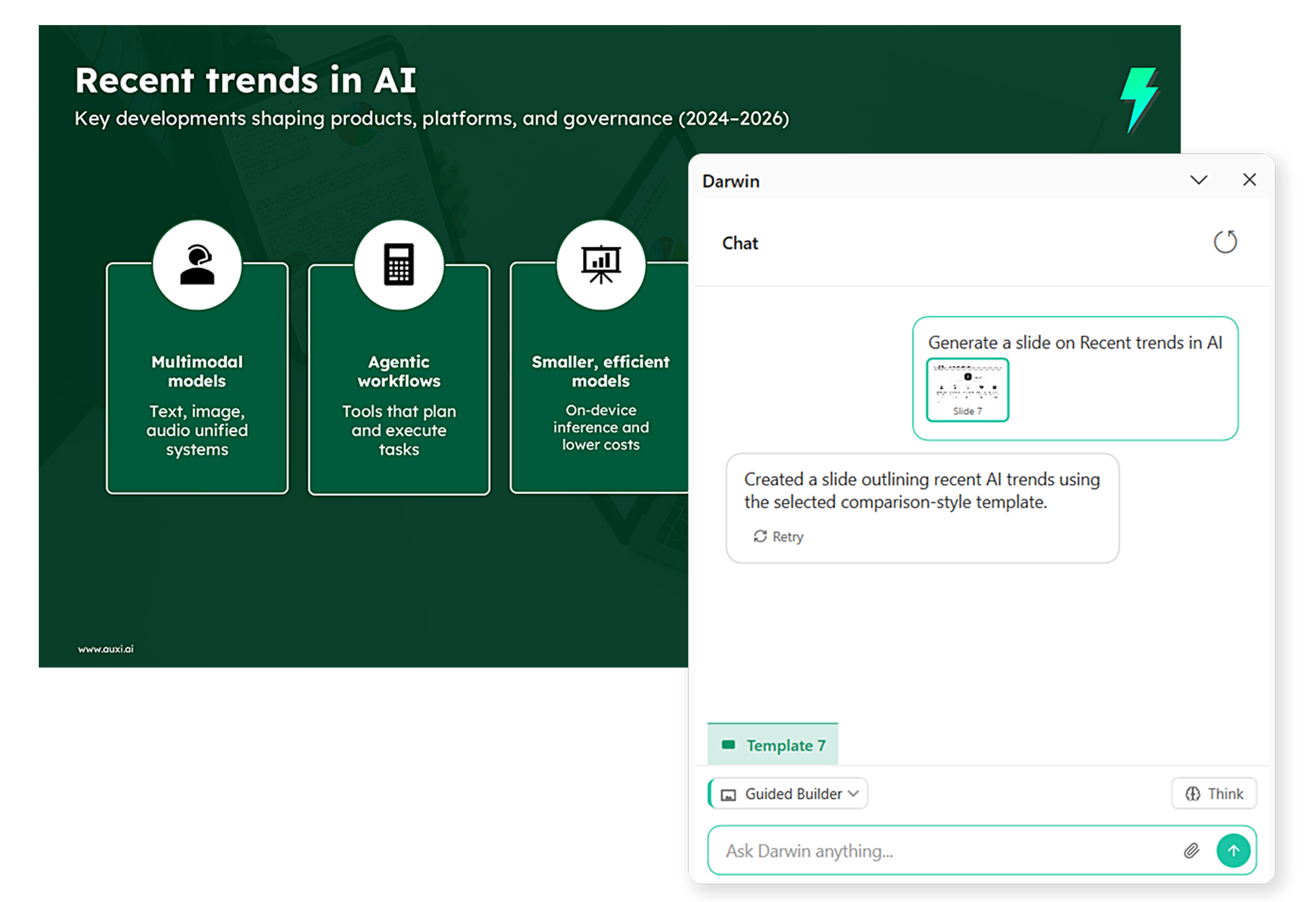
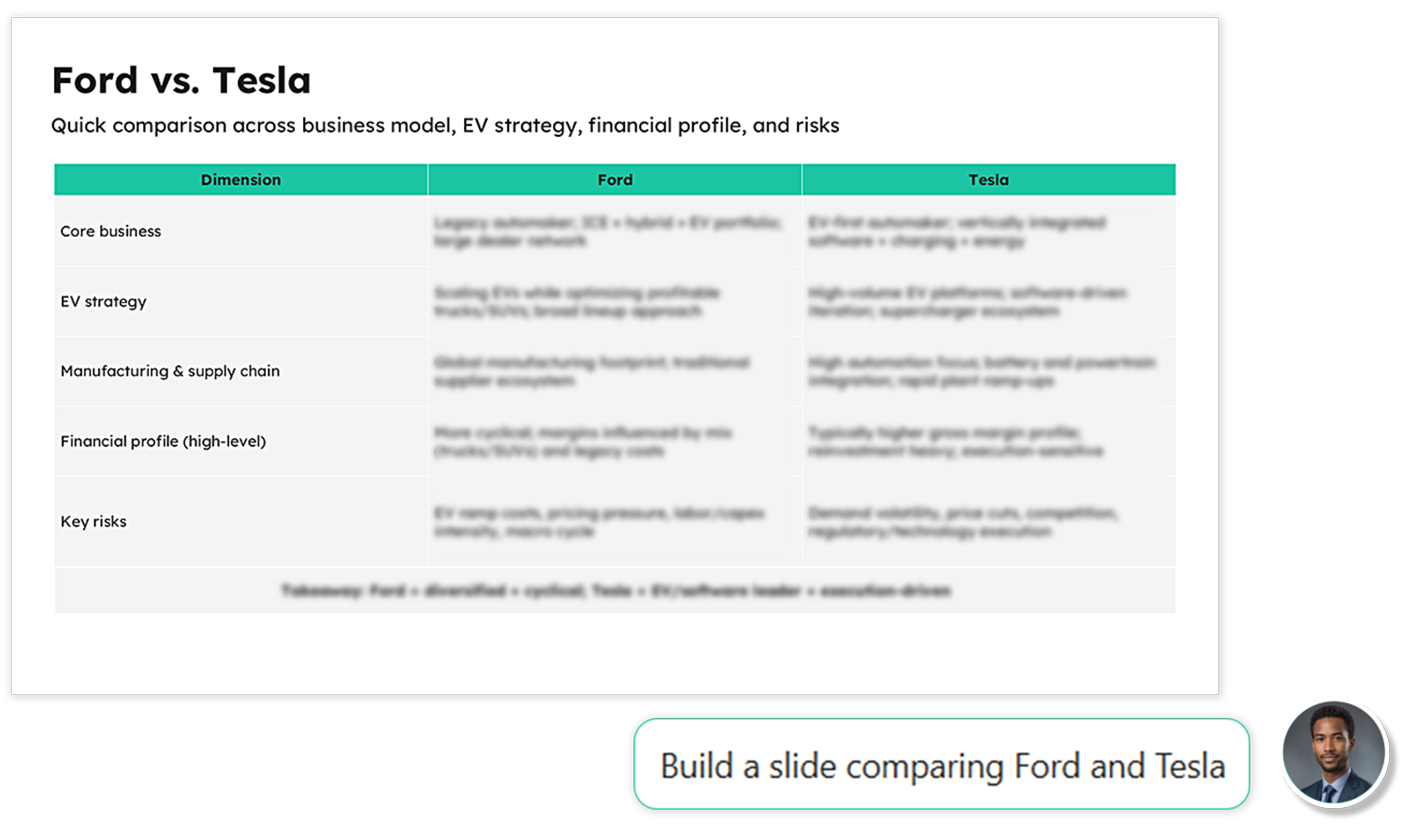
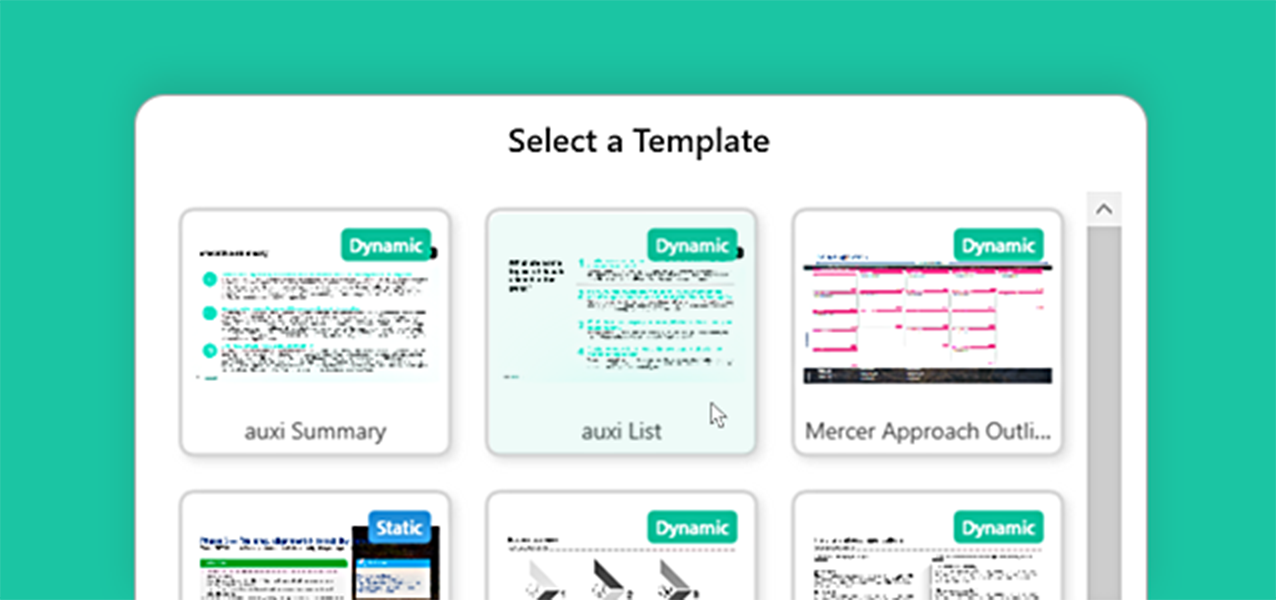
Unblock yourself with new ideas – ask Darwin with a simple language prompt, and it will build the slide, generate outlines and layouts for you.
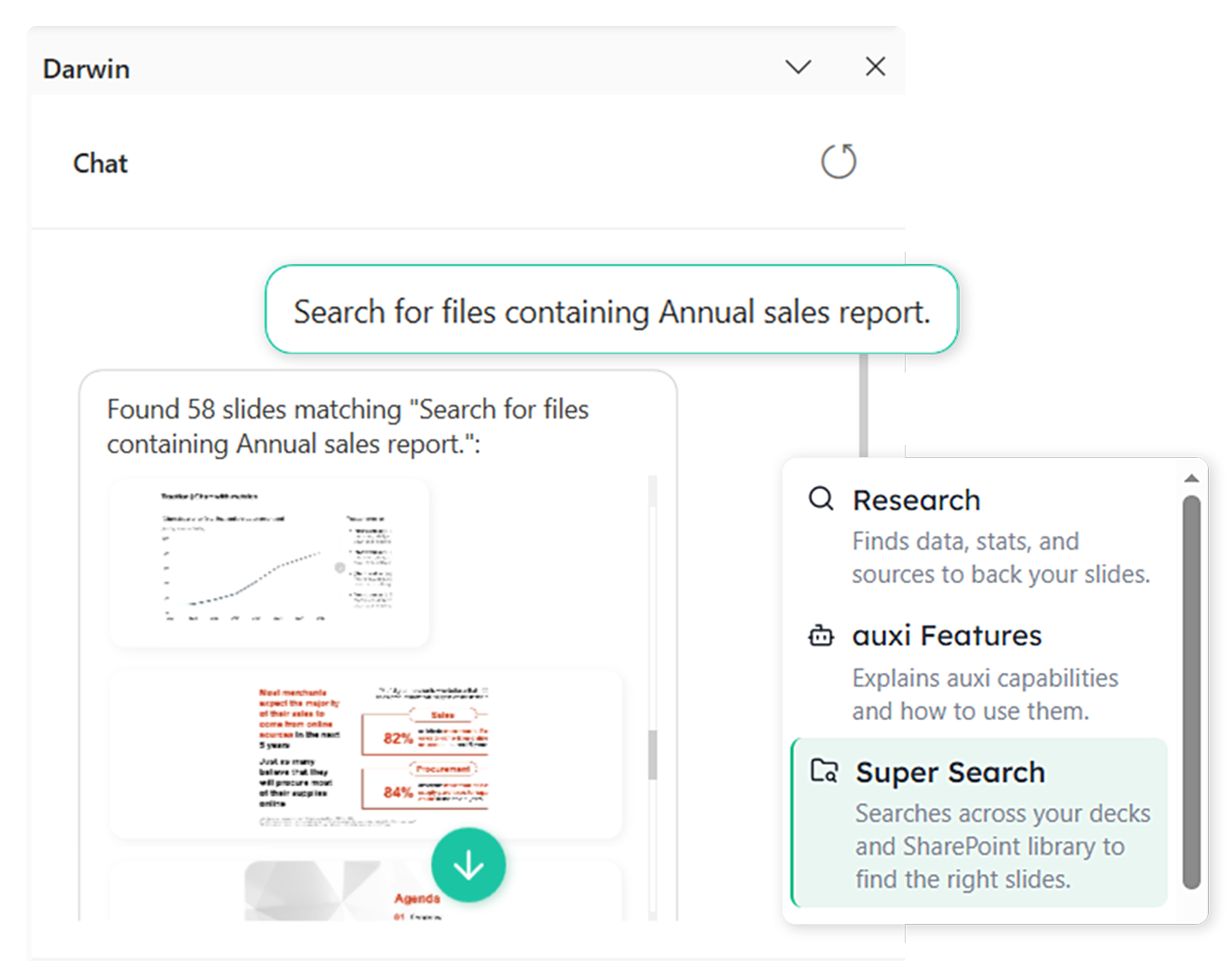
You don’t have to leave PowerPoint to find your file – simply ask Darwin to find you slides with a specific visual or datapoint, and it will look through your database to find exactly what you’re looking for.
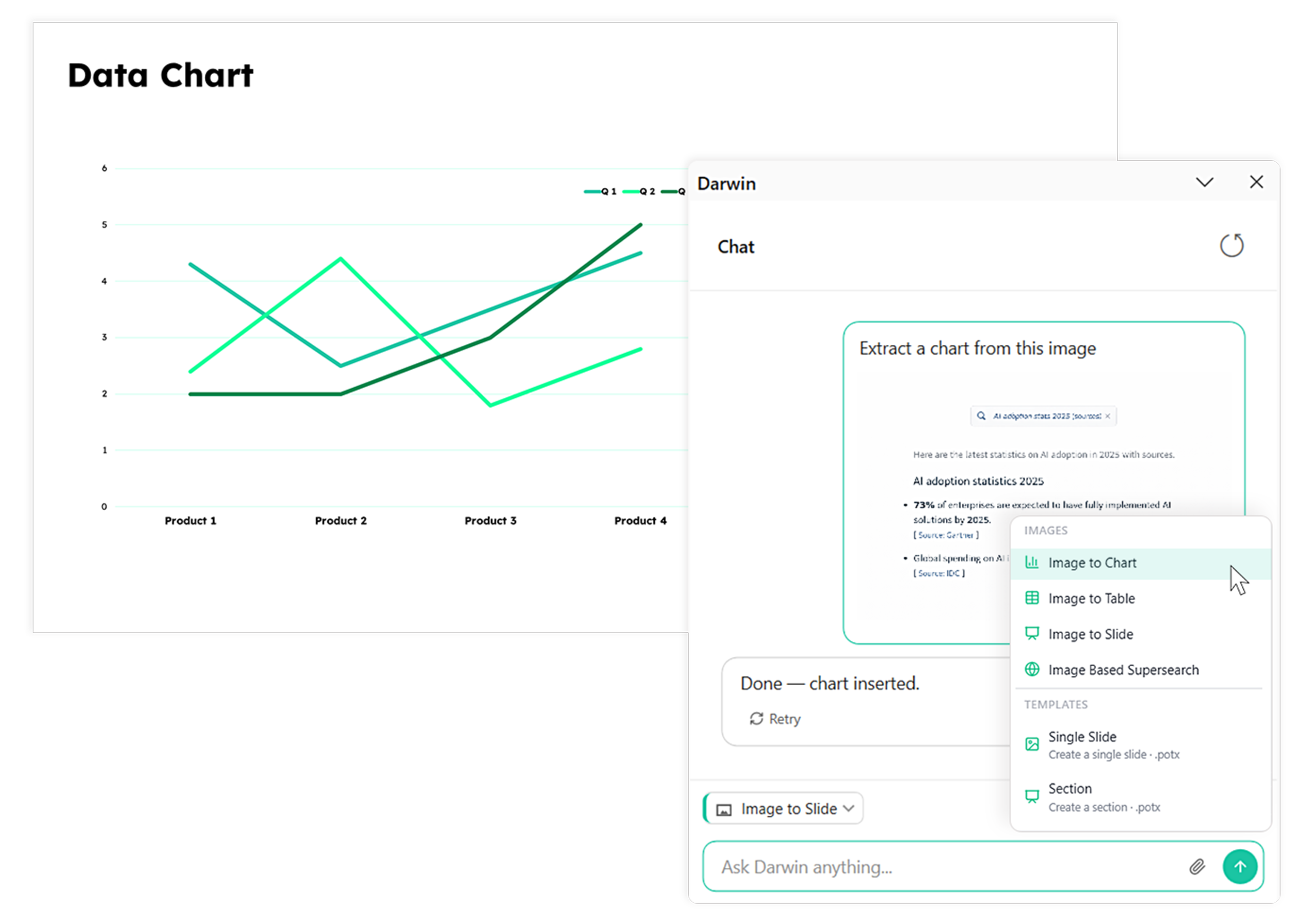
Convert doodles, whiteboard images or slide screenshot and let Darwin convert that into an editable slide, updated to follow your prompts and brand. It’s that simple.
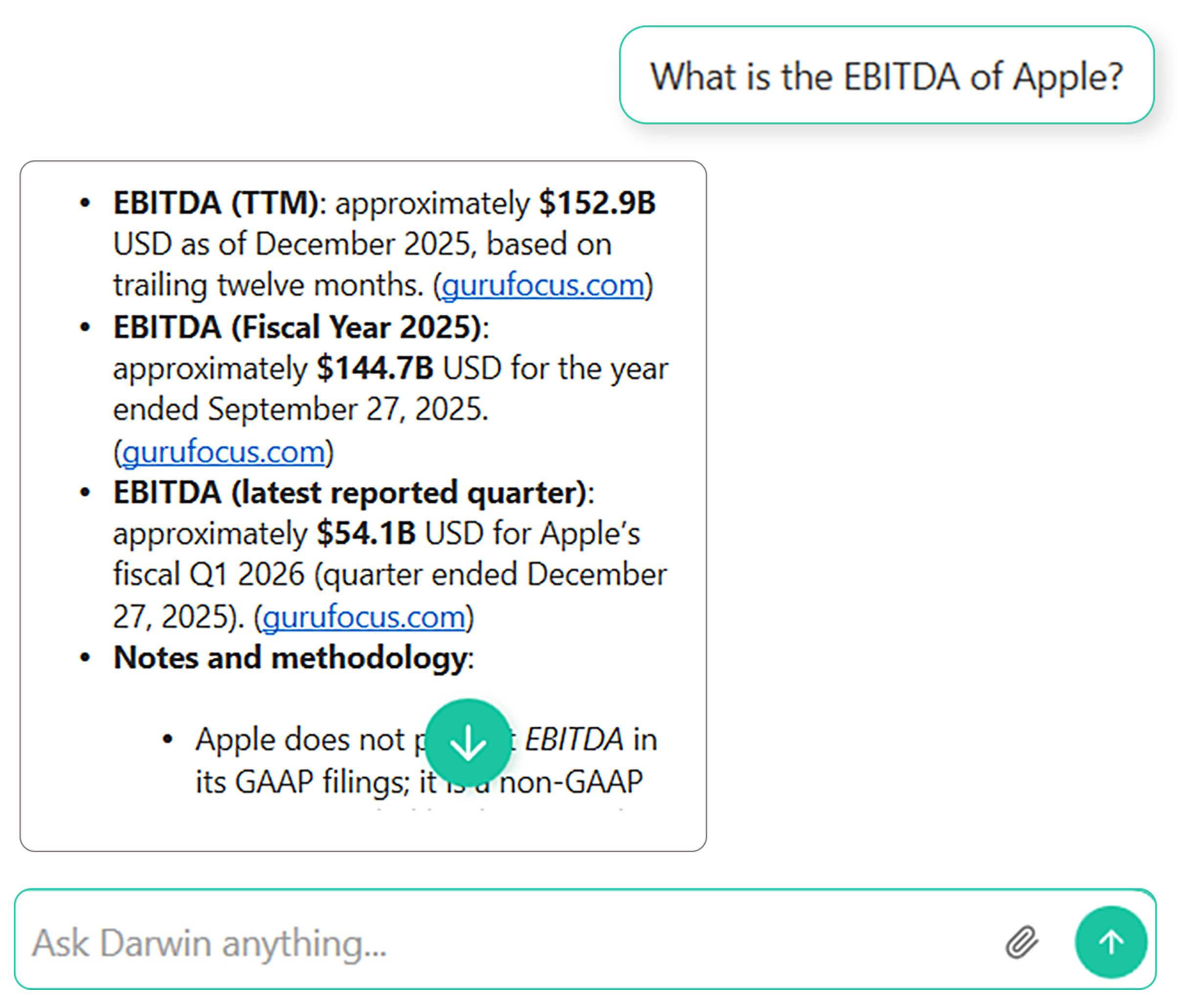
Looking for credible research and data to back your strategy? Darwin finds data, stats and credible sources to help you incorporate in your slide while you focus on your strategy.
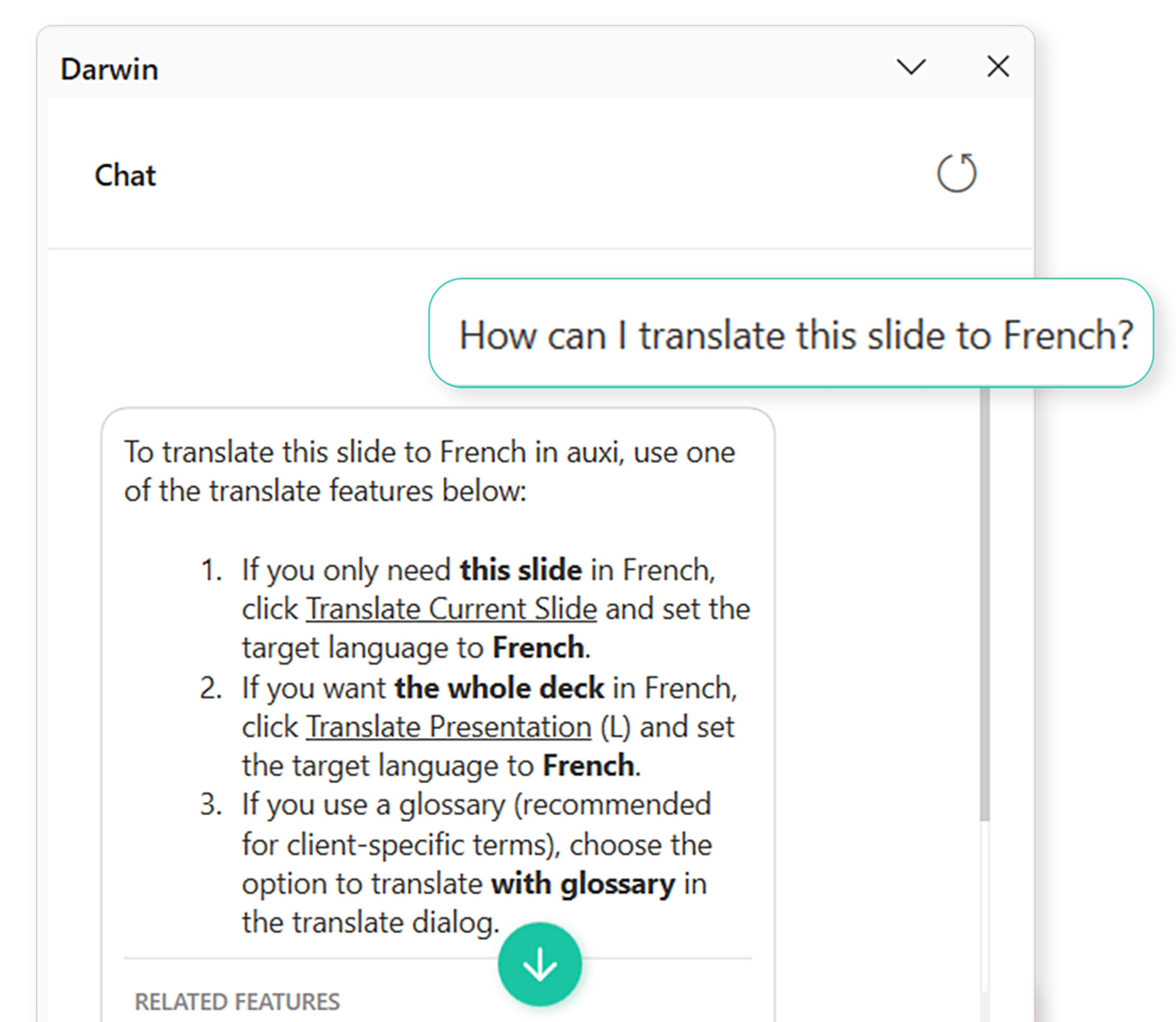
Not sure how to translate your slides within auxi? Ask Darwin. When you switch to auxi features in your chat, Darwin transforms into an auxi expert. Simply ask Darwin how to translate slides to any language, and it will give you a step-by-step tutorial. That’s not all; it will also give you recommendations on other functions.
Late at night, nothing seems to be working and you have to figure out how to unblock yourself
You’re going between PowerPoint, Google, Claude, ChatGPT, Google and still don’t have the answers you need.
Need that one slide you built 9 months ago but are lost what folder it’s in.
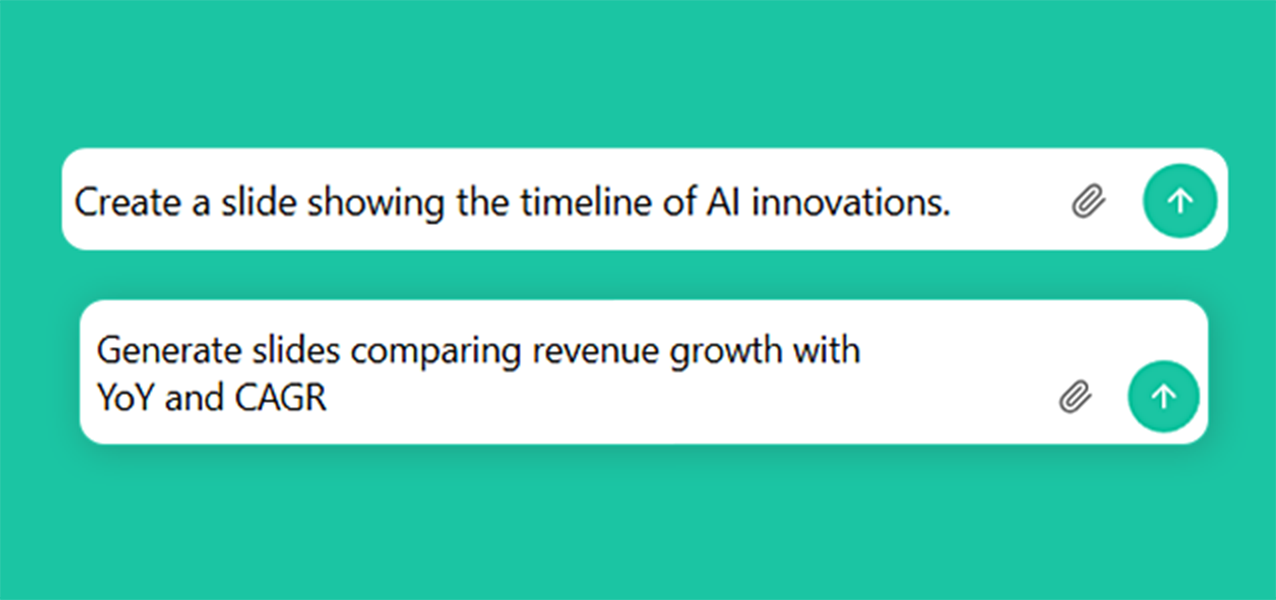
Simply tell Darwin what you need in plain language, and it will deliver like a Sr. Analyst.
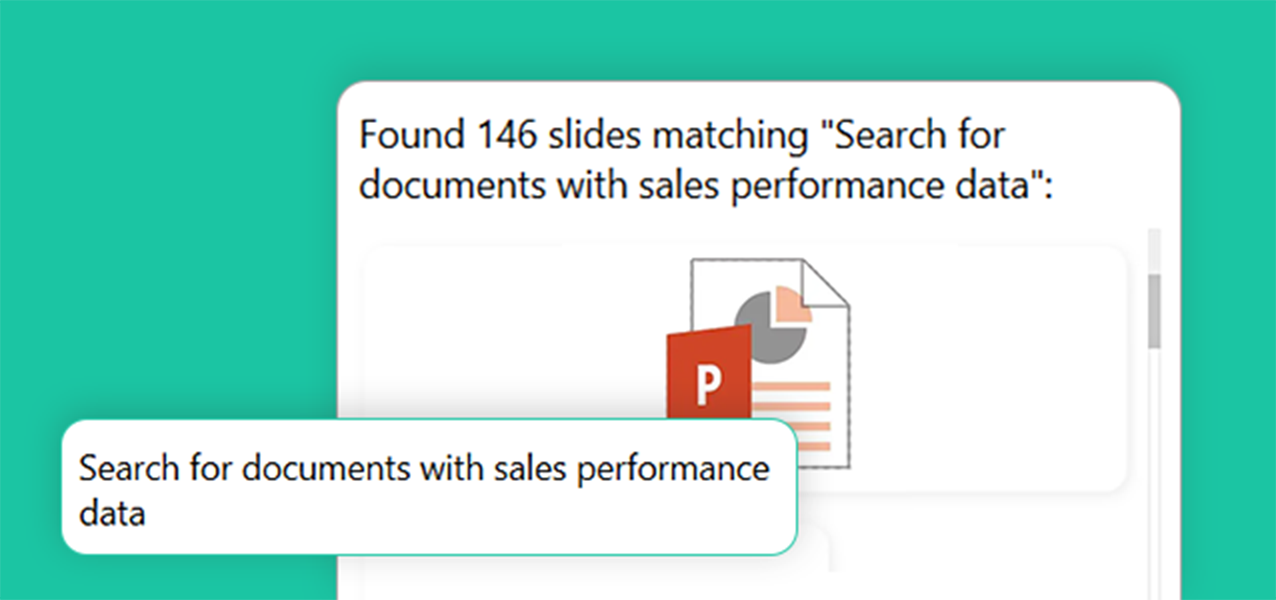
Whether you need a document from Sharepoint or search the web, do all from within PowerPoint.
Save twice the time to focus on strategy, and storytelling – not formatting or branding compliance.
What is Darwin?

Darwin is a conversational PowerPoint AI agent that enables consulting and financial powerhouses to build PowerPoints better. Use plain language to converse with Darwin, and it instantly delivers answers, generates decks and researches for you.
How is Darwin different from other AI PowerPoint tools?
Other AI tools may build pretty slides for you, but they don’t think like Darwin does. Darwin is purpose-built to operate like a Sr. Analyst trained on your company’s documentation. Unlike other AI PowerPoint tools, you don’t have keep prompting Darwin for accurate results, it gives you what you need in one prompt.
What can auxi users do with Darwin?
Users can ask questions, get instant answers, conduct deep research, generate slides, generate slides and learn every feature about auxi.
Is Darwin secure?
Our infrastructure and processes meet SOC 2 Type II standards and is GDPR compliant, ensuring rigorous controls over the security, availability, and confidentiality of your data.
How do I access Darwin in auxi?
You can request a demo for a deep dive into how Darwin works.
Can Darwin generate on-brand slides?
Darwin is trained on your company’s documentation and the slide generator agent helps you build slides based on your configuration and templates.