
auxi Checker
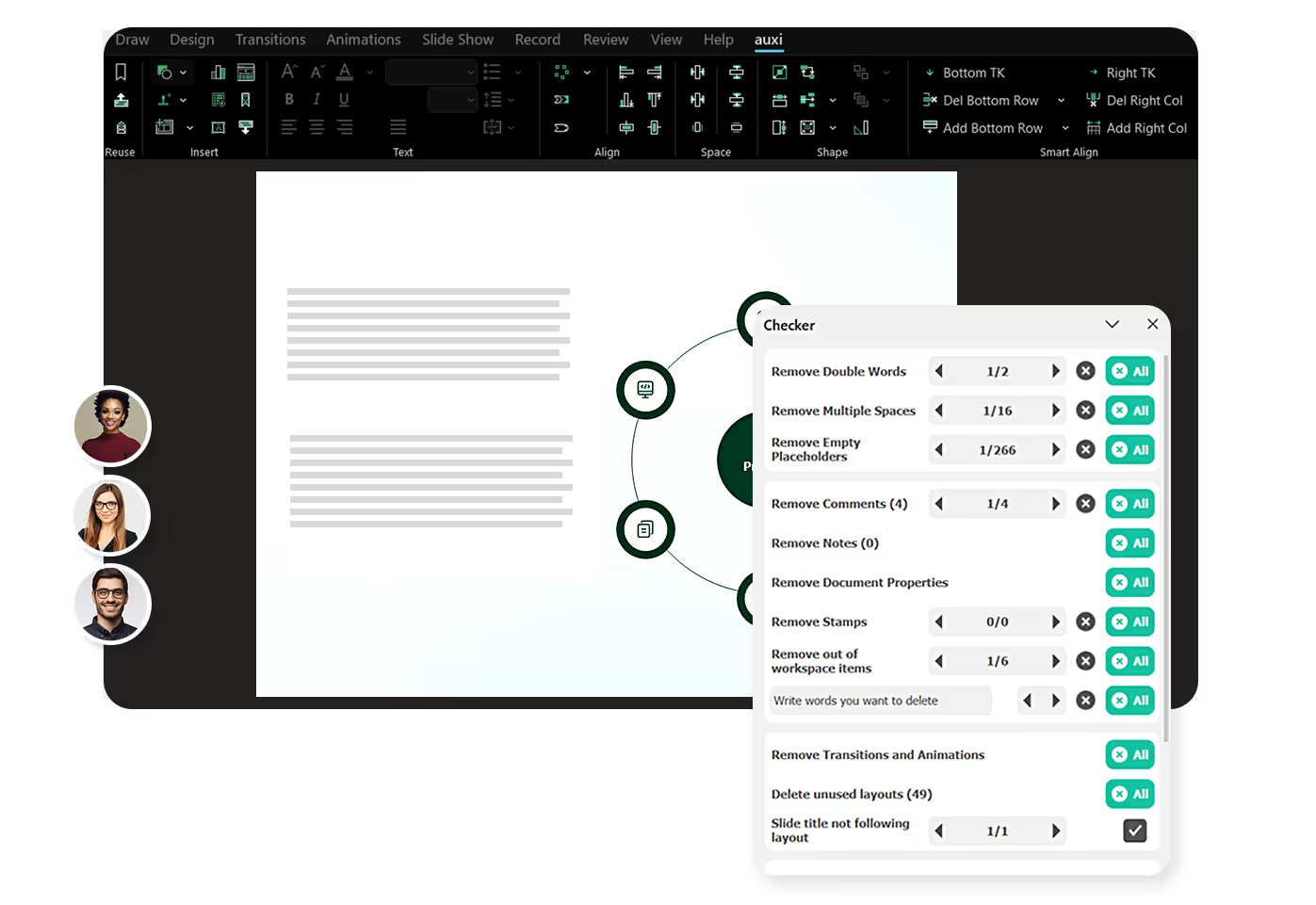














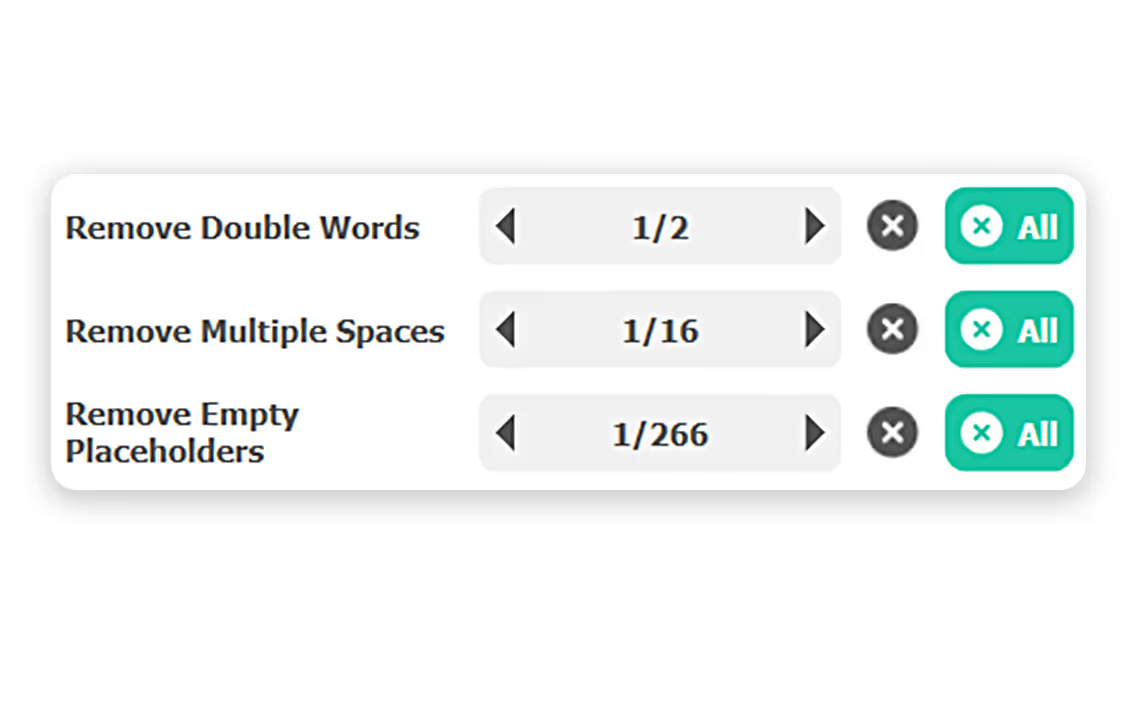
Whether you are overlooking duplicate words or double spaces, auxi Checker spots it for you. The auxi Checker tells you exactly how many instances you have the duplicates in and you can choose to delete one or all at once.
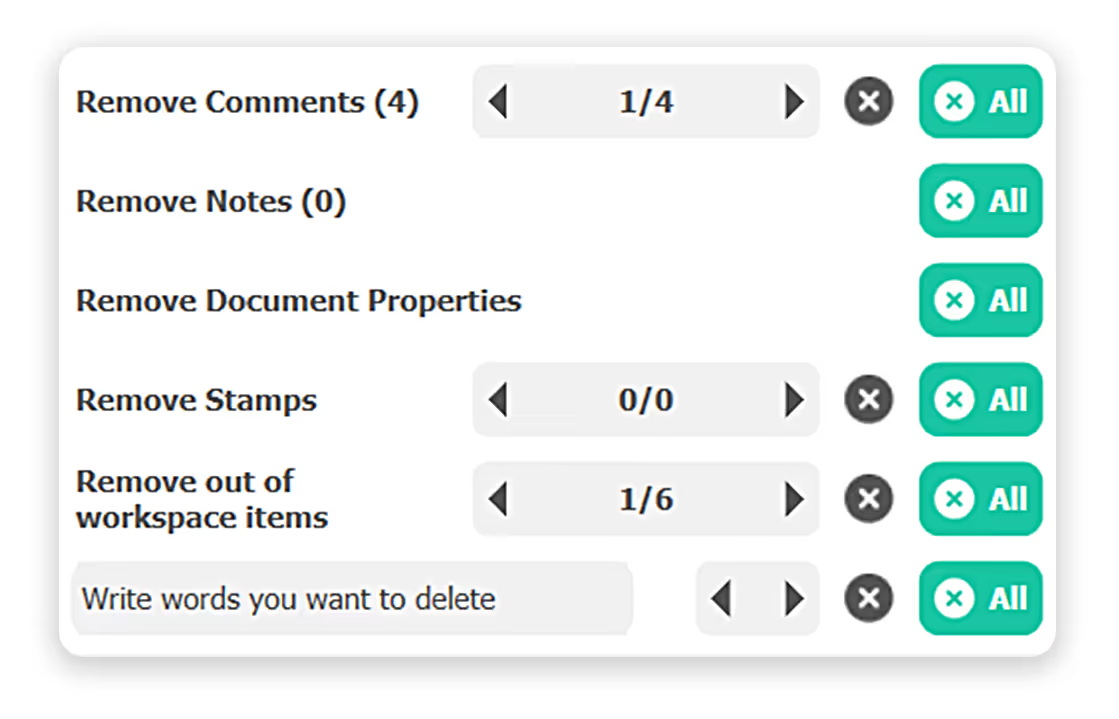
The auxi Checker isn't only for grammar or notes, you can also upload your brand guidelines within the auxi Checker so you never have a slide out of place.
slides built on
auxi each month
top consulting
firms use auxi
enterprise companies
building slides with auxi
How many slides can the Checker work for?

Whether you are working on 5 slides or 500 slides, the Checker can efficiently find and amend gaps easily. There is no limit to the total number of slides.
How can I access the Checker in auxi?
You can access the Checker through the auxi SmartBar by clicking (CTRL/CMD + Space) and search for Checker.
Can the Checker remove unused layouts?
Yes, the Checker can identify and remove unused layouts, and also ensure everything is aligned to your brand guidelines.
Is the Checker available on all plans?
Yes, the Checker is available on both the Pro and Enterprise plans.