

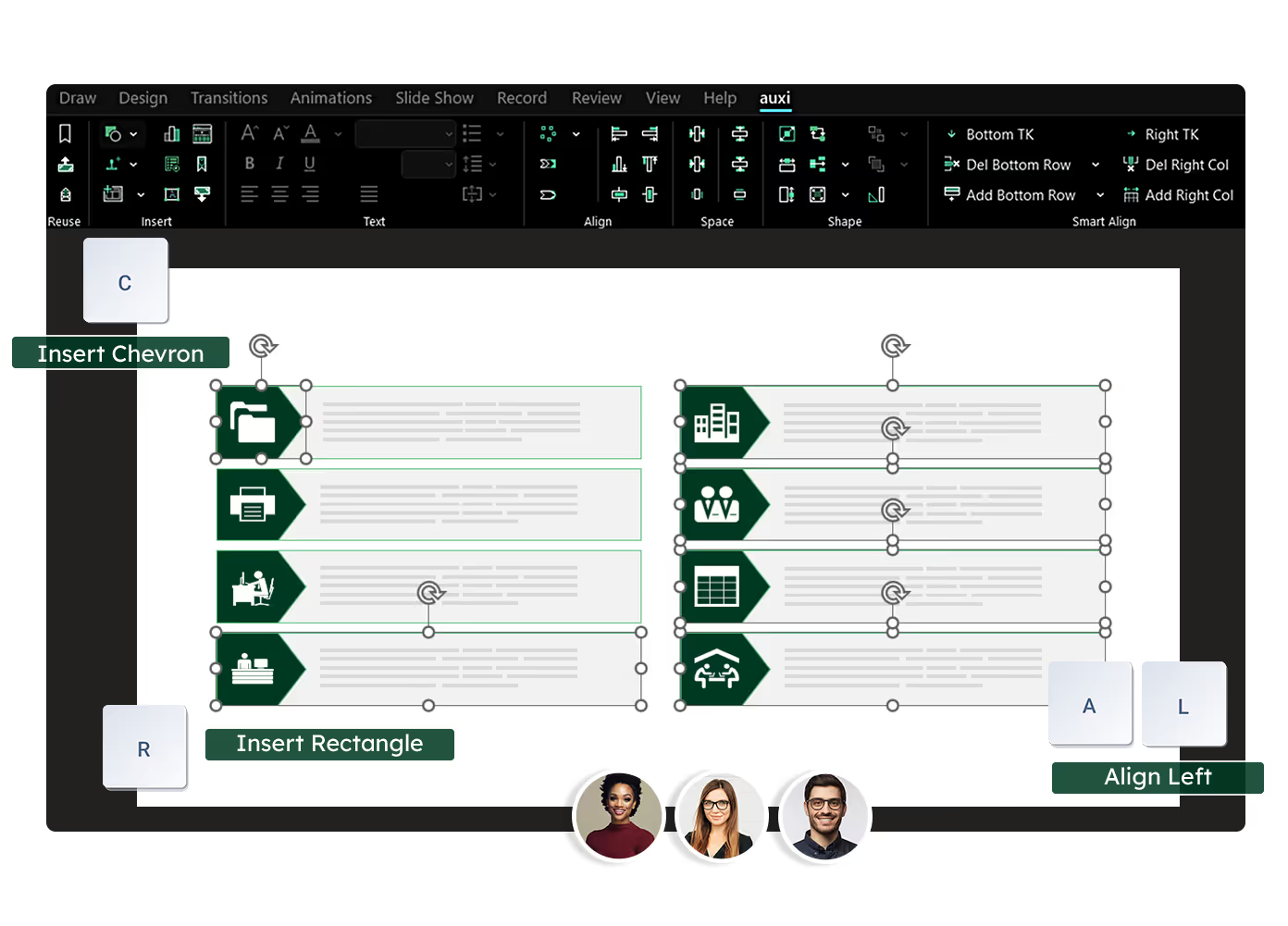
See auxi in action
your workflows and save you time!
The 10 best PowerPoint add-ins for consultants and finance professionals in 2026 are: auxi (best for enterprise consulting and IB teams), think-cell (best for chart-heavy financial presentations), Efficient Elements (best for mid-market consulting teams needing agenda automation), UpSlide (best for financial services document workflows), Templafy (best for organization-wide brand governance), Macabacus (best for investment banking formatting and Excel integration), Deckary (best for AI-first slide generation on a budget), PPT Productivity (best for individual consultants who want deep shortcut customization), Lucen formerly Office Timeline (best for Gantt charts and project timeline slides), and BrightSlide (best free option for basic formatting).
-----
Consulting and finance professionals spend more time in PowerPoint than any other department in the enterprise. The empower Global PowerPoint Study found that consulting departments average 8 hours per week per person in the application, with 37% of that time consumed by formatting. The right add-in recovers hours per week. The wrong one sits unused after the trial period.
This guide compares all 10 through the lens that matters for professional services: can the output survive a partner review? Can it enforce brand compliance across 15 client templates? Can it handle the formatting complexity of a 60-slide strategy deck assembled from four workstreams at midnight? Those are the questions that determine whether an add-in delivers value for consulting and finance teams.
How We Evaluated These Add-ins
Every add-in was assessed across eight criteria, weighted toward consulting and finance workflows.
Feature depth: Total number of productivity, formatting, and automation features. A consulting team building 20+ slides per day needs breadth: alignment, table management, text editing, shape manipulation, and quality checking. A tool with 250+ features across these categories is fundamentally different from one with 30 features focused on a single area.
Brand automation: Can the tool enforce brand guidelines (fonts, colors, logos, template standards) across full decks automatically? Consulting and IB firms manage 10 to 20+ client brands. The tool needs to switch between brand profiles and enforce the correct one per engagement, not just offer a generic brand kit.
AI capabilities: Does the tool include AI-powered content generation, slide recommendations, or conversational AI for deck building? For consulting teams, the AI needs to understand industry conventions: action titles, consulting-grade text density, framework layouts.
Enterprise readiness: SSO, admin portals, license management, deployment support, and security certifications (SOC II, GDPR). A firm deploying across 200 consultants needs centralized management, not individual logins.
Charting: Quality and variety of chart types: waterfall, Mekko, Gantt, combo charts, and Excel integration. Financial presentations demand precision charting that native PowerPoint cannot deliver.
Pricing: Cost structure relative to feature depth. Enterprise pricing transparency. At a $150+ blended hourly rate for a consultant, even an expensive add-in pays for itself if it saves 30 minutes per day.
Platform support: Windows, macOS, and PowerPoint version compatibility. Many consulting firms have mixed environments.
Industry specialization: Is the tool built for consulting and finance workflows specifically, or is it a general-purpose enhancement?
1. auxi: Best for Enterprise Consulting and IB Teams
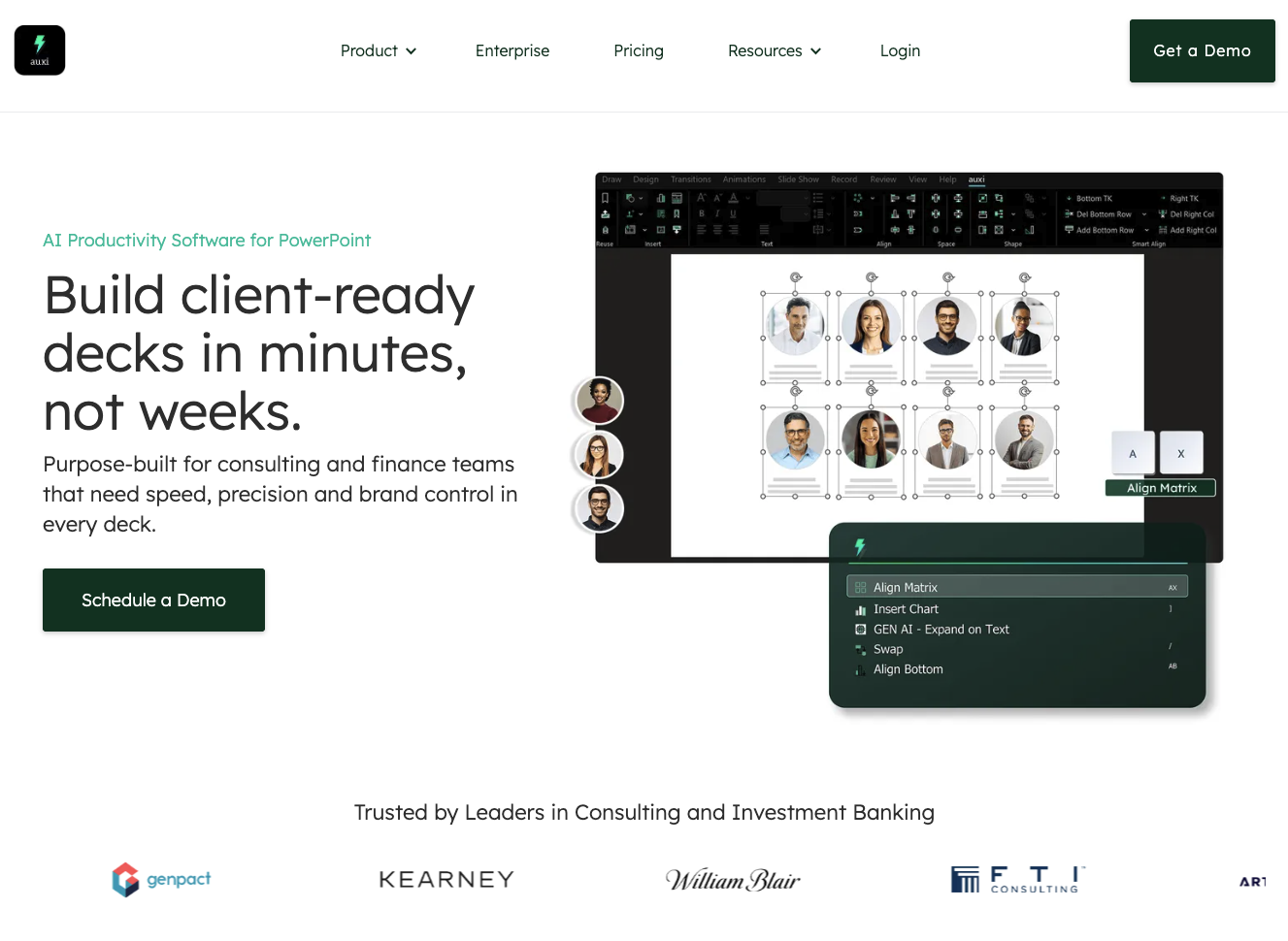
auxi is the most comprehensive PowerPoint add-in for professional services, with 250+ features spanning productivity, formatting, brand automation, AI-powered content generation, and quality checking. It is used by 8 of the top 10 management consulting firms, deployed across 350+ enterprise companies, and has facilitated the creation of over 6 million slides.
What makes auxi different from every other tool on this list is breadth. Where most add-ins cover one or two categories, auxi covers all of them in a single tool. Smart alignment and matrix formatting (A+X for matrices, A+P for processes, A+Z for circular layouts) handles the framework slides that consulting teams build daily. Intelligent row and column management (Ctrl+2, Ctrl+3) with automatic resizing solves the 11pm "add two more comparables" problem. One-click brand enforcement with firm-specific custom styles (7+ table formats per firm, branded chart transformations at selection, slide, or deck level) means a 60-slide merged deck can be brought on-brand in seconds. Automated quality checking catches the double words, empty placeholders, and font mismatches that a partner will find at 2am if the Checker does not find them first. Translation into 50+ languages with automatic RTL layout flipping handles MENA client deliverables without manual reformatting.
The AI layer, Darwin, is a system of specialized agents: a Guided Builder for structured deck creation following your firm's internal workflow, a Builder for open-ended generation, SuperSearch for finding slides across SharePoint, and feature agents for executing auxi's 250+ functions through conversation. GenAI text features (rewrite as consultant, expand, summarize) operate directly on selected text inside slides.
Enterprise infrastructure includes SOC II certification, GDPR compliance, Microsoft Azure hosting, custom backend deployments, SSO, admin portals with license management, and dedicated CS team support. For the full enterprise offering, custom firm-specific automations are configured during deployment.
Key strengths: Unmatched feature breadth for consulting and IB workflows. Firm-specific customization that no other tool offers. End-to-end workflow from research to delivery. The deepest brand automation in the category.
Limitations: Charting is not as deep as think-cell's specialized engine. The Pro plan at $59/month is positioned above budget options, though enterprise pricing is custom.
Pricing: Pro: $59/month. Enterprise: custom pricing.
Request a demo to see auxi on your firm's template.
2. think-cell: Best for Chart-Heavy Financial Presentations
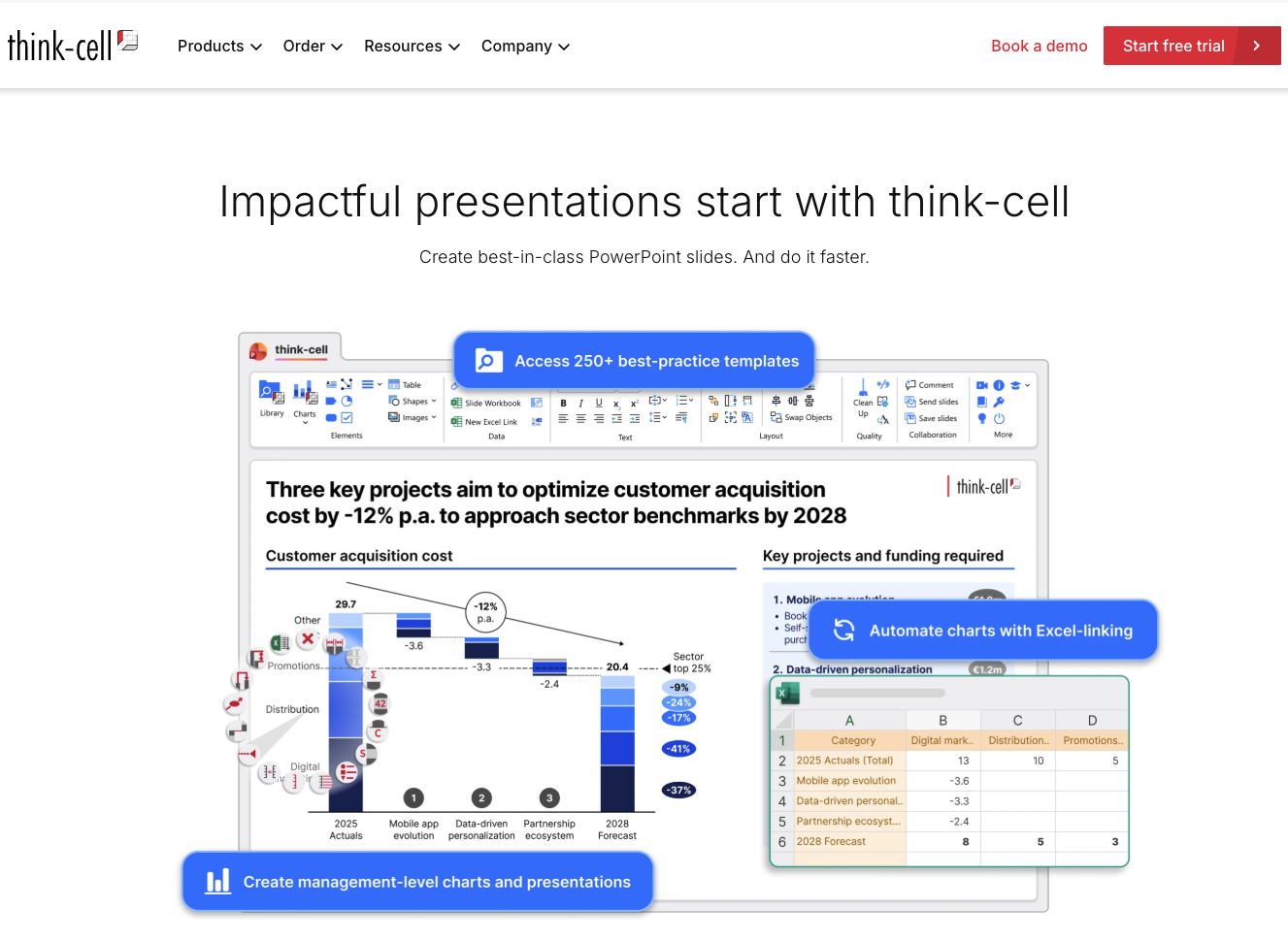
think-cell is the gold standard for data-driven chart creation in PowerPoint. Its waterfall, Gantt, Mekko, combo, and scatter chart editors are the best in the market, with automatic labeling, axis breaks, CAGR annotations, and direct Excel linking that updates charts when source data changes. It is trusted by over 1.3 million professionals across 35,000 organizations.
For consulting teams that build data-heavy financial presentations, specifically decks where 40%+ of slides are charts, think-cell's chart engine is unmatched. The integration with Excel is seamless: change a number in the model and the chart updates in PowerPoint.
think-cell Assist, their AI layer, adds chart generation from verified data sources and translation across 100+ languages.
Key strengths: Best-in-class charting. The waterfall and Gantt chart editors are the most precise in the market. Excel integration is reliable and automatic.
Limitations: Primarily a charting tool. Does not include the formatting breadth, brand automation depth, quality checking, row/column management, or translation with RTL flipping that full productivity suites offer. G2 reviewers note limited formatting options and occasional slow performance with shared files. Pricing is high for smaller teams.
Pricing: From approximately $328/user/year (1-4 users). Scales with user count.
3. Efficient Elements: Best for Mid-Market Consulting Teams
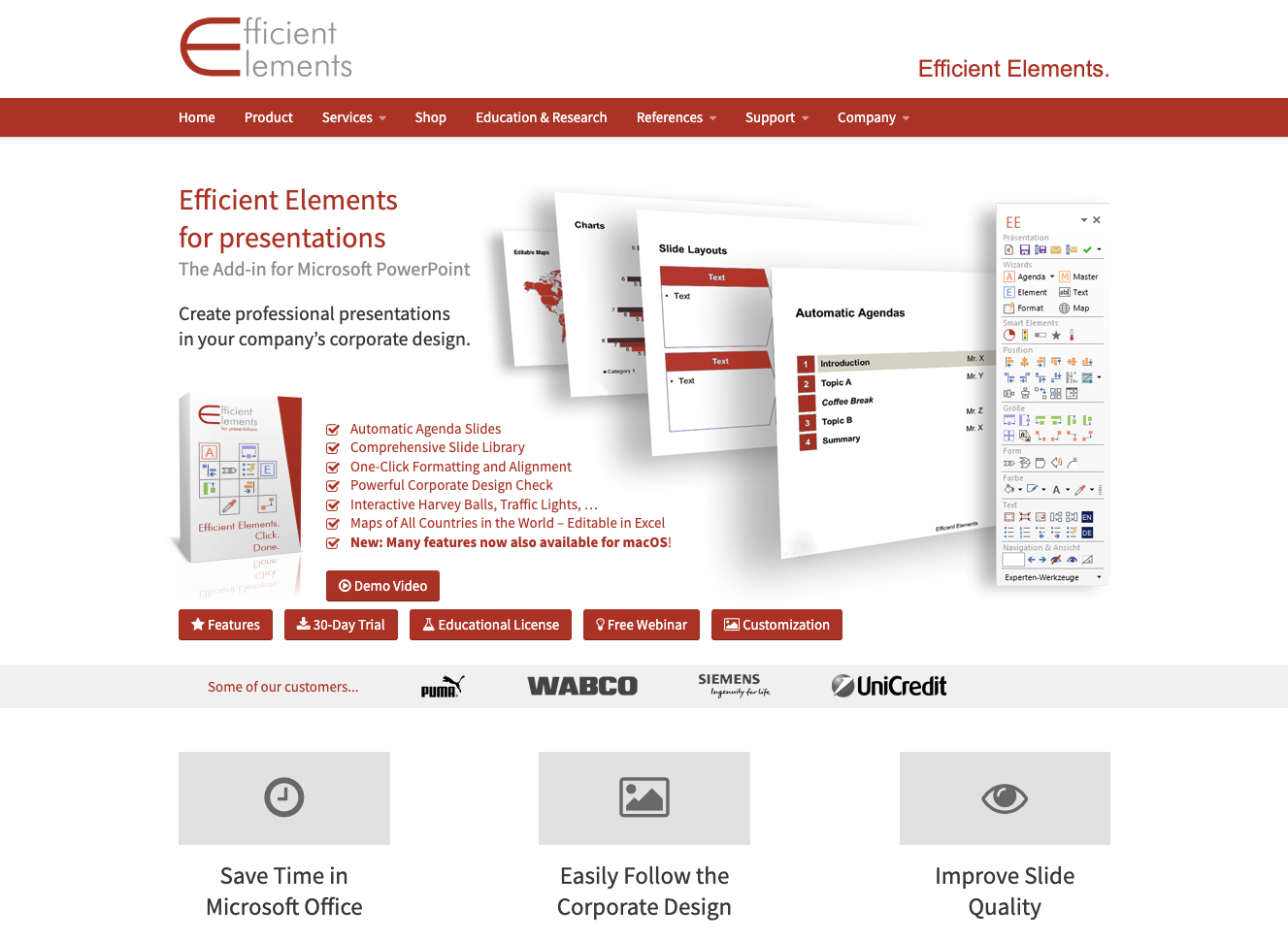
Efficient Elements is a German-built add-in popular with European consulting firms. Its standout feature is the Agenda Wizard, which creates and updates complex agenda slides automatically as sections change. No competing tool does agenda management as well. The Element Wizard provides a library of reusable slide elements with consistent formatting. Corporate design enforcement ensures bullets, fonts, and layouts match firm standards.
Key strengths: The Agenda Wizard is genuinely excellent for recurring presentations with multiple sections. Formatting precision is reliable. The customization service embeds corporate design rules directly into the tool.
Limitations: Narrower feature set than auxi or think-cell. No AI capabilities. No charting engine. No translation. Better for teams whose primary pain is agenda management and corporate design consistency.
Pricing: From approximately €99/user/year. Custom enterprise editions available.
4. UpSlide: Best for Financial Services Document Workflows
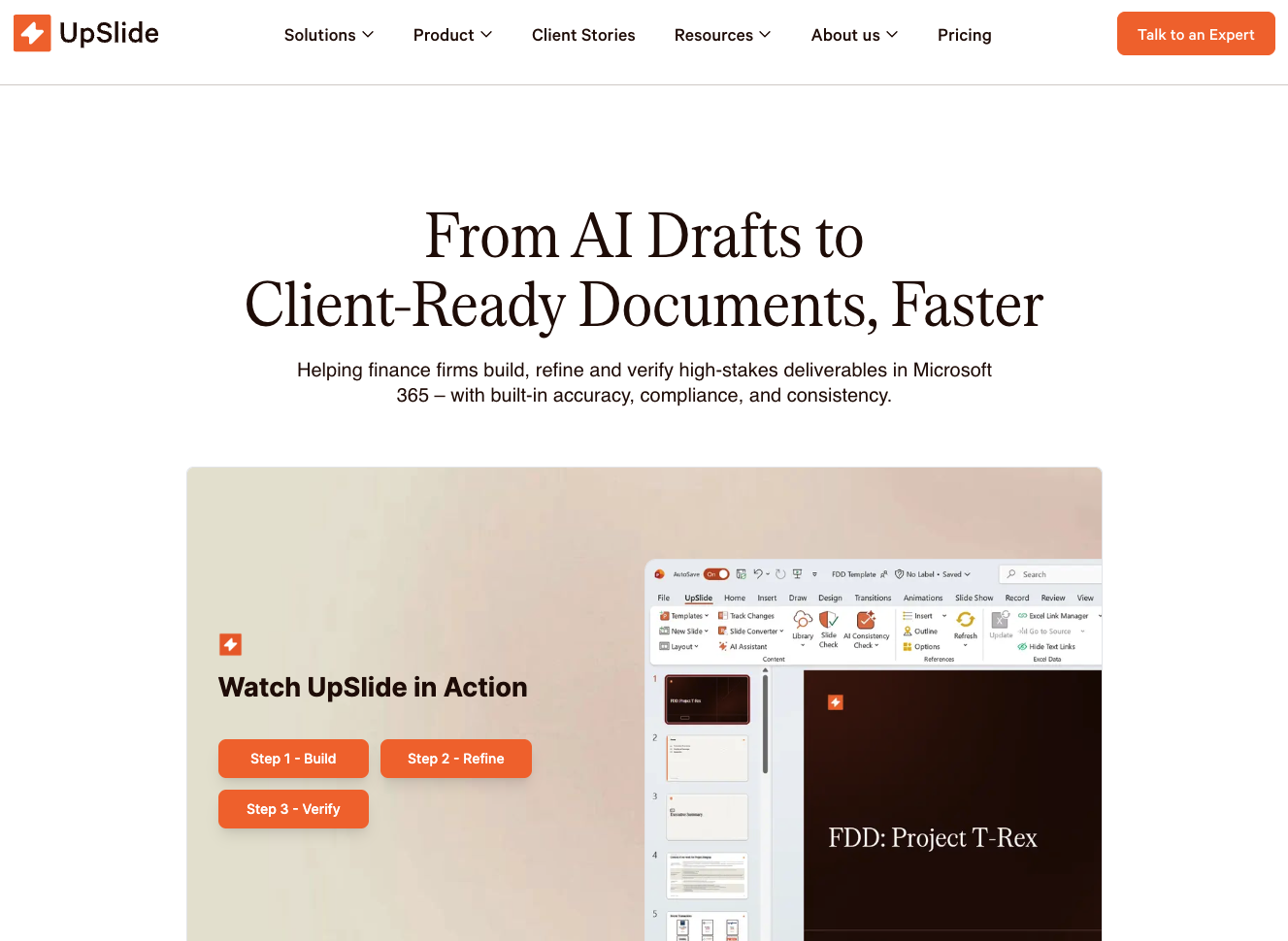
UpSlide is used by major financial institutions including BNP Paribas, Citi, Rothschild, and KPMG. Its core strength is automating the flow of data and formatting across the entire Office suite: Excel, PowerPoint, Word, and Outlook.
For financial services teams that regularly update presentations from financial models, the Excel-to-PowerPoint linking is more reliable than native Office features. Change a figure in the model and the linked chart, table, or data point updates in the deck.
Key strengths: Cross-application automation across the Office suite. Strong Excel-to-PPT linking. Enterprise deployment with major financial institution clients.
Limitations: Windows only. PowerPoint-specific feature depth (alignment, matrix formatting, quality checking) is narrower than dedicated PowerPoint productivity tools. Pricing is enterprise-only and not publicly listed.
Pricing: Enterprise custom pricing. Not publicly listed.
5. Templafy: Best for Organization-Wide Brand Governance
Templafy is an enterprise template management platform that governs document creation across Word, PowerPoint, Excel, and email. It centralizes templates, enforces brand compliance, automates document assembly, and manages digital asset libraries for 800+ organizations and 3.5 million users. For our detailed comparison, see the full analysis.
Key strengths: The broadest brand governance scope on this list. Strong Microsoft 365 and Google Workspace integrations. Well-suited for organizations that need brand consistency across all document types, not just PowerPoint.
Limitations: Templafy governs templates and assets across all documents. It does not provide PowerPoint-specific production features: no smart alignment, no matrix formatting, no row/column management, no quality checking, no translation with layout flipping. If your pain is specifically slide production speed, Templafy addresses the template layer but not the production layer.
Pricing: $12-25/user/month. Enterprise custom pricing. Implementation costs vary.
6. Macabacus: Best for Investment Banking Formatting and Excel Integration
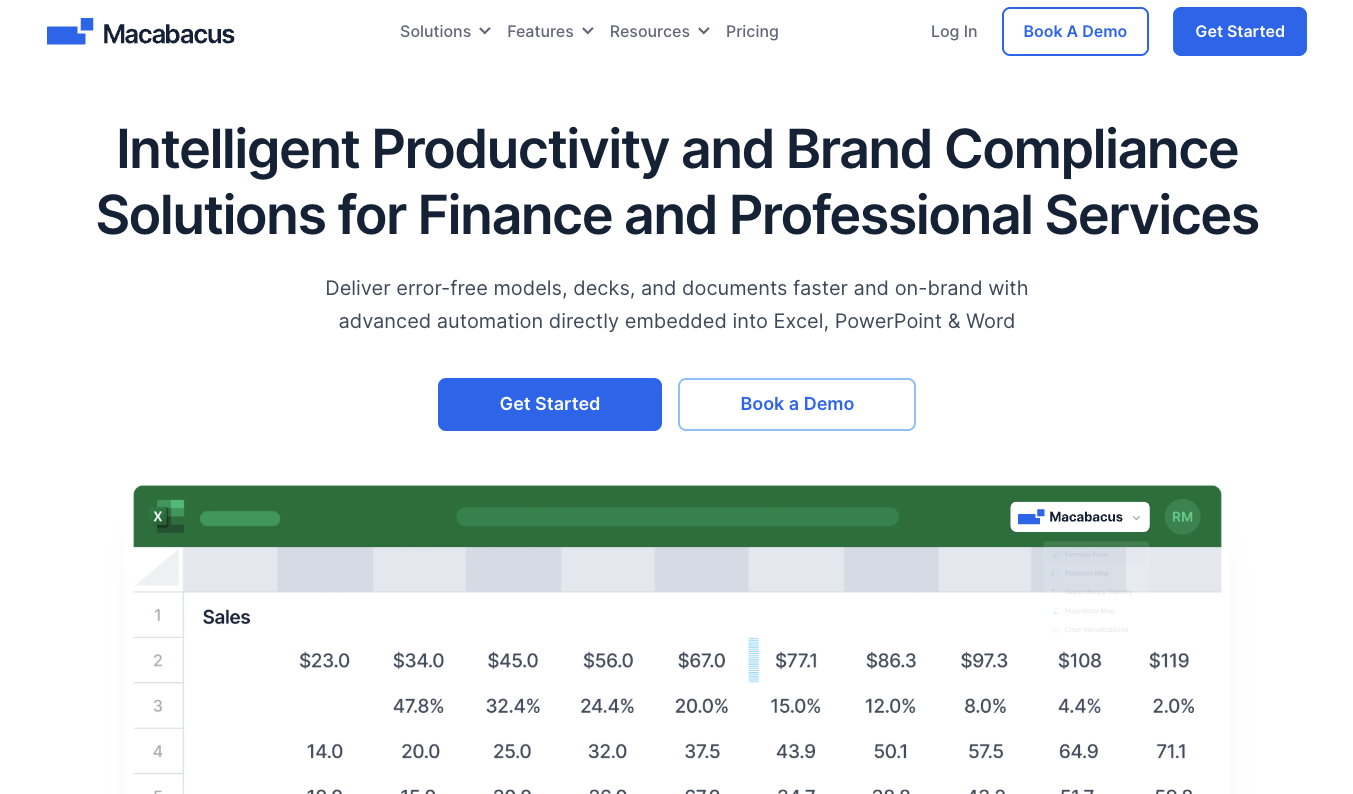
Macabacus is used by over 80,000 professionals across investment banks, PE firms, and consulting companies. Its strength is the deep connection between Excel financial models and PowerPoint: bidirectional linking, shared libraries for tombstones and deal references, and a 22 million+ logo library for pitchbooks.
The Excel auditing and error detection tools are the strongest in the category for financial modeling workflows.
Key strengths: Best Excel-to-PowerPoint integration for investment banking. Financial model auditing. Massive logo library. Established in the IB community.
Limitations: Windows only, with no macOS support expected. No AI capabilities. PowerPoint formatting features are narrower than dedicated productivity add-ins.
Pricing: From approximately $200/user/year. Enterprise pricing with SSO and compliance modules.
7. Deckary: Best for AI-First Slide Generation
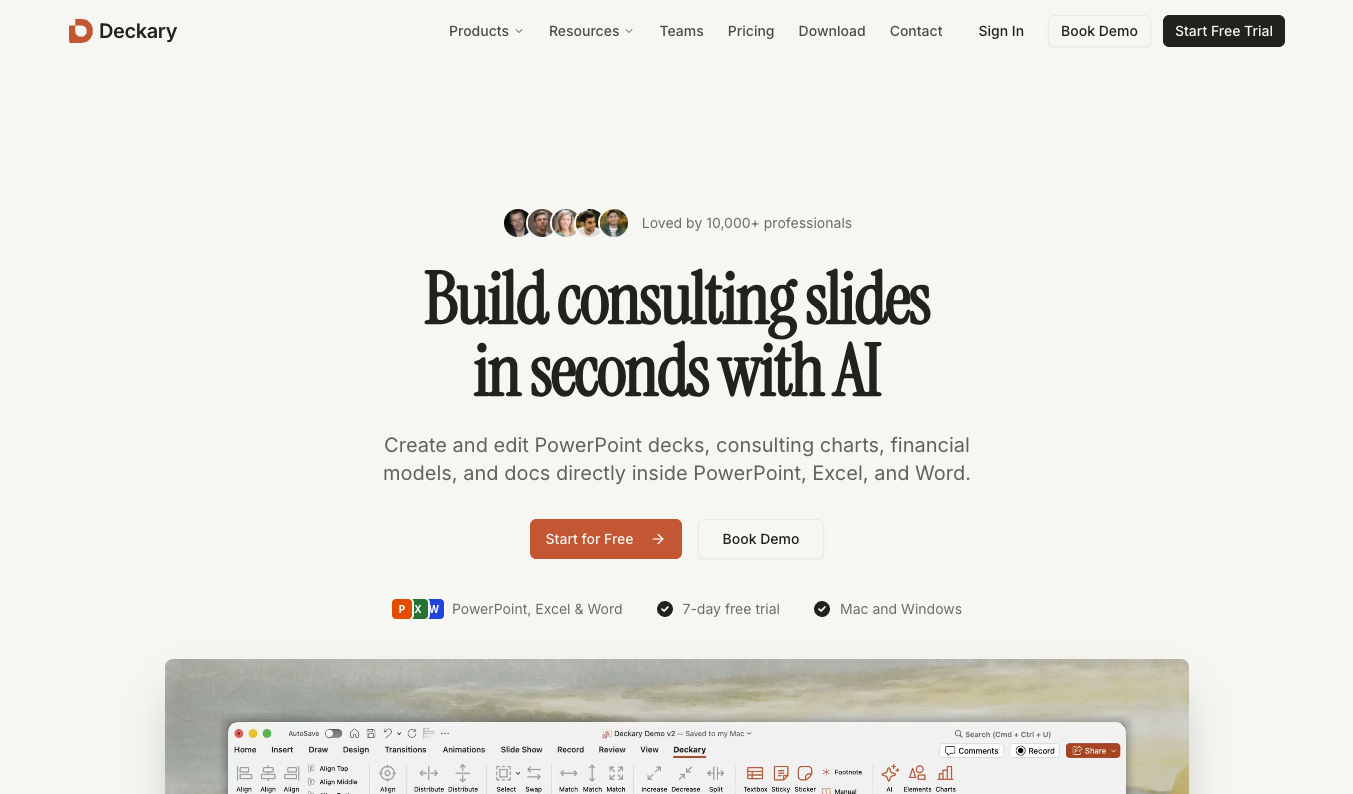
Deckary combines an AI slide builder with consulting-grade charting at a lower price point than most tools on this list. The AI generates structured slides from natural language descriptions, including charts, frameworks, and formatted text. The charting engine covers waterfall, Mekko, and Gantt with Excel linking.
Key strengths: AI slide generation produces usable first drafts for consulting-style slides. Combines charting and AI in one tool. Works on both Windows and macOS. Competitive pricing at $120-180/year.
Limitations: Newer to the market with a smaller enterprise footprint. Formatting and brand automation are not as deep as established tools. Enterprise deployment capabilities (SSO, admin controls) are limited.
Pricing: Starter $120/year. Premium $180/year.
8. PPT Productivity: Best for Individual Power Users on a Budget
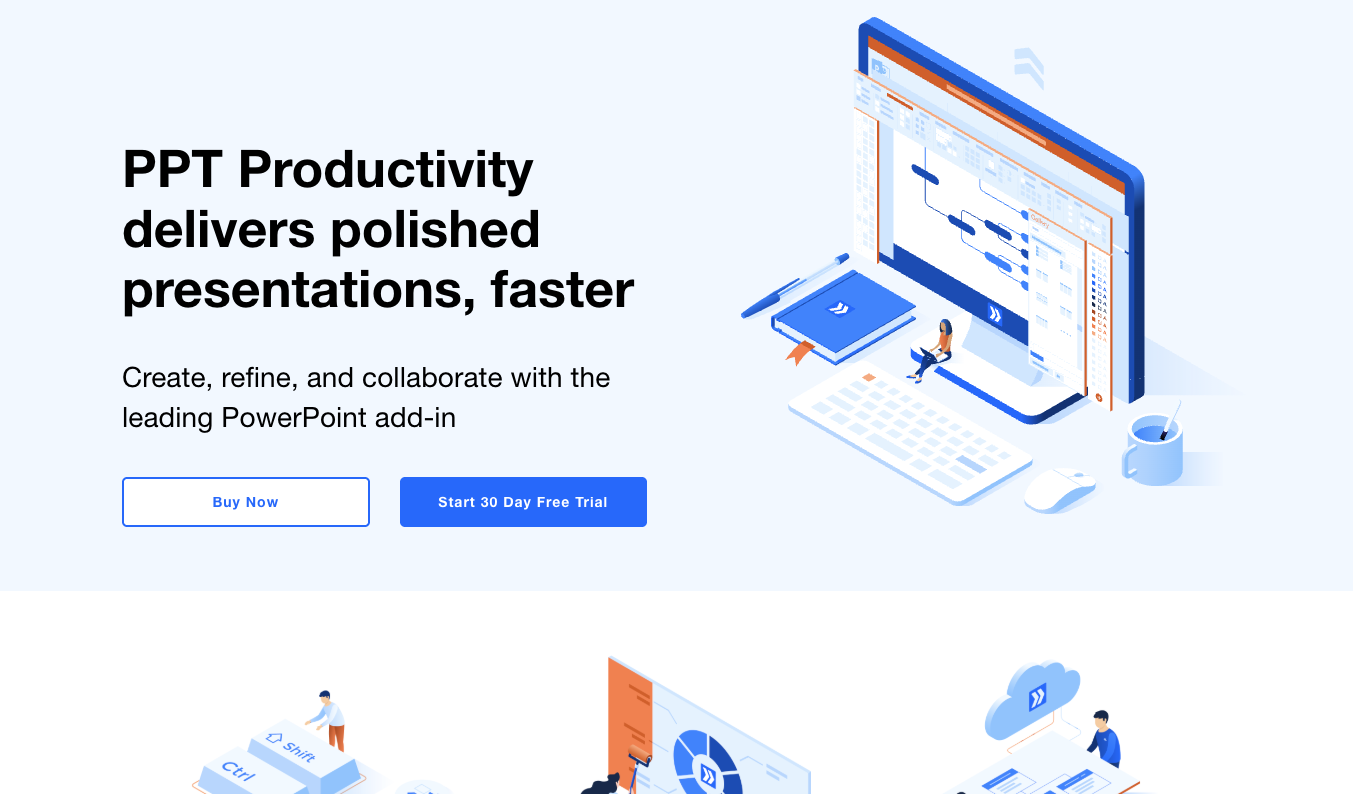
PPT Productivity is a Windows-only add-in focused on keyboard shortcut customization. Users can assign custom shortcuts to hundreds of PowerPoint commands. It includes McKinsey Marvin presets and a shortcut search popup. For a solo consultant who wants to speed up their personal workflow without enterprise pricing, it is a practical option.
Key strengths: The deepest shortcut customization of any tool on this list. McKinsey consulting presets. Good value at $179/year for individual users.
Limitations: Windows only. No AI, no brand automation, no charting, no enterprise features. Individual productivity tool, not a team deployment.
Pricing: $179/year.
9. Lucen (Formerly Office Timeline): Best for Project Managers and Timeline Visuals
Office Timeline is a specialized Gantt chart and timeline maker. It creates project visuals with milestones, swimlanes, and dependencies as native PowerPoint objects. Useful for consulting teams that include project plans and timelines in client deliverables.
Key strengths: Best timeline tool for PowerPoint. Free tier is genuinely usable. Output integrates cleanly into presentations.
Limitations: Single-purpose. Only timelines and Gantt charts. Best used alongside a broader add-in.
Pricing: From $108/user/year. Free tier available.
10. BrightSlide: Best Free PowerPoint Add-in
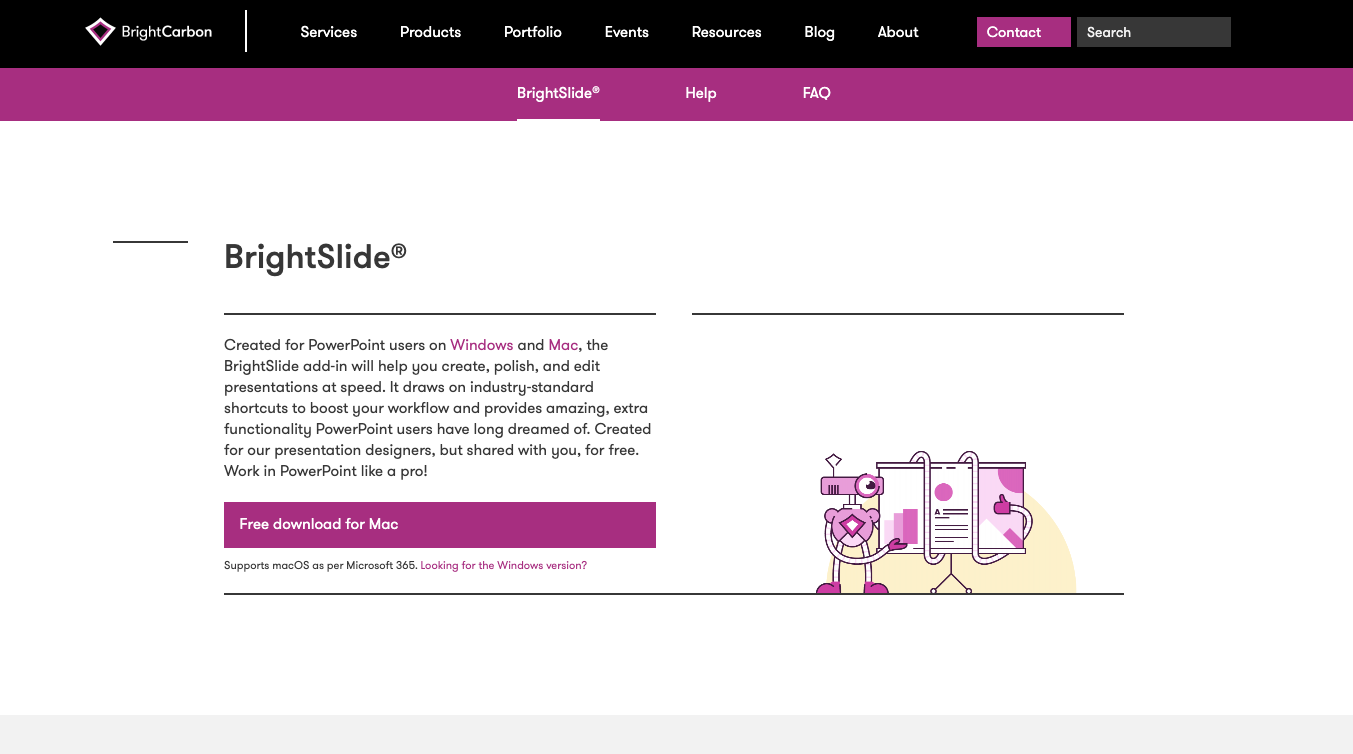
BrightSlide by BrightCarbon provides free formatting shortcuts, alignment tools, and basic distribution features. For junior consultants or analysts who cannot get budget approval for a paid tool, it covers the basics.
Key strengths: Free. Alignment and distribution tools work well for everyday formatting.
Limitations: Windows only. No brand automation, AI, charting, or enterprise features. Development updates have been infrequent.
Pricing: Free.
How to Choose the Right PowerPoint Add-in for Your Team
If your team builds 20+ slides per day and needs the full production workflow (formatting, brand compliance, AI generation, quality checking, translation), auxi is the only tool that covers all of these in a single add-in.
If your primary challenge is complex data-driven charts, think-cell is the specialist. Many firms use think-cell for charting alongside a broader productivity tool for everything else.
If you need brand governance across all document types, Templafy operates at the platform level and complements a PowerPoint-specific tool.
If your workflow centers on Excel-to-PowerPoint linking, Macabacus (for IB) or UpSlide (for financial services broadly) address that integration.
If budget is the primary constraint, Deckary ($120-180/year) offers the best value with AI and charting combined. BrightSlide is free for basics.
A note on AI assistants. Claude, ChatGPT, and Microsoft Copilot are powerful tools for research and content generation, but they are AI assistants, not PowerPoint add-ins. They operate in a different category. For our analysis of how AI assistants and PowerPoint add-ins work together, see AI assistants vs PowerPoint-native tools and our enterprise guide to AI PowerPoint tools. For a direct comparison, see auxi vs Claude for PowerPoint.
Frequently Asked Questions
What are the best PowerPoint add-ins for consultants in 2026?
The best PowerPoint add-ins for consultants in 2026 are: auxi (best for enterprise consulting and IB teams, 250+ features), think-cell (best for chart-heavy financial presentations), Efficient Elements (best for mid-market consulting teams), UpSlide (best for financial services document workflows), Templafy (best for org-wide brand governance), Macabacus (best for IB formatting and Excel integration), Deckary (best for AI-first slide generation), PPT Productivity (best for individual power users), Office Timeline (best for Gantt charts), and BrightSlide (best free option).
What PowerPoint add-in do McKinsey and BCG consultants use?
Top-tier consulting firms use multiple PowerPoint add-ins depending on the workflow. auxi is used by 8 of the top 10 management consulting firms for productivity, formatting, brand compliance, and AI-powered slide creation. think-cell is widely used for charting. The specific tools deployed vary by firm, practice, and region.
Is there a free PowerPoint add-in for consultants?
BrightSlide is the best free PowerPoint add-in, offering basic formatting shortcuts and alignment tools. Office Timeline offers a free tier for Gantt charts and timelines. Both are Windows-only and do not include brand automation, AI, or enterprise features. For consulting teams producing client-facing deliverables, paid tools like auxi deliver significantly more value through brand enforcement, quality checking, and formatting automation.
How much do PowerPoint add-ins cost for consulting teams?
Pricing ranges from free (BrightSlide) to $59/month (auxi Pro) to custom enterprise pricing. think-cell starts at approximately $328/user/year. Macabacus starts at approximately $200/user/year. Deckary costs $120-180/year. At a consultant's blended rate of $150+/hour, an add-in that saves 30 minutes per day recovers $18,000+ per user annually in productive capacity.
What is the difference between a PowerPoint add-in and Microsoft Copilot?
Microsoft Copilot is an AI assistant that generates slides and content through natural language. PowerPoint add-ins are dedicated tools that extend PowerPoint with specialized features: precision alignment, brand automation, chart creation, quality checking, and production formatting. Copilot generates content. Add-ins like auxi handle the production workflow that turns generated content into a partner-ready deck. Many consulting teams use both.