
Smart Selection
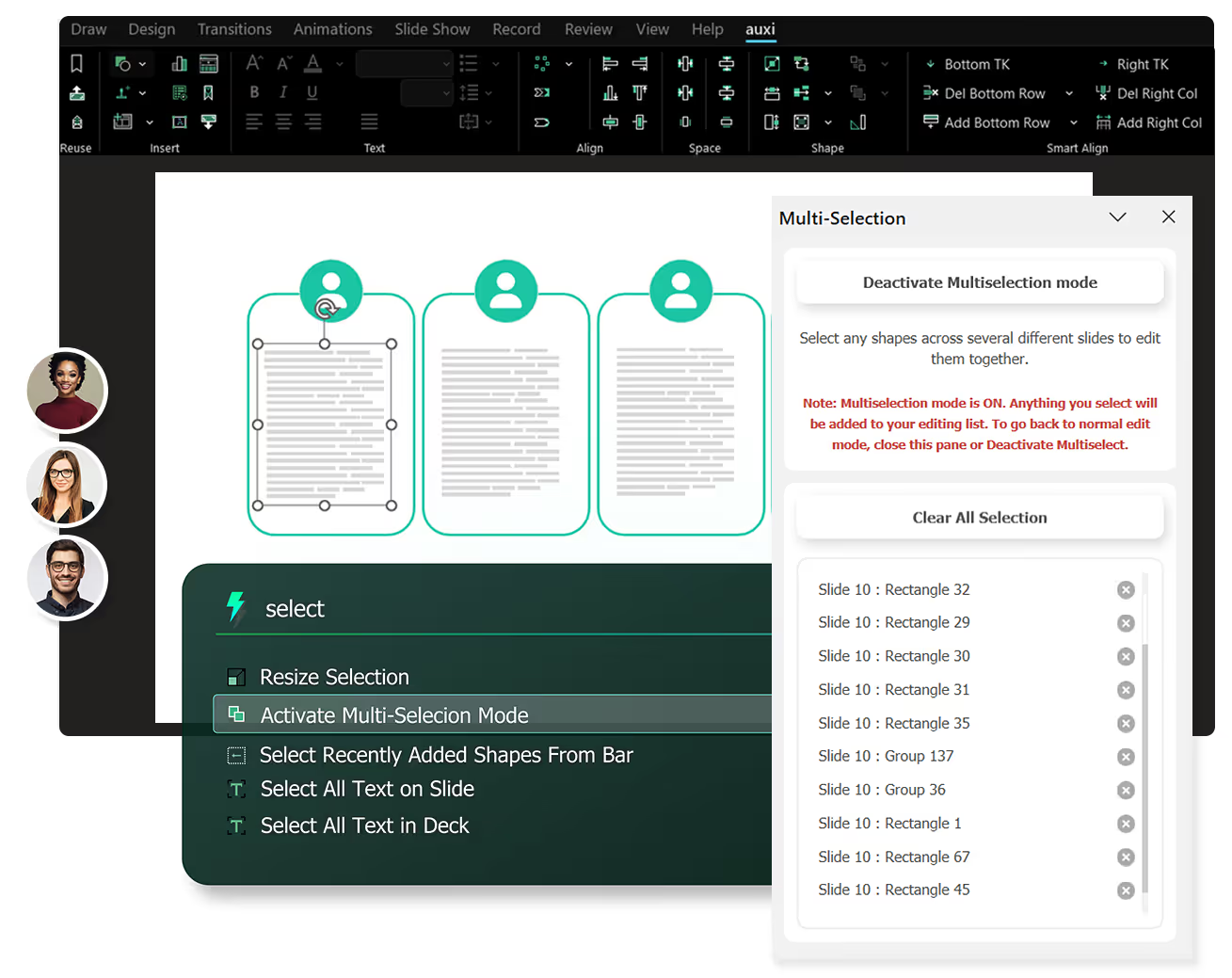














If you are using shapes like pentagons or chevrons to showcase a process, simply convert into an aligned, formatted process using Smart Alignments.
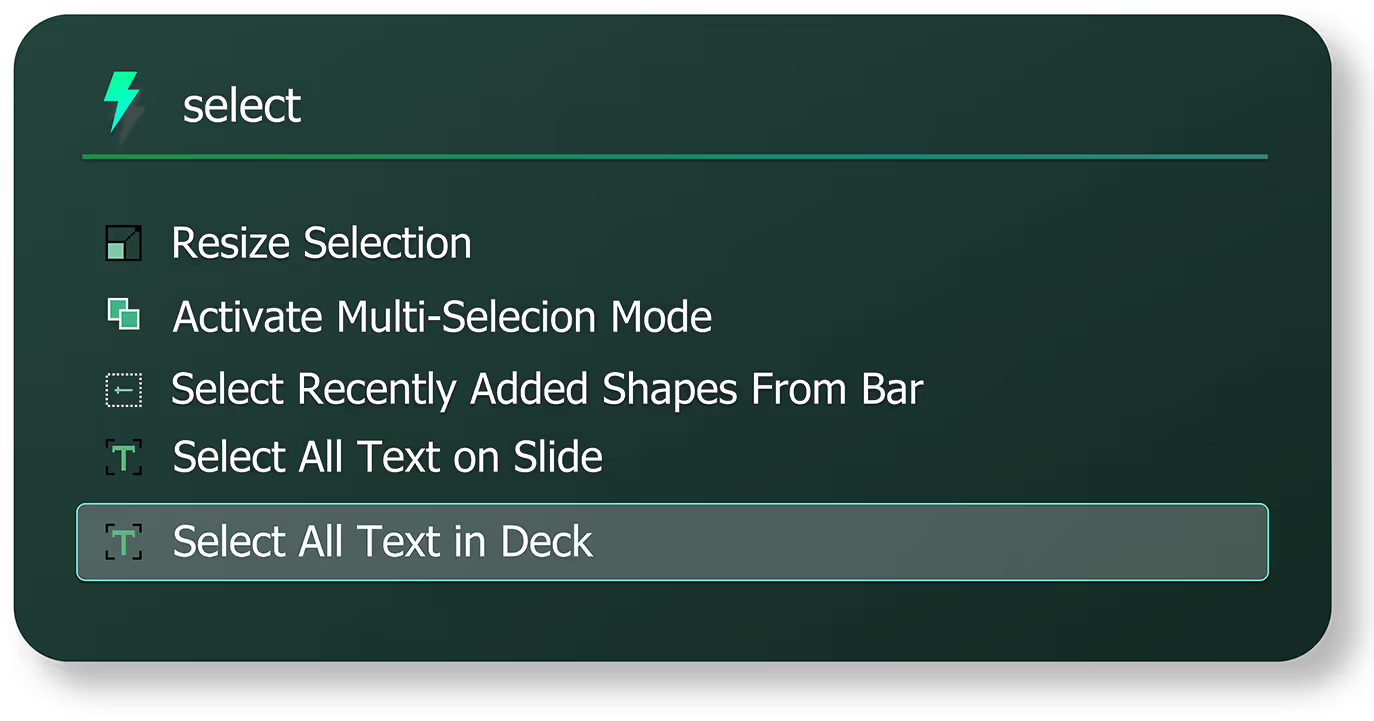
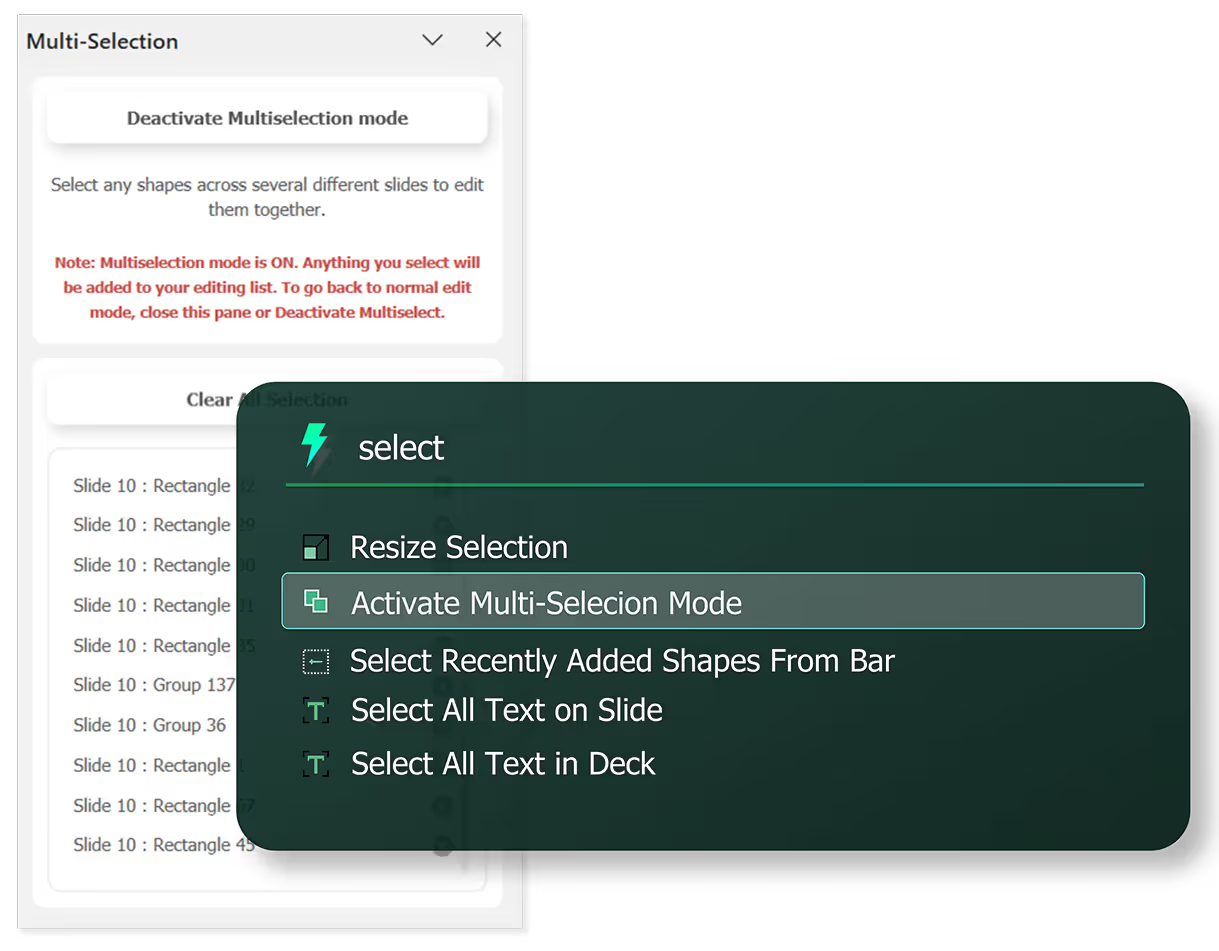
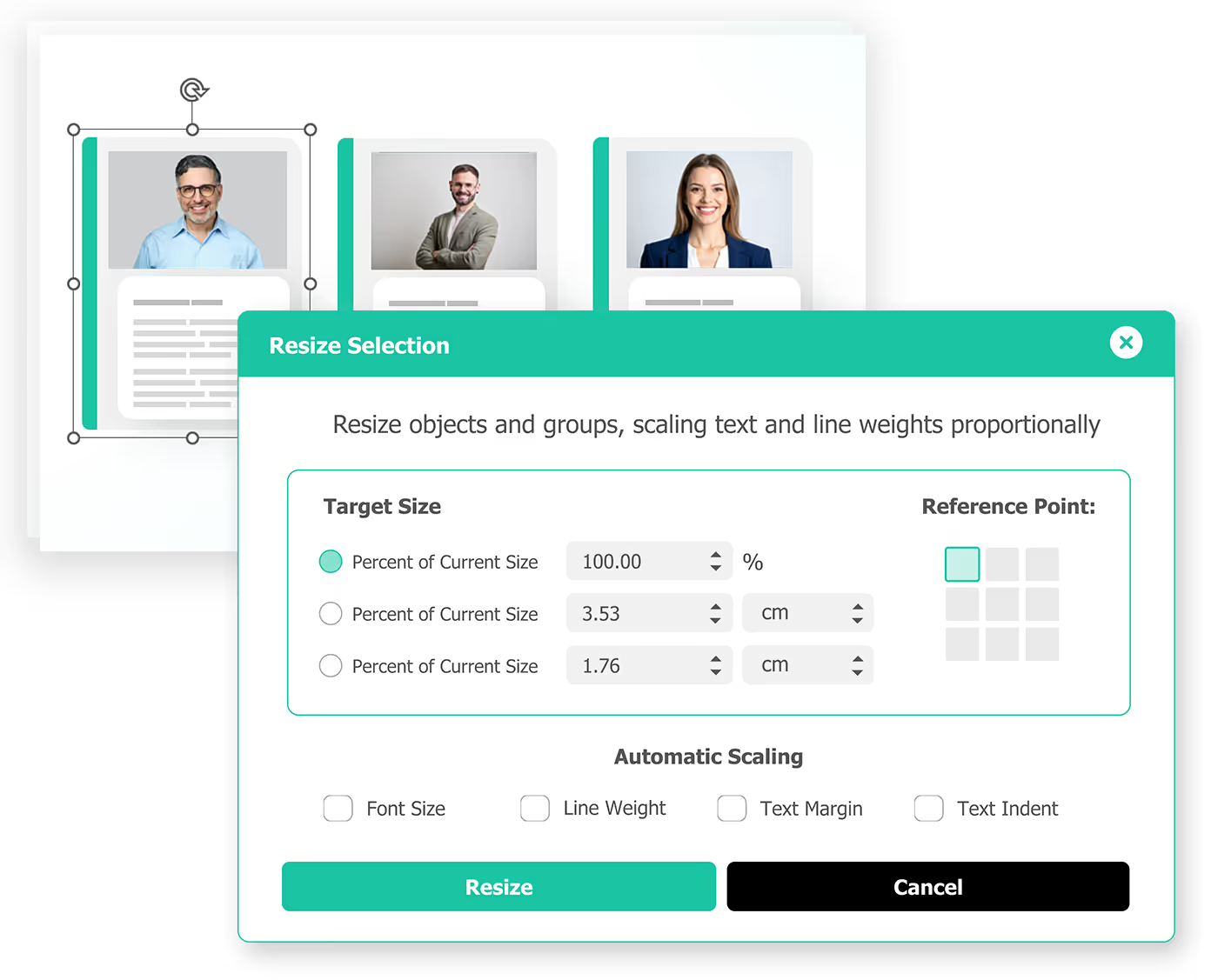
Whether you are looking to resize charts or elements, you can select them smartly, and resize accordingly.
slides built on
auxi each month
top consulting
firms use auxi
enterprise companies
building slides with auxi
Can I customize spacing after I've aligned my elements?

Yes. You can align spacing (both vertically and horizontally) with the "Change Matrix Spacing" feature.
Can I align shapes over tables?
You can align shapes over tables in your PowerPoint. You can select any table with nearby icons or shapes and from the auxi SmartBar choose Align Shapes Over Tables. You can do this for Table Rows and Columns as well.
Is Smart Alignment available for all plans?
Yes, Smart Alignment is available for both pro and enterprise plans.
What is the difference between the pro plan and enterprise plan?
Lorem ipsum dolor sit amet, consectetur adipiscing elit. Suspendisse varius enim in eros elementum tristique. Duis cursus, mi quis viverra ornare, eros dolor interdum nulla, ut commodo diam libero vitae erat.