
Agendas
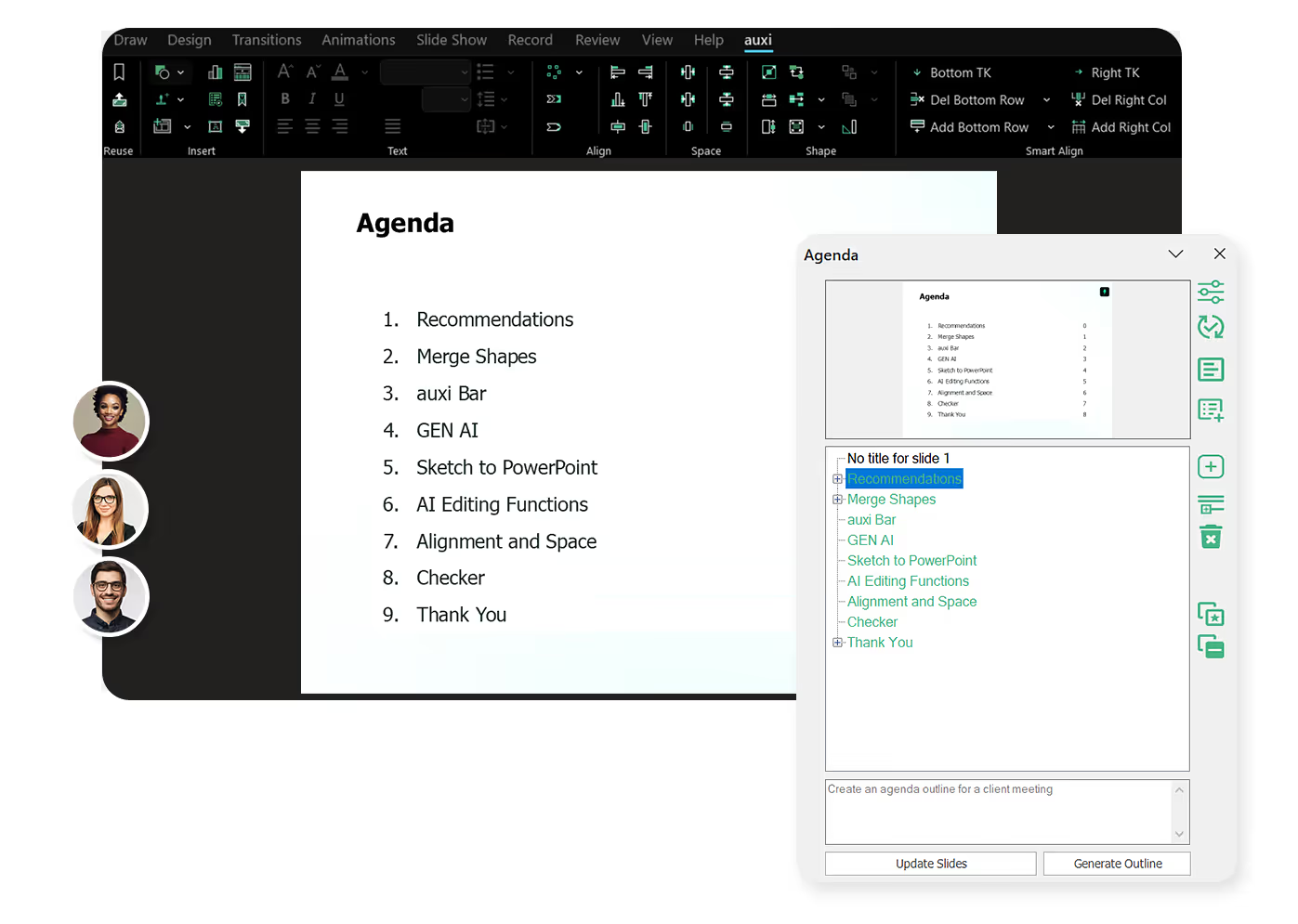














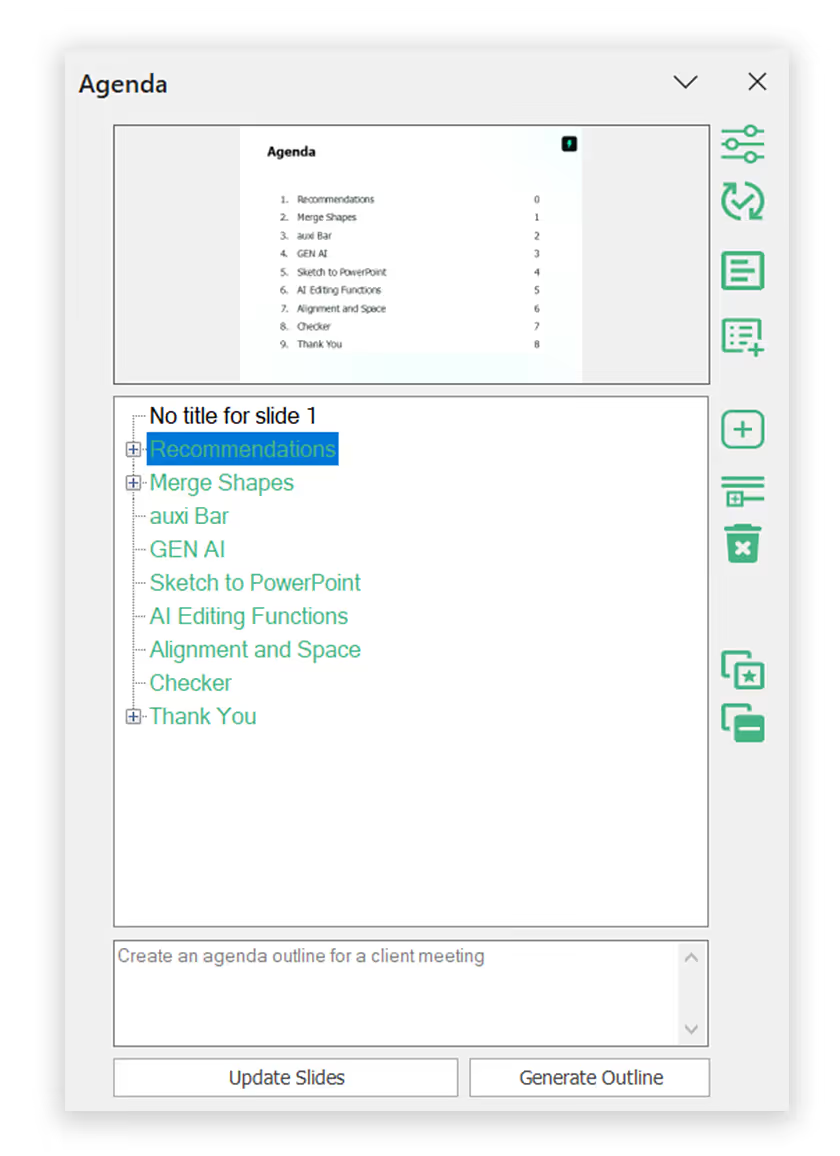
With the Agenda Maker, you can easily generate outlines for your agenda, number it and link it for clients to move to dedicated sections.
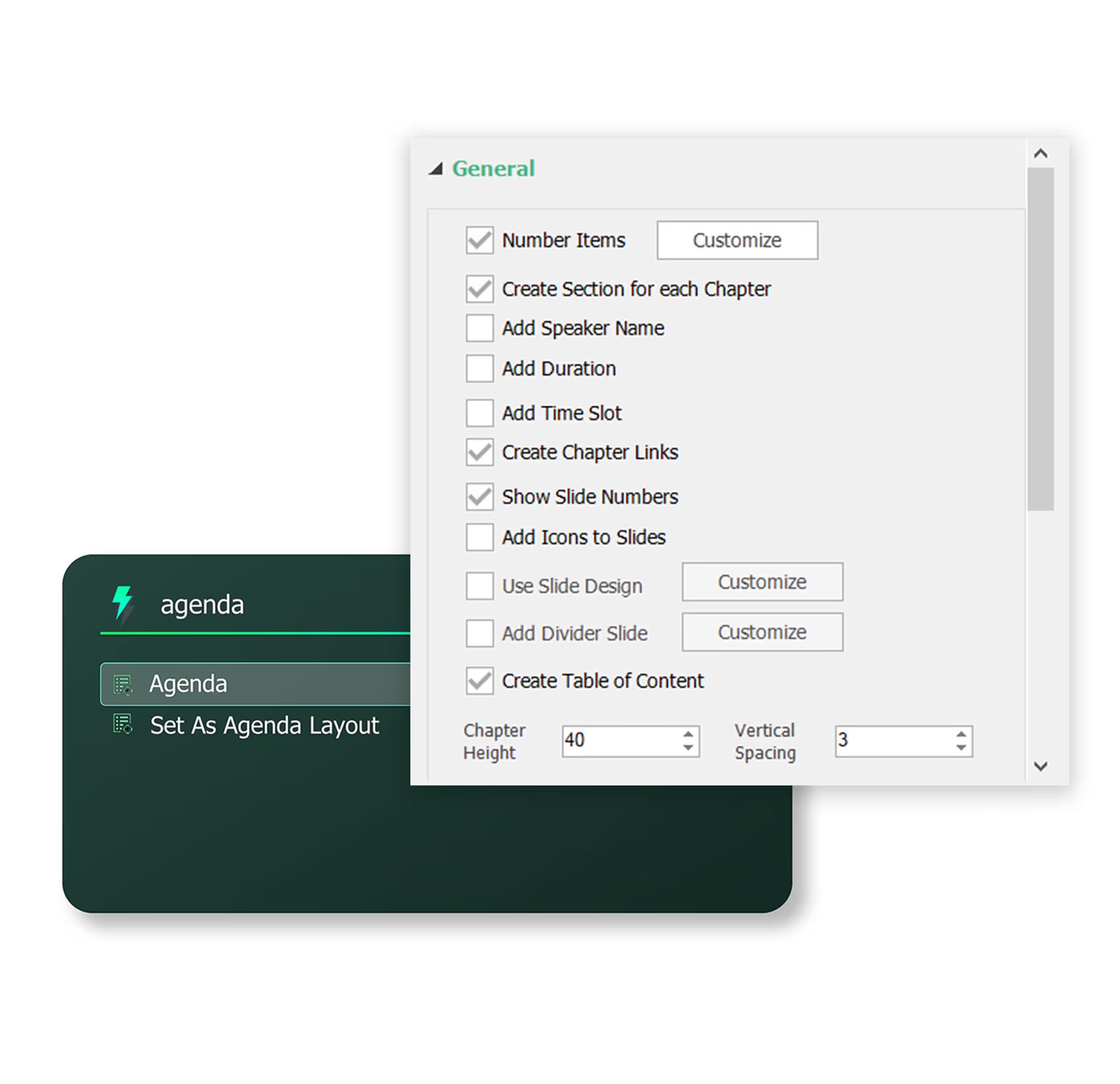
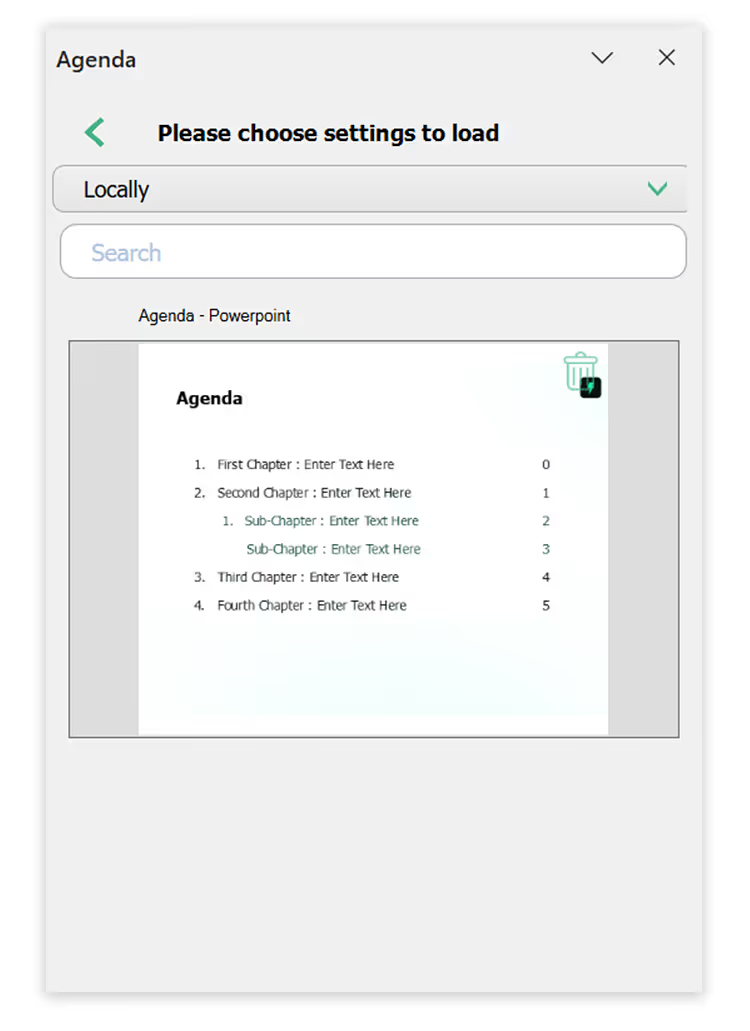
Once you have your Agenda settings finalized, you can save them by client or for internal alignment. This means, the next time you are working on your deck, you can simply search for the saved Agenda settings and reuse.
slides built on
auxi each month
top consulting
firms use auxi
enterprise companies
building slides with auxi
Is auxi's Agenda Maker available for all plans?

Yes, the auxi Agenda Maker is available for both Pro and Enterprise plans.
How do I update Agenda settings in auxi?
To update the Agenda settings, simply look up Agenda Settings using the auxi Smart Bar. When open, you can change colors, fonts, sizes, positions and other charateristics.
Do I need change Agenda settings every time?
No. You can save your Agenda settings, and next time, simply apply the saved Agenda.
Can I remove sections from my agenda?
Similar to how you would add chapters and sections to the agenda, you can remove them too.