
AI Editing
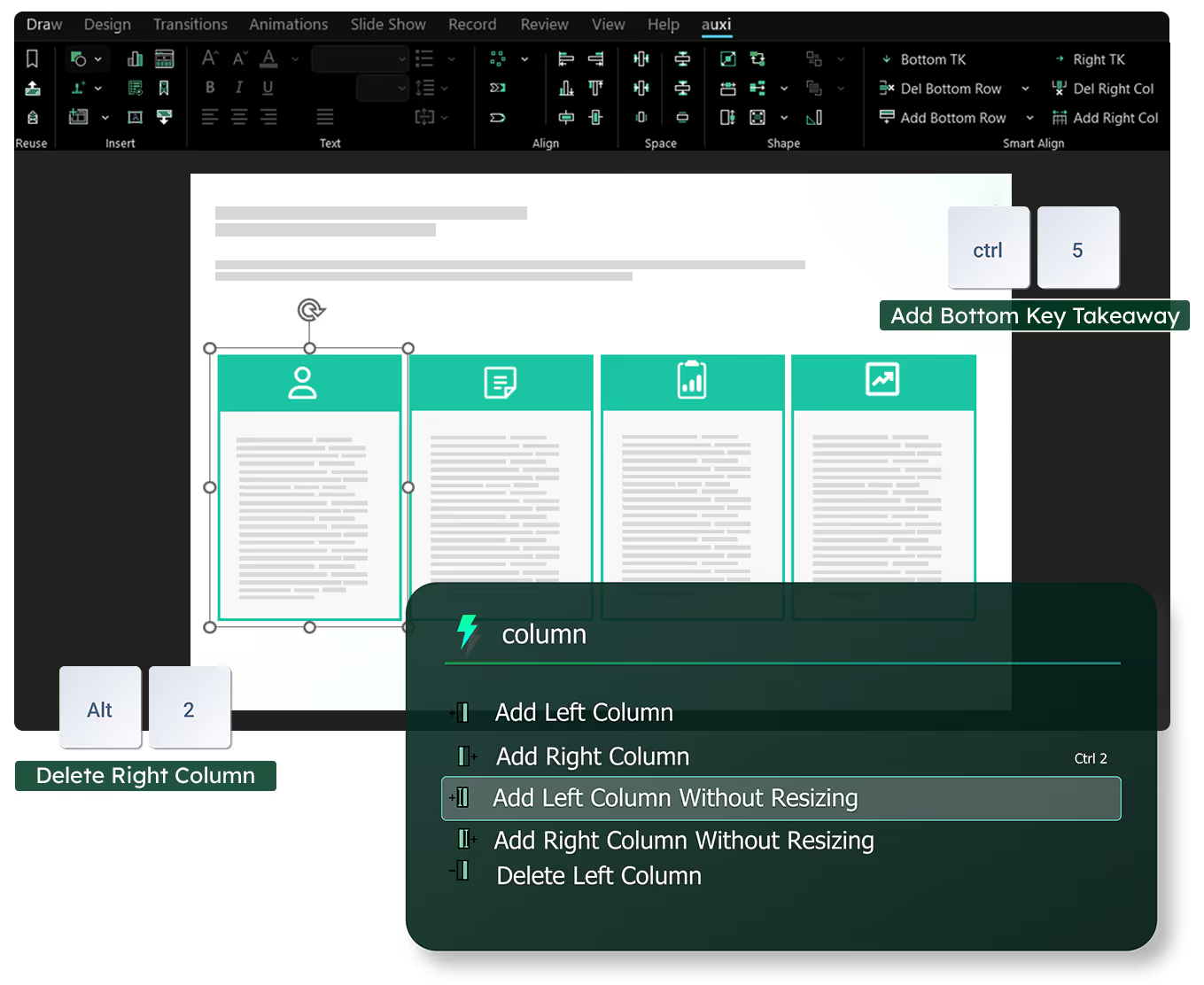














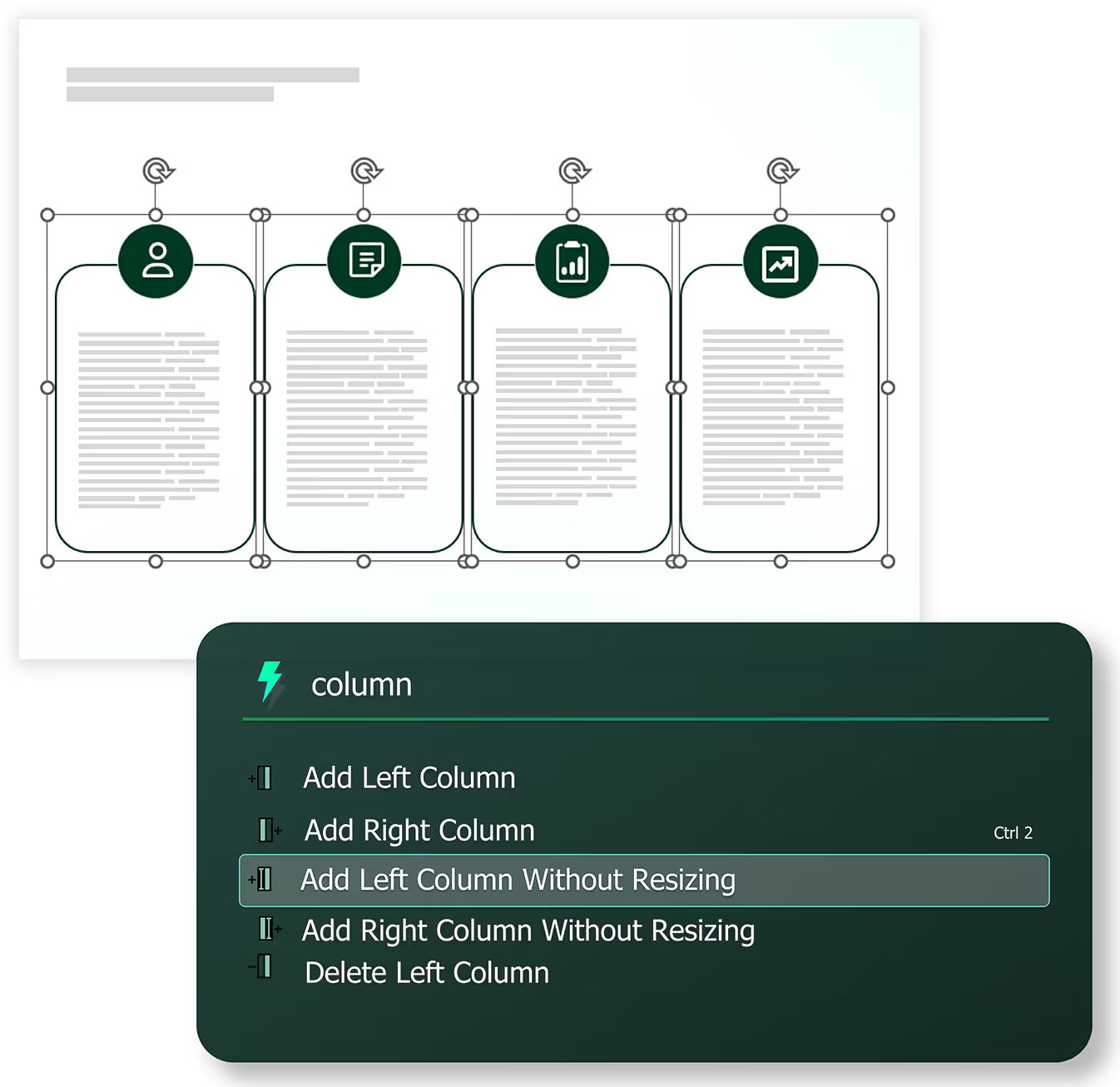
Adding a column shouldn't be hard. With auxi, you can add new columns to your slide by easily carrying styles from other columns. Simply select current columns and direct auxi to add a new column.

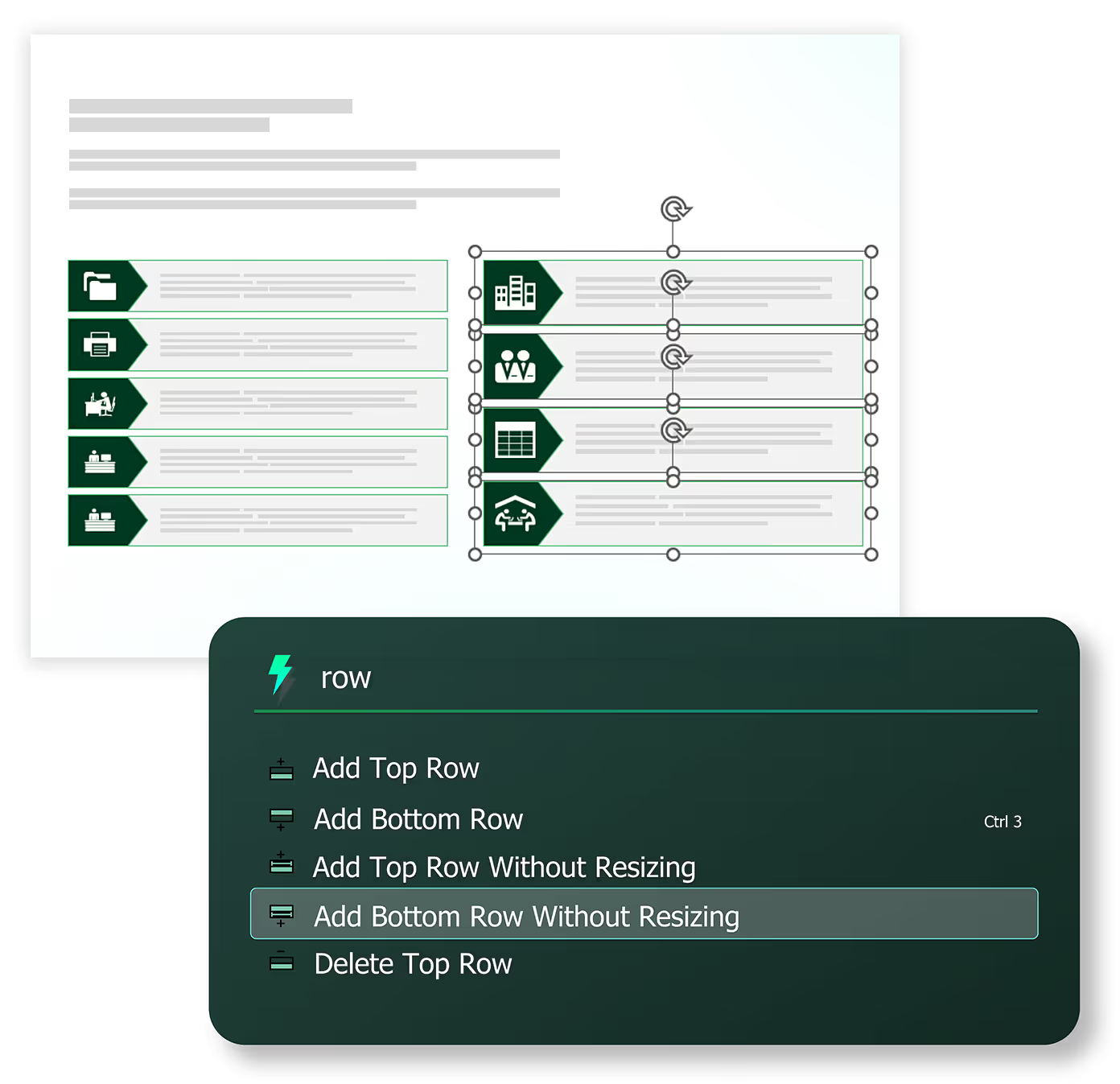
Select your current rows, and "add rows" using the auxi SmartBar. You can add as many rows as you want and each time, auxi will adjust dimensions and ensure alignment.
slides built on
auxi each month
top consulting
firms use auxi
enterprise companies
building slides with auxi
How many columns and rows can I add?

You can add as many columns and rows as you would like, depending on your need.
Do I have to resize my slide when I add rows/columns?
No, you do not have to resize your slide. In auxi, you can choose the option to add new columns or rows without resizing.
Can I delete rows and columns?
Similar to how you would add rows and columns you can delete them too.
Is AI Editing available on both plans?
Yes, AI Editing is available for pro and enterprise accounts both.