
auxi Shortcuts
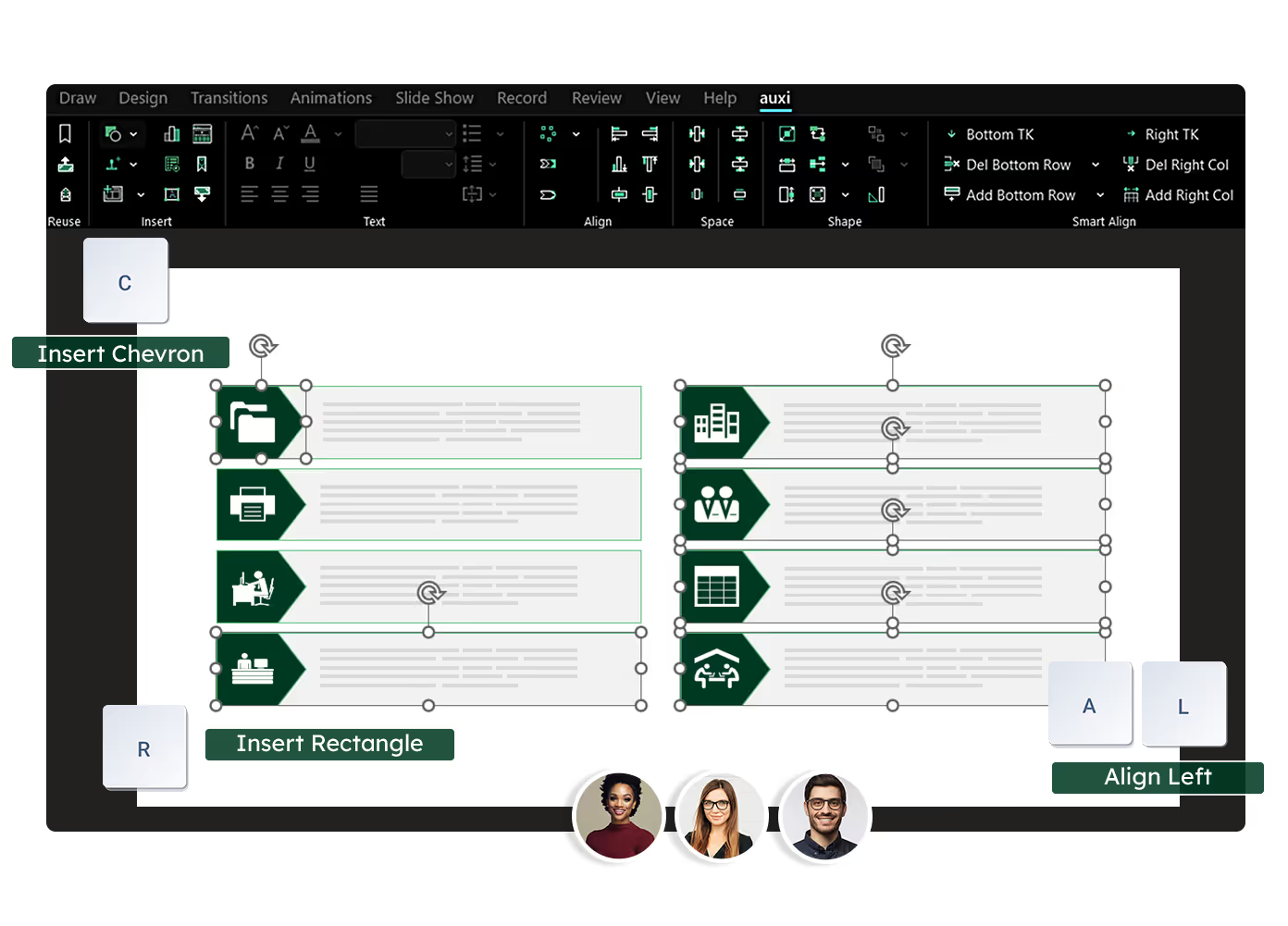














Even if you've only used a feature once, auxi Shortcuts are designed for you to remember easily following a tailored pattern.
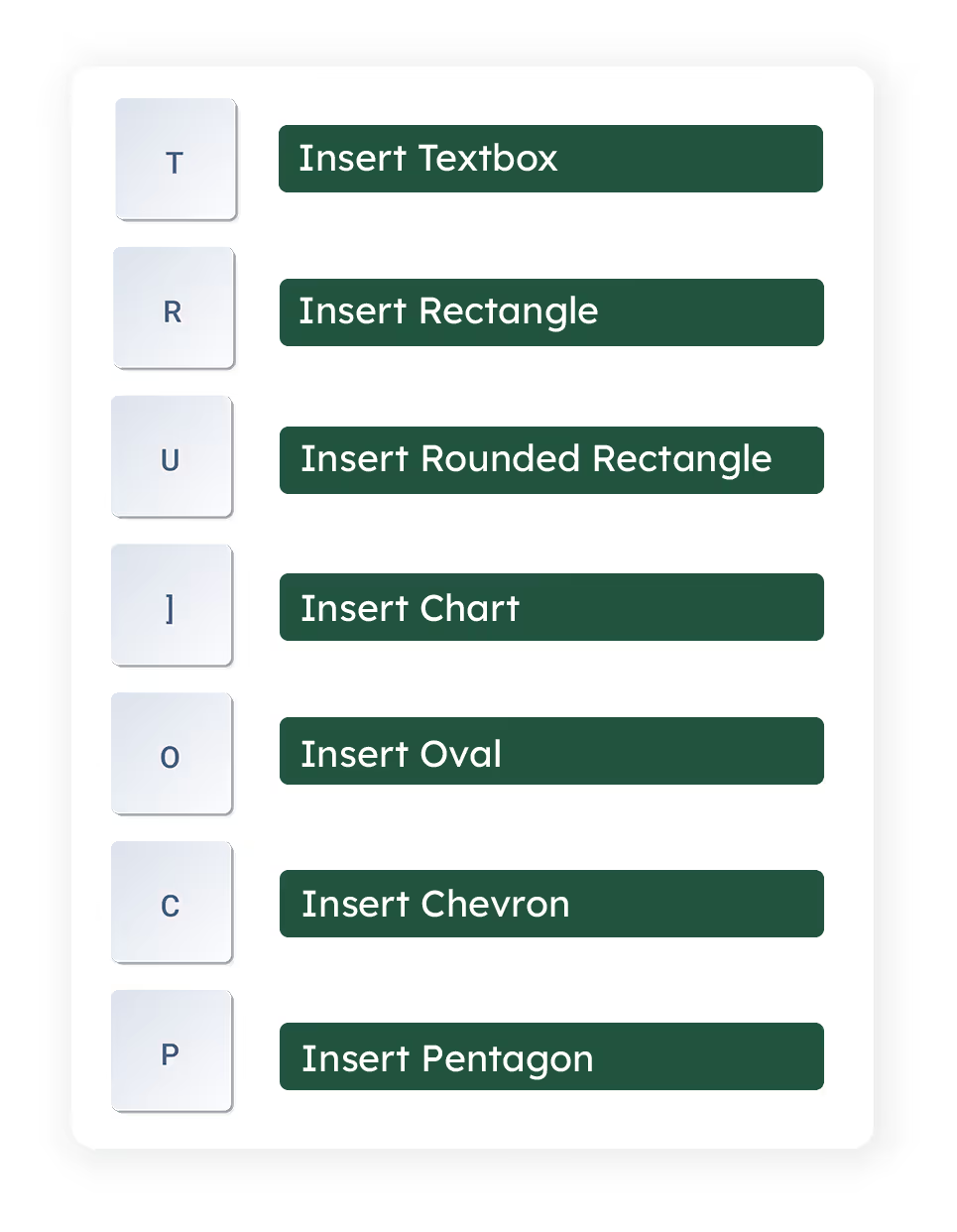
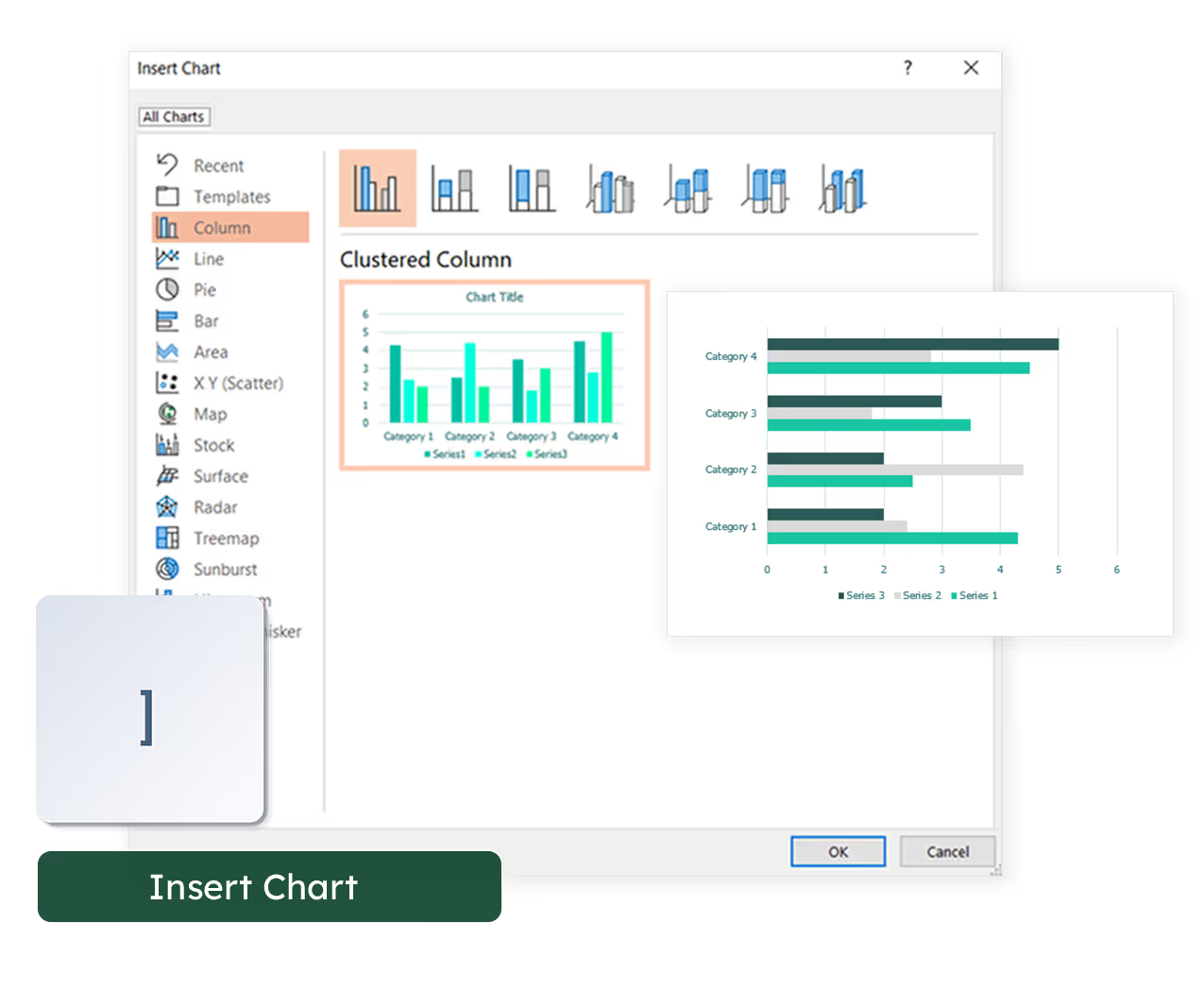
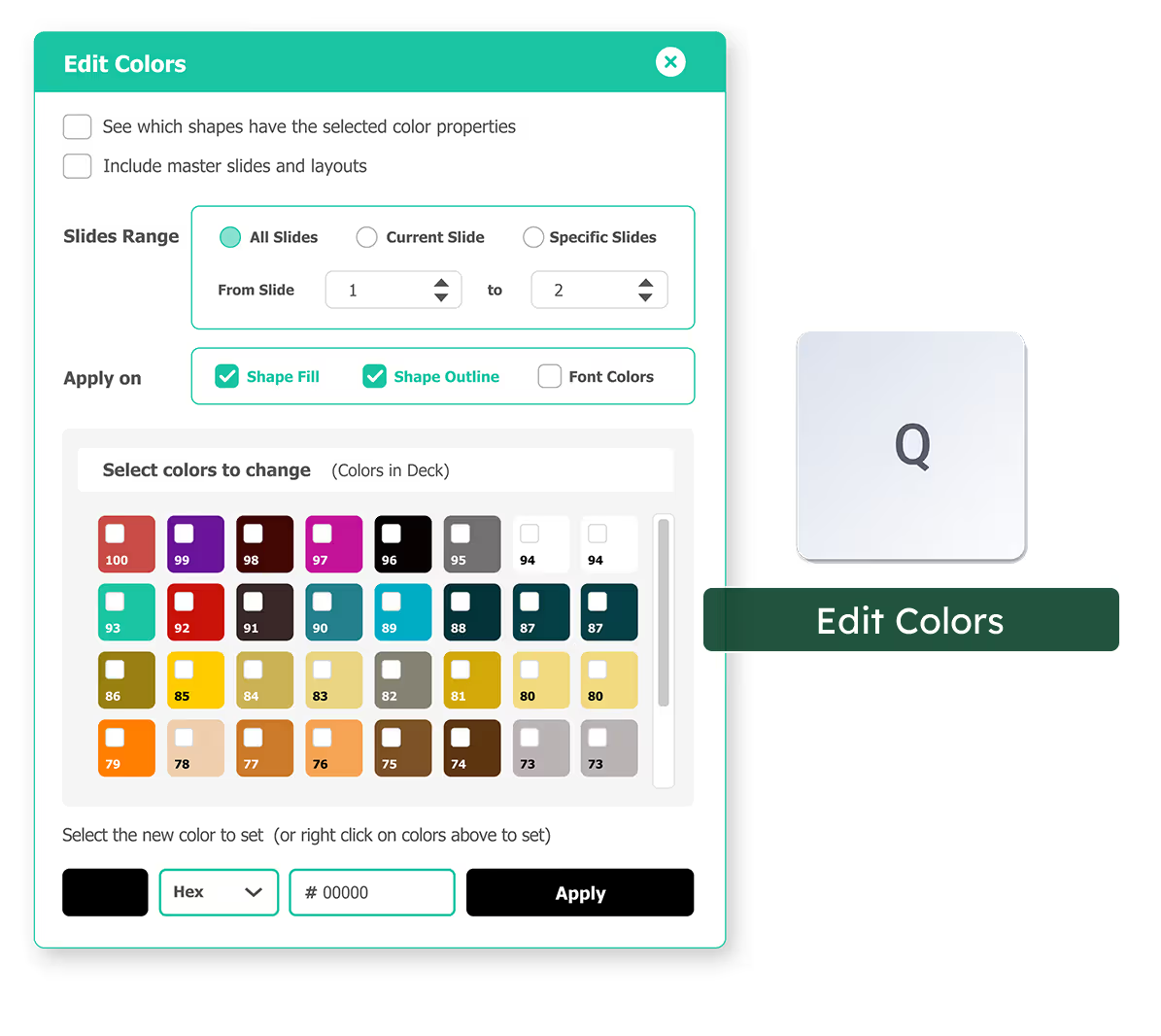
You don't have to remember three or four key shortcuts, instead simply remember letters. Want to fix slide colors? Simply hit Q.
slides built on
auxi each month
top consulting
firms use auxi
enterprise companies
building slides with auxi
What is auxi?

auxi is a PowerPoint add-in that helps users automate the creation of presentations. It uses artificial intelligence (AI) and machine learning (ML) algorithms to help users create high-quality presentations quickly and easily.
What are the system requirements for auxi?
auxi is designed to work with Microsoft PowerPoint on Windows. It requires PowerPoint 2016 or later and an internet connection to use some of its features.
Can I use auxi on multiple devices?
Fortunately, you won't need to deactivate the auxi license on your current computer because we support up to two devices for each license!
What is the difference between the pro plan and enterprise plan?
auxi’s Pro Plan is designed for solo consultants and small professional services firms seeking to enhance productivity. With the Pro Plan, you gain access to all primary productivity features. In contrast, auxi’s Enterprise Plan is tailored for larger firms, offering enhanced AI capabilities, expanded cloud storage, and dedicated support.