
Fonts & Colors














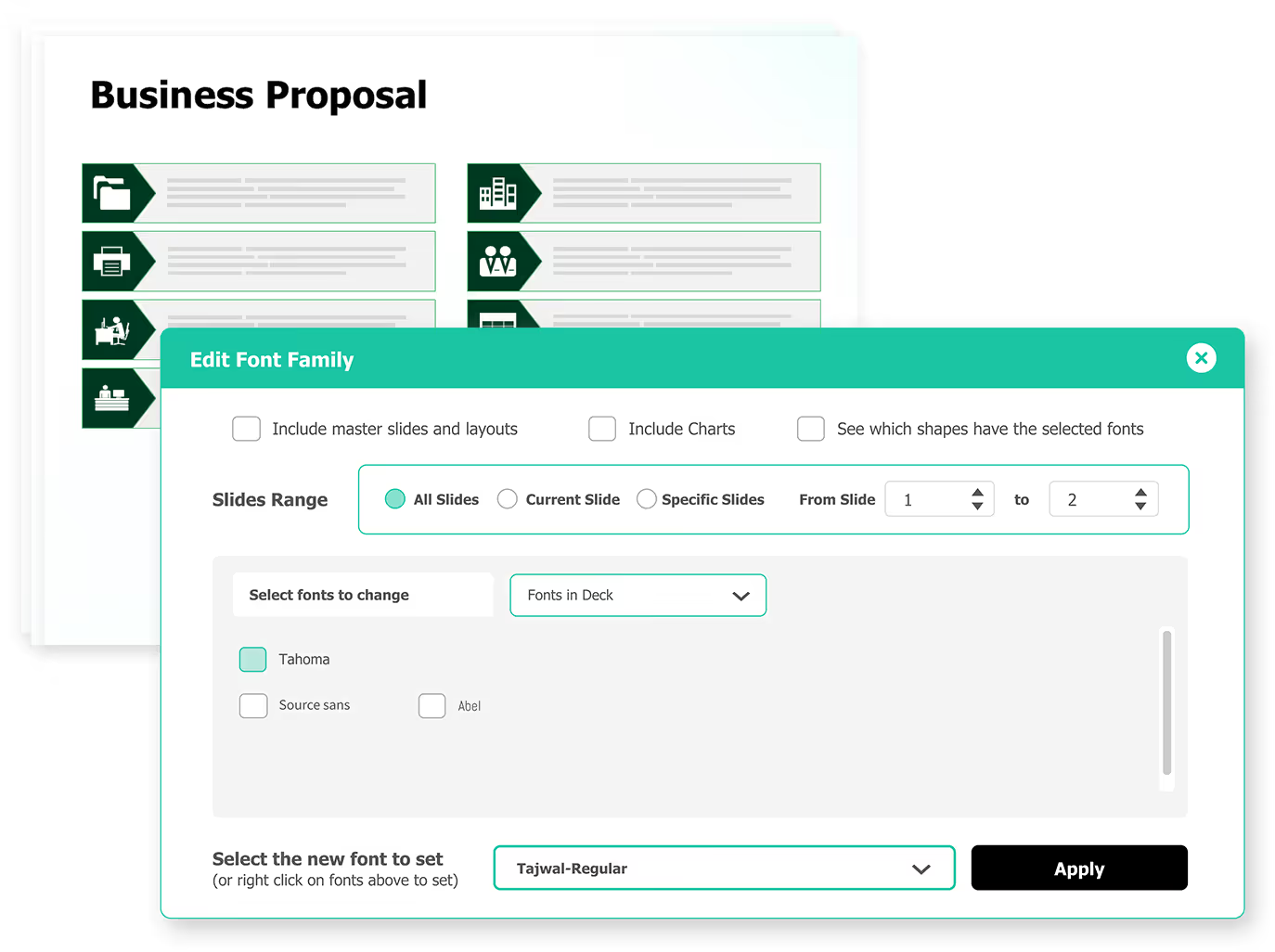
Get better font customization across decks with capabilities like complex fonts for different languages, replacement fonts and add replacement fonts.
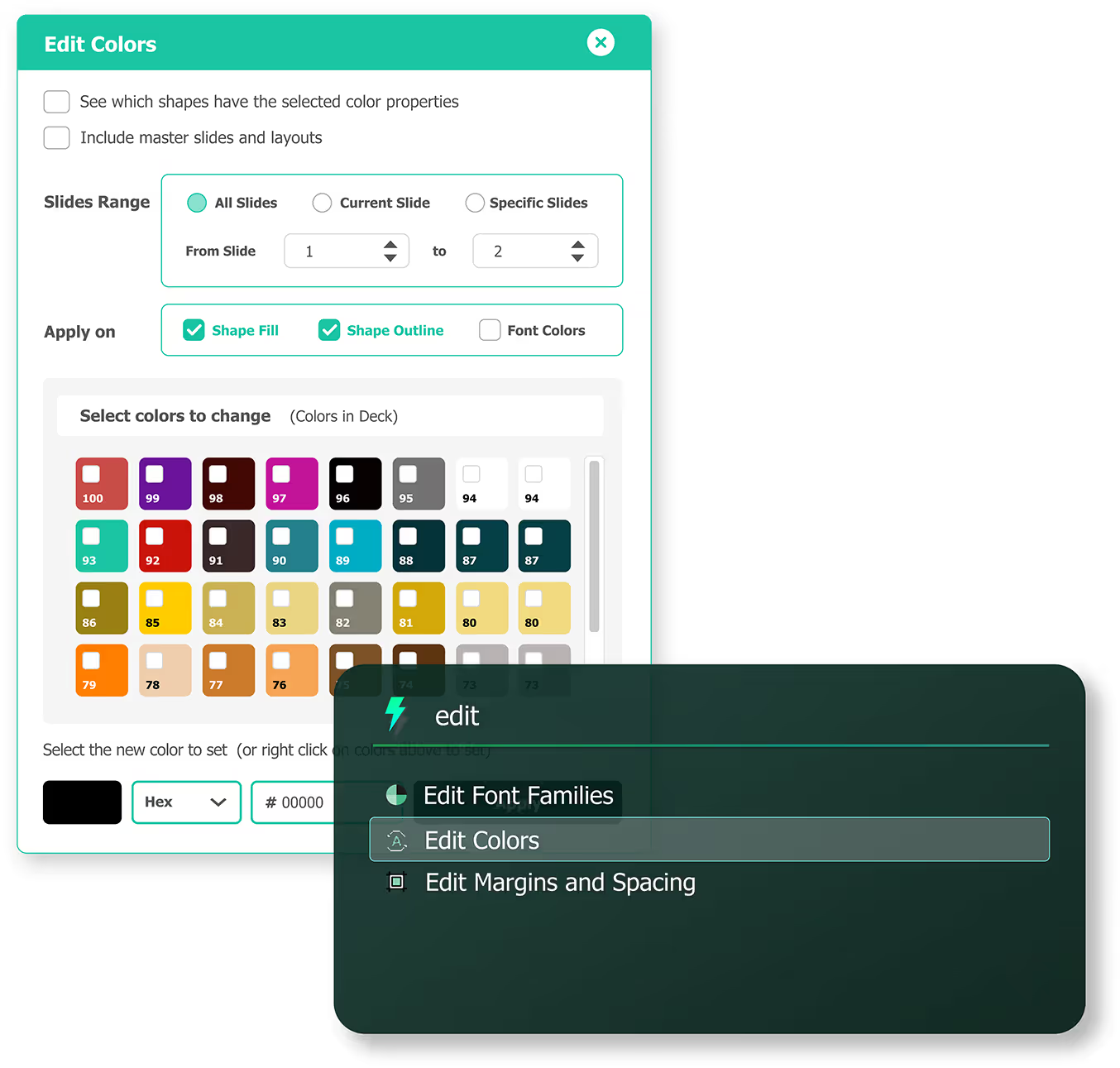
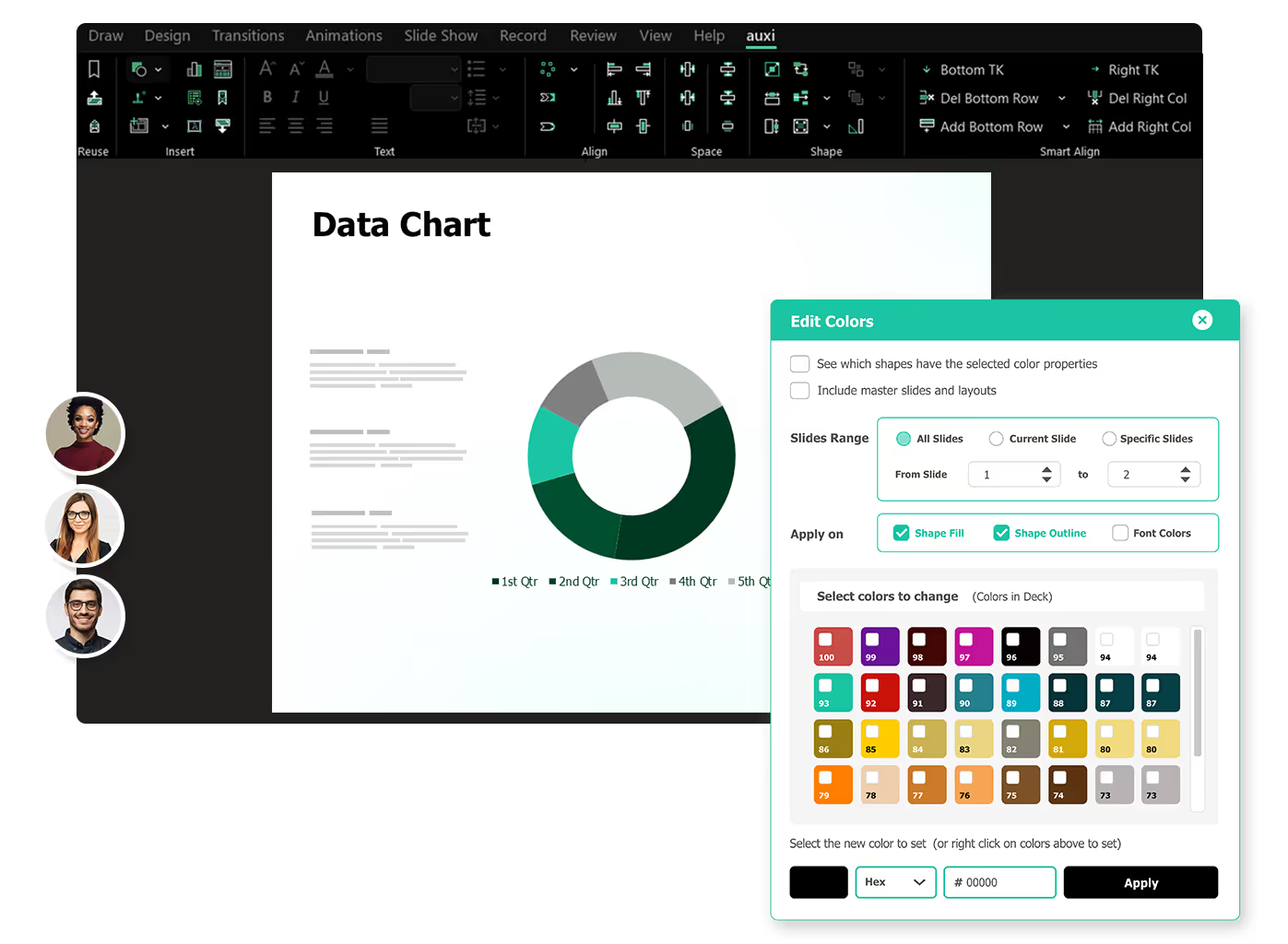
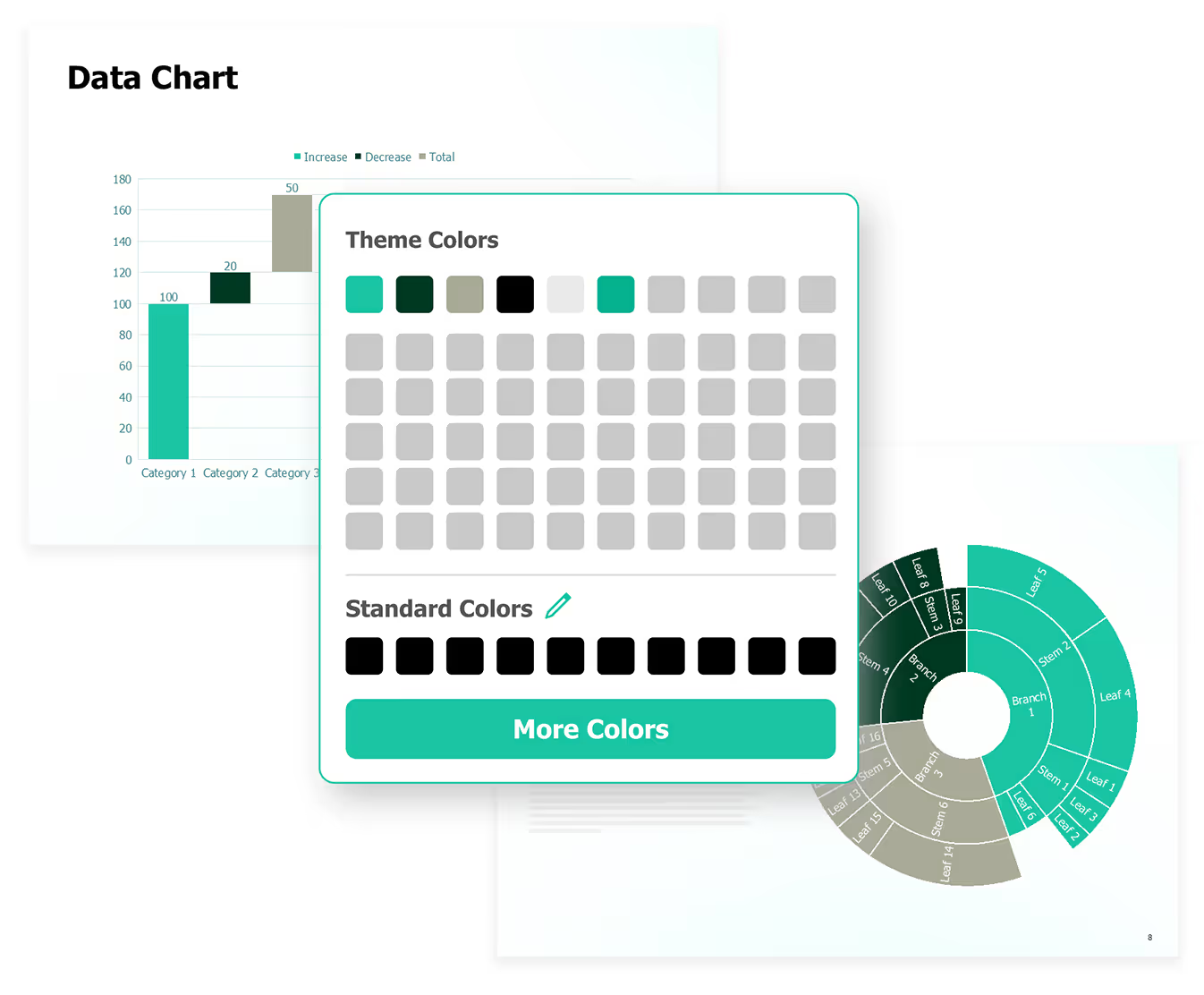
Easily apply your PowerPoint theme’s preset colors to all charts on the slide. This feature is ideal for quickly matching client or brand guidelines.
slides built on
auxi each month
top consulting
firms use auxi
enterprise companies
building slides with auxi
Can I set client colors in auxi?

Yes, within auxi you can set pre-defined colors for based on your client's brand guidelines to present relevant, impactful decks.
Do charts and graphs adapt to the colors as well?
Yes, when you adjust colors, you adjust colors for all elements, shapes, headings, text, etc.
Are these design functions available for all plans?
Yes, fonts and color functionality along with other branding functionality is available for both pro and enterprise plans.
Do I need to set theme colors first to be able to adapt?
Yes, you can easily save your brand guidelines within auxi and then you can swap colors out to match your brand easily by hitting "Q".