
auxi SmartBar
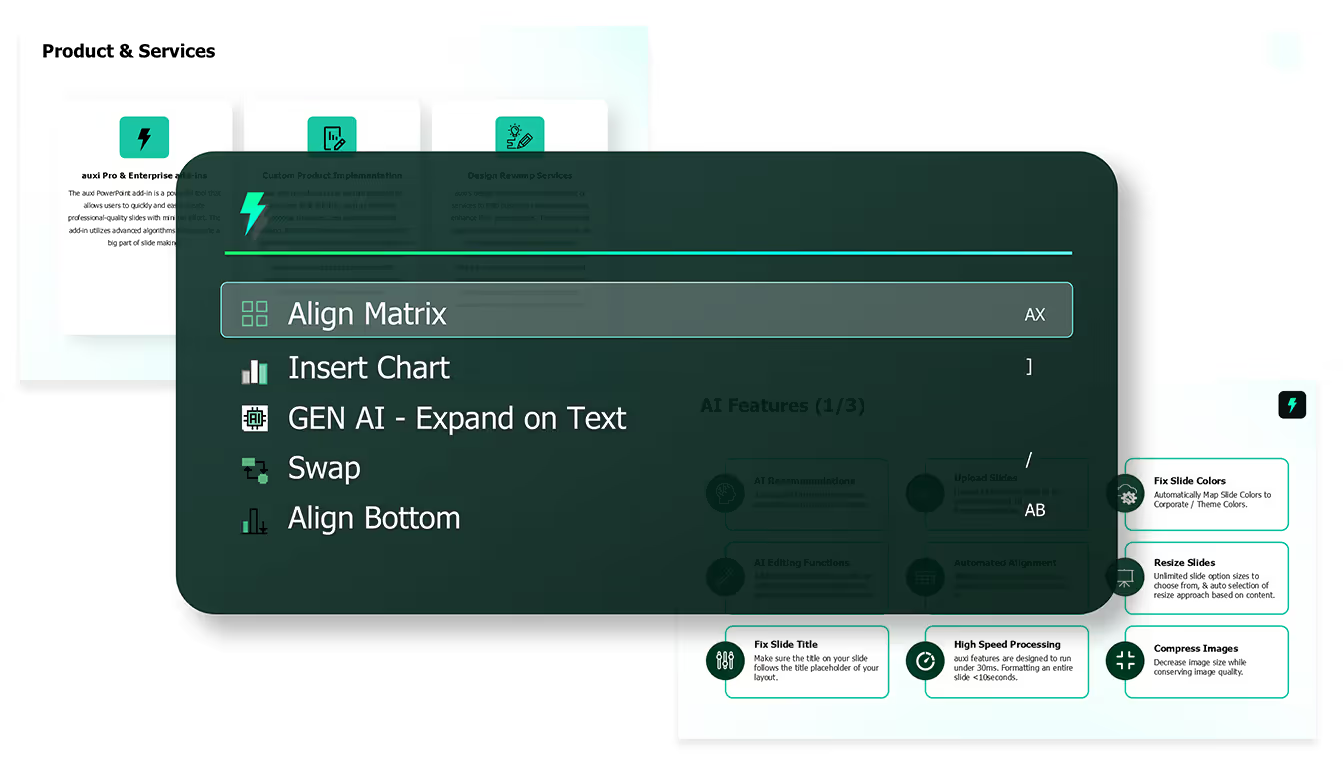














With the auxi SmartBar, you can access 250+ AI features simply by using a quick shortcut. This SmartBar opens up the entire search menu for every feature in auxi.
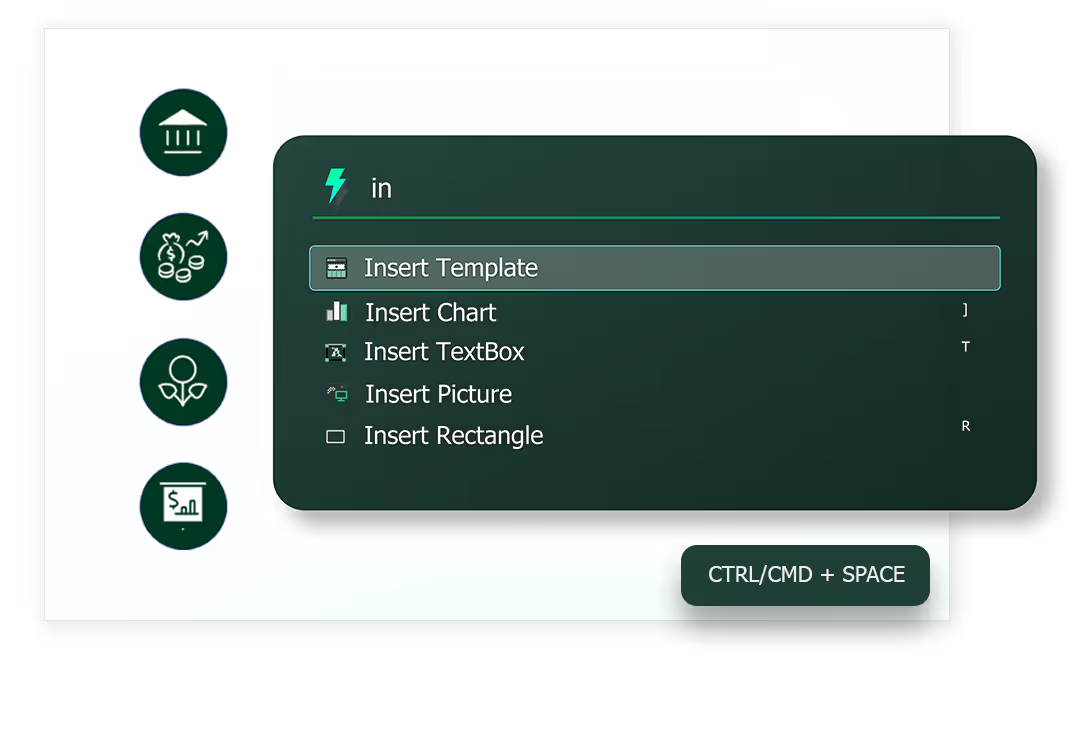
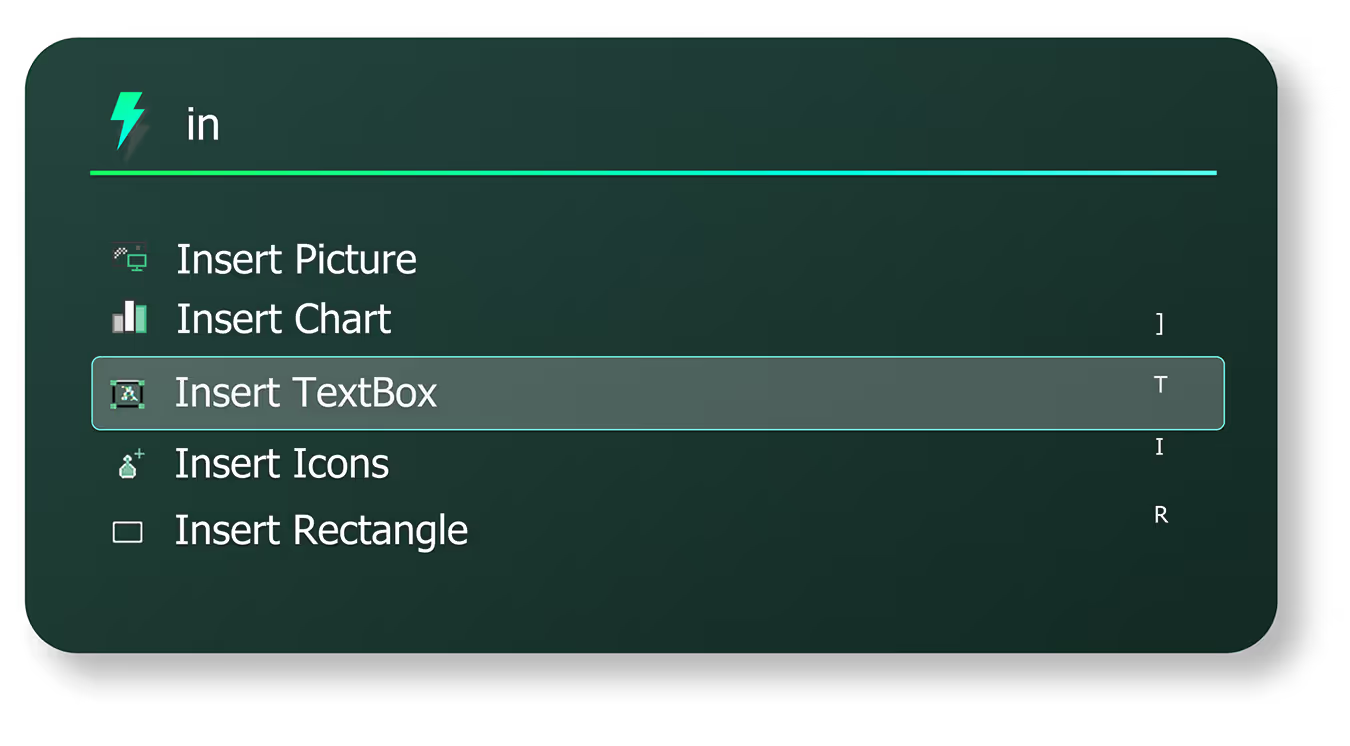
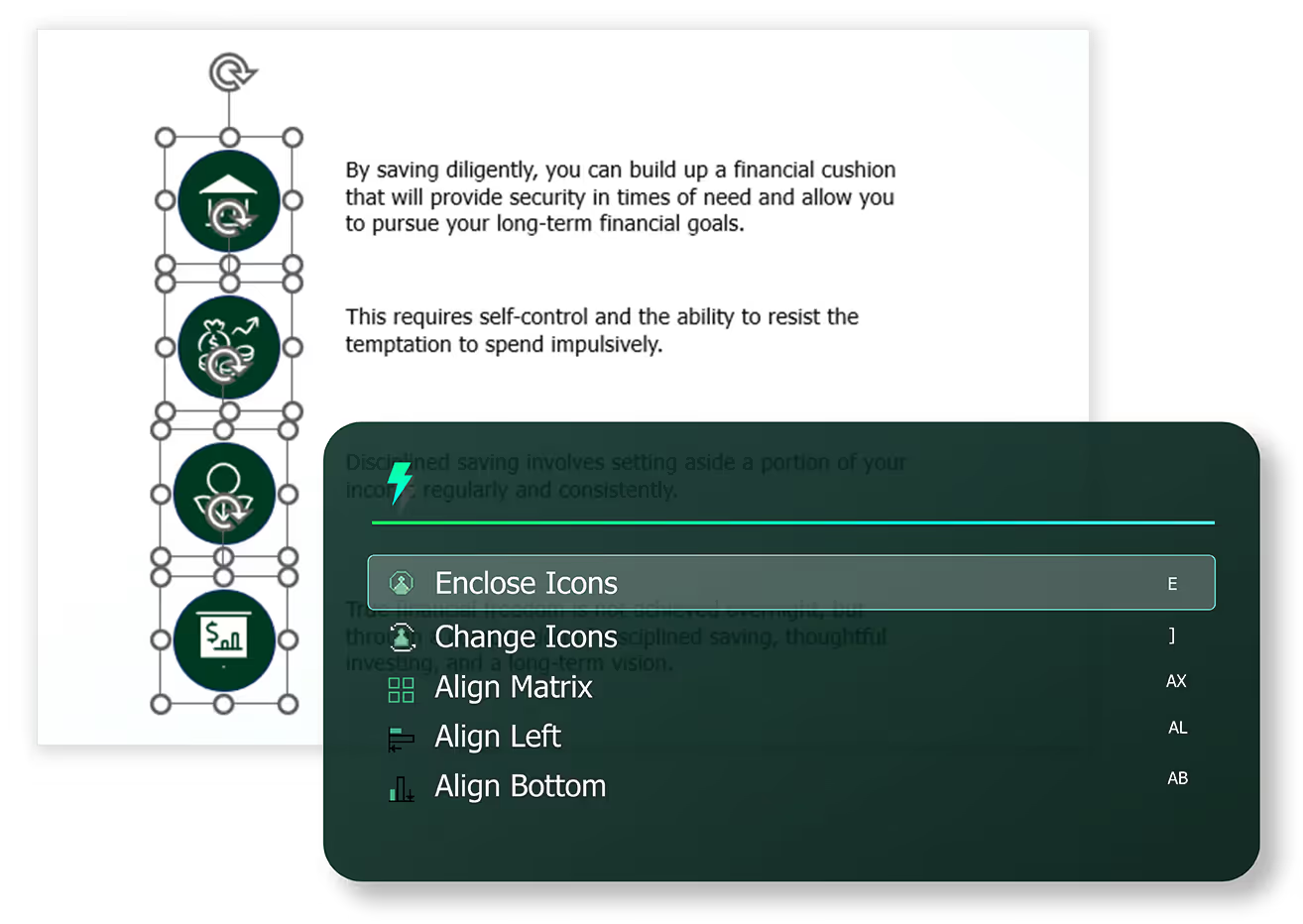
We call it the SmartBar for a reason. Every time you open the auxi SmartBar, the top three results are recommendations for your next step to help build slides faster.
slides built on
auxi each month
top consulting
firms use auxi
enterprise companies
building slides with auxi
How do I access the auxi SmartBar?

Accessing auxi is extremely simple. Once, auxi is set up and installed, visit PowerPoint by simply pressing (CTRL + Space) on Windows, and (CMD + Space) on MacOS. You can also find a link to the auxi SmartBar in the auxi Ribbon.
Is the auxi SmartBar available for all plans?
Yes, auxi SmartBar is available on all plans.
Is the auxi SmartBar available for both Windows and Mac?
The auxi SmartBar is an essential function and available for both Windows and Mac users.
Does the auxi SmartBar show user short cuts as well?
When you open the auxi SmartBar you will get access to 250+ features, for each feature, you will see an easy to memorize shortcuts.