

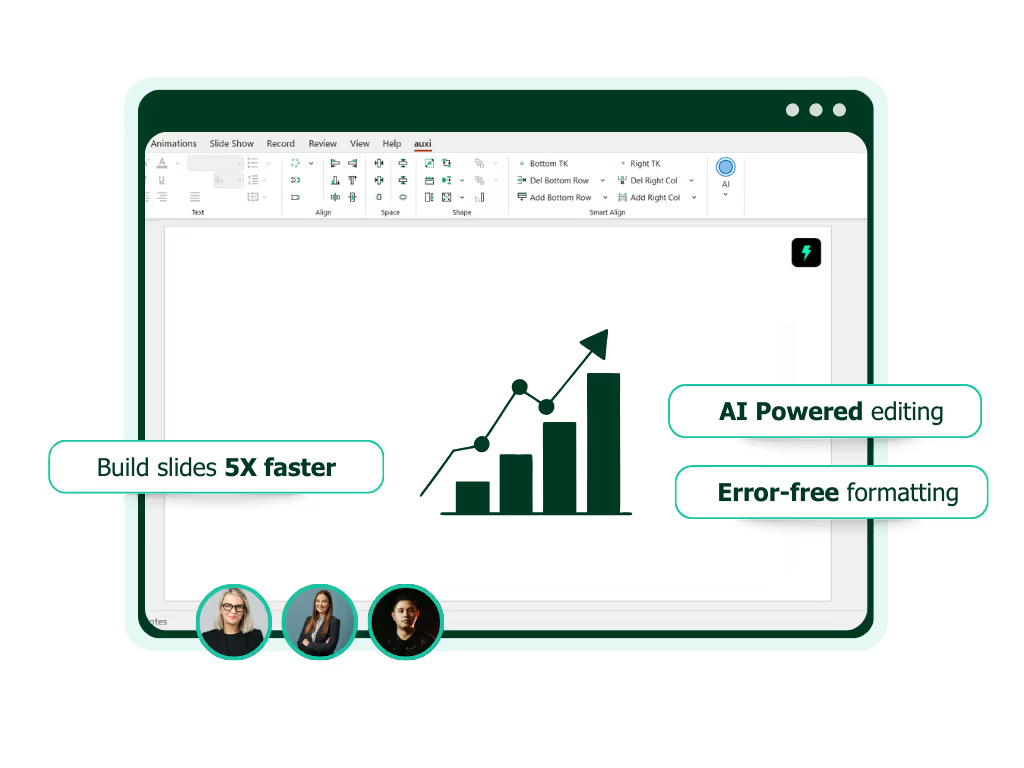
See auxi in action
your workflows and save you time!
Most PowerPoint operations, including brand compliance, alignment, table formatting, color management, and font swaps, are deterministic tasks that do not require AI reasoning. When Claude handles these natively, it reads thousands of characters of slide XML and generates verbose output, consuming tokens unnecessarily.
Smart routing sends these operations to purpose-built tools instead, reserving Claude's token budget for tasks that genuinely need its intelligence.
Claude for PowerPoint is a genuinely impressive capability. It reads slide masters, generates native PowerPoint elements, and works directly inside the application.
But there is a cost problem most teams do not see until the bill arrives.
Every PowerPoint operation Claude handles consumes tokens: it reads slide structure (often thousands of characters of OOXML), reasons about what to change, and generates modified output. For a 40-slide deck with multiple formatting operations, tokens add up fast.
The solution is not to use Claude less. It is to use Claude smarter by routing each operation to the system best suited for it.
Why PowerPoint Operations Are Unexpectedly Expensive in Claude
PowerPoint files are XML-heavy, and Claude must process all of it. Understanding this is the key to understanding why the costs accumulate.
When Claude aligns shapes on a slide, it does not just "move a box."
It reads the full slide structure: positions, dimensions, relationships, groupings, and formatting properties. A single slide's structure often runs 6,000+ characters of structured data. Claude reads that input, reasons about target positions, and generates modified XML or code as output. That is a significant token payload for an operation that follows fixed geometric rules.
Deck-wide operations multiply the cost across every slide. Changing all fonts across a 40-slide deck means Claude reads the full structure of every slide, identifies font instances, and generates corrected output for each. A deck-wide brand compliance check, including fonts, colors, spacing, and template adherence, can consume more tokens than generating the entire deck's content from scratch.
At current Sonnet 4.6 pricing ($3 per million input tokens, $15 per million output tokens), output tokens are 5x more expensive than input. Operations that generate verbose output, like table formatting, layout modifications, and slide structure changes, are disproportionately costly. Independent testing has found that Claude for PowerPoint costs in the range of $5 to $10+ per deck with Opus for even moderate edit cycles.
To be clear, this is not a Claude pricing problem. It is a PowerPoint complexity problem. Slides are dense structured documents, and any LLM processing them will face the same token economics. The question is whether every operation needs to go through the LLM at all.
The Routing Principle: Let Claude Think, Let Tools Execute
The most cost-efficient approach is classifying every PowerPoint operation and routing it to the system best suited for it.
PowerPoint operations fall into two categories. The first is AI-reasoning tasks: content generation, narrative structuring, summarization, rewriting, translation of prose, and strategic analysis. These genuinely need Claude's intelligence. You want Claude doing these.
The second is deterministic tasks: alignment, distribution, table formatting, color replacement, font swaps, resizing, template application, consistency checking, and brand enforcement. These follow fixed rules. They do not need reasoning. They need execution.
In a typical presentation workflow, the split is roughly 15 to 20% reasoning tasks and 80 to 85% deterministic tasks. Without routing, Claude handles 100% of both, paying AI token rates for work that could be done deterministically at near-zero marginal cost.
The principle: route deterministic operations to a purpose-built tool, reserve Claude for tasks where its reasoning quality genuinely matters. This is not about replacing Claude. It is about using Claude's budget where it creates the most value.
How auxi Implements Smart Routing for PowerPoint
auxi provides 250+ PowerPoint operations as deterministic features: alignment, table operations, color and font management, layout application, consistency checking, translation, and more. When auxi handles a table operation, font swap, or deck-wide brand check, it executes natively inside PowerPoint using dedicated parsers. No LLM tokens are consumed. The same operation through Claude would require reading thousands of characters of slide XML and generating verbose output.
The cost difference is significant. Internal benchmarking shows that routing PowerPoint operations through auxi's deterministic features instead of native Claude execution can reduce Claude API costs by up to 80 to 90% per operation for non-AI tasks. The exact savings depend on deck complexity, operation type, and caching configuration.
The biggest savings come from the most token-heavy operation categories. Here are a few examples:
Table transformation
auxi's Add Row, Add Column, and table-to-shapes features execute instantly with no token cost. Through Claude, a single table restructure consumes 12,000+ input characters and 4,500+ output characters.
Deck-wide color and font management
Press Q in auxi to fix all slide colors to theme across an entire deck. One keystroke, zero tokens. Through Claude, the same operation requires reading every slide's color properties and generating corrected output for each.
The Checker
auxi's Checker scans a full deck for double words, empty text boxes, font mismatches, stray comments, and off-brand elements in 30 seconds with no API cost. Through Claude, a comparable quality check across 40 slides would consume tens of thousands of tokens.
Alignment and distribution
Matrix alignment (A+X), process alignment (A+P), and distribution shortcuts execute as deterministic geometry calculations. Claude would read full slide structure and reason about positioning for each operation.
For AI-specific tasks, content rewriting, summarization, research, and slide generation, auxi's own AI capabilities through Darwin handle these internally, further reducing external API load. Darwin covers research, content drafting, guided deck building, and Gen AI text features (rewrite as consultant, expand, summarize) as part of the auxi platform, keeping the full workflow inside a single tool.
An important nuance on prompt caching
Prompt caching at realistic hit rates of around 85% already reduces Claude costs by roughly 25 to 30%. Smart routing with auxi stacks on top of that. The two optimizations are complementary, not competing. Caching reduces the cost of the tokens Claude processes. Routing reduces the number of operations that reach Claude in the first place.
What This Means for Enterprise Teams at Scale
At enterprise scale, the cost difference between routed and unrouted approaches is substantial.
A team of 25 users doing 5 PowerPoint actions per day generates roughly 2,500 to 3,000 API calls per month. The cost difference between routed and unrouted approaches at this scale is modest, perhaps hundreds of dollars per month.
A team of 200 users doing 15 actions per day generates 60,000+ calls per month. The cost difference grows to thousands of dollars monthly. At this scale, the accumulated token spend on deterministic operations that do not require reasoning begins to represent a meaningful budget line.
At enterprise scale of 1,000+ users, the difference can reach tens of thousands per month, enough to fund additional Claude API capacity for tasks that genuinely need reasoning, or to reallocate toward other AI initiatives entirely.
Beyond cost, routing improves reliability and latency. Deterministic operations execute instantly with no API latency, no rate limiting, and no model variability. The alignment works exactly the same way every time. There is no risk of Claude interpreting a formatting instruction differently on the second run.
For CTOs evaluating the Claude + PowerPoint stack: the optimization is not "Claude or auxi." It is routing each operation to the system that handles it best. Claude for reasoning and content. auxi for the deterministic production workflows that consume the most tokens. The combination delivers better results at lower cost than either tool alone, and for teams ready to consolidate, auxi covers the full workflow end to end through Darwin.
See how auxi reduces your Claude API costs for PowerPoint. Request a demo.
Frequently Asked Questions
How much does Claude for PowerPoint cost per deck?
Claude for PowerPoint costs vary based on model selection, deck complexity, and number of operations. Independent testing has found costs in the range of $5 to $10+ per deck with Opus for moderate edit cycles. At Sonnet 4.6 pricing ($3 per million input tokens, $15 per million output tokens), a 40-slide deck with multiple formatting operations can consume significant tokens because PowerPoint slides contain dense XML structures that Claude reads and generates in full. Prompt caching reduces costs by 25 to 30% at realistic hit rates.
Can you reduce Claude API costs for presentation work?
Yes. The most effective approach is smart routing: sending deterministic PowerPoint operations (alignment, font swaps, color correction, table formatting, consistency checking) to a purpose-built tool like auxi instead of processing them through Claude. Since 80 to 85% of typical PowerPoint operations are deterministic and do not require AI reasoning, routing can reduce Claude API costs by up to 80 to 90% per operation for non-AI tasks. This stacks on top of prompt caching for additional savings.
What is the difference between Claude for PowerPoint and a PowerPoint add-in like auxi?
Claude for PowerPoint is a general-purpose AI assistant that works inside PowerPoint via a sidebar, generating slides and modifying content through natural language. Every operation consumes API tokens. auxi is an end-to-end PowerPoint platform with 250+ deterministic features (alignment, formatting, brand compliance, translation, quality checking) that execute natively with no token cost, plus Darwin, a conversational AI that handles research, content generation, and guided deck building. The most cost-efficient approach uses auxi for the full workflow, with Claude reserved for tasks that specifically benefit from its reasoning capabilities.