

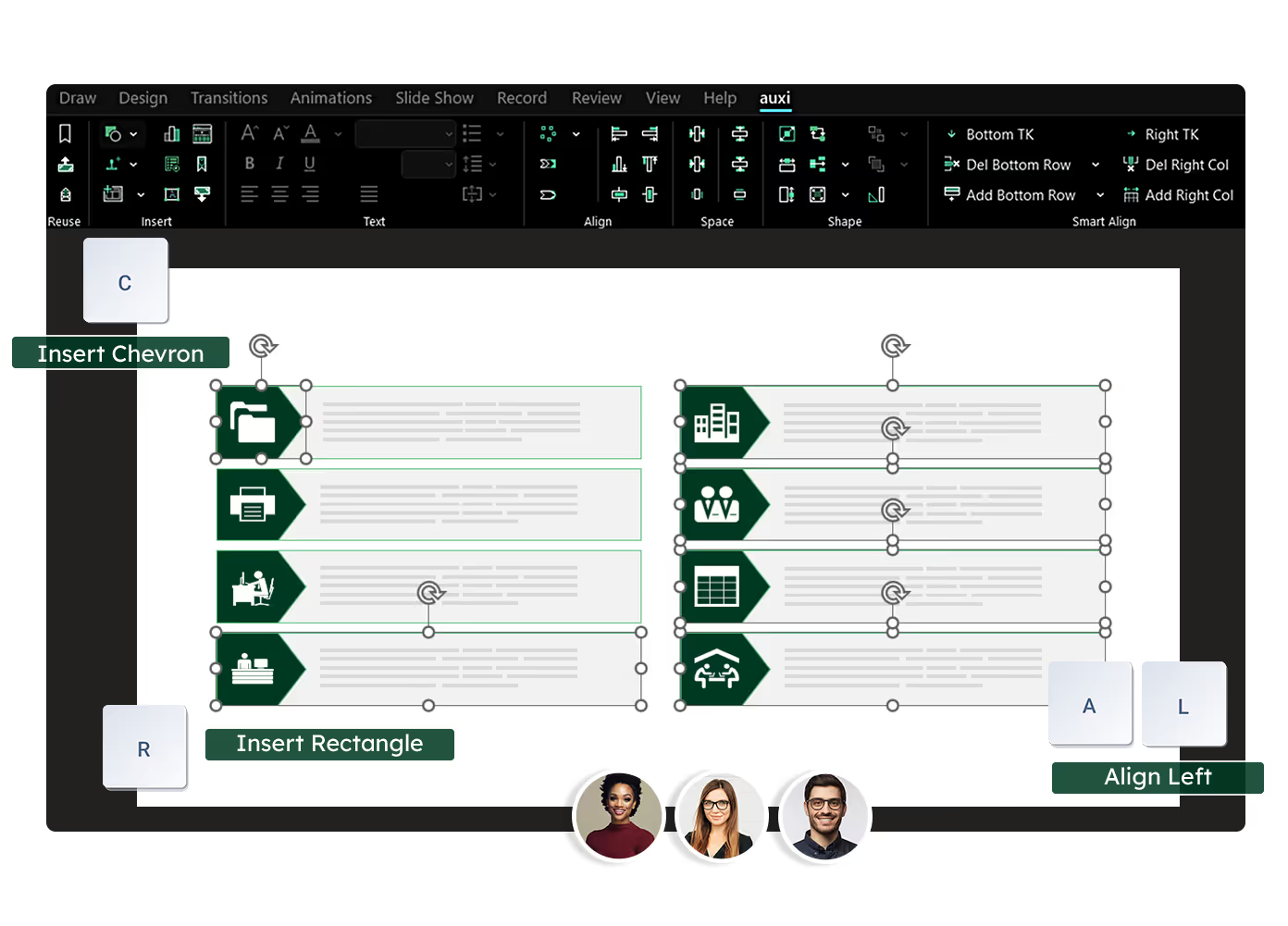
See auxi in action
your workflows and save you time!
A presentation brand audit is a systematic review of PowerPoint decks, templates, and slide libraries across your organization to identify where brand guidelines are being followed, where they are breaking down, and what is causing the drift. Unlike general brand audits that cover websites, social media, and print materials, a presentation brand audit focuses specifically on the slides and decks that go to clients, boards, and investors.
The CMO just reviewed a batch of client-facing decks and found three different font families, two versions of the logo, and a color palette that does not match anything in the brand guidelines. The managing partner forwarded the email to you with one word: "Fix this."
This post gives you the exact checklist to run that audit and the framework to fix what you find.
Why Presentations Are the Biggest Brand Compliance Blind Spot
Organizations invest heavily in brand consistency for websites, social media, and marketing materials. Then they ignore the hundreds of presentations going out the door every week.
For consulting firms, banks, and corporate strategy teams, presentations are the primary client-facing deliverable. They go directly to clients, boards, investors, and partners. Yet they are rarely audited for brand compliance. The empower Global PowerPoint Study found that approximately 68 presentations per employee per year do not comply with corporate design guidelines in enterprise environments. Across a 200-person firm, that is over 13,000 off-brand decks annually reaching clients and stakeholders.
The drift happens because templates get saved locally and modified. New hires use whatever they find. Time pressure leads to shortcuts. Decks get merged from multiple sources. And nobody checks the output systematically unless a partner catches it during review. For a deeper look at why manual brand enforcement fails at scale, see brand automation for enterprise presentations.
The 8-Point Presentation Brand Audit Checklist
Pull a representative sample of recent decks (minimum 10, ideally 20 to 30 from different team members and time periods). Work through each checkpoint below. Log every violation.
1. Font Compliance
What to check: Every text element across all slides. Titles, body text, captions, chart labels, table cells, footnotes. Include text inside grouped objects and SmartArt.
Passing: All text uses approved brand fonts at approved sizes and weights. No system defaults (Calibri, Arial) unless they are the brand fonts.
Failing: Mixed font families across slides. System fonts substituted where brand fonts should be. Inconsistent sizing between slides that should match.
2. Color Palette Adherence
What to check: Fill colors on shapes, text colors, chart data series colors, table cell backgrounds, line colors, gradient stops. Check both exact hex values and visual approximations.
Passing: Every color in the deck maps to a defined brand palette color. Chart colors follow the prescribed data visualization sequence.
Failing: "Close enough" colors that are off by a few hex values. Custom colors pulled from other decks or guessed from memory. Chart colors in random order rather than following brand sequence.
3. Logo Usage
What to check: Logo placement, version (full logo vs. icon vs. monochrome), sizing, clear space, and file version (current vs. outdated).
Passing: Correct logo version on every slide that requires it, positioned per brand guidelines, with proper clear space maintained.
Failing: Stretched or distorted logos. Old logo versions from before the last rebrand. Logo placed over busy backgrounds without proper contrast.
4. Template Compliance
What to check: Is the deck built on an approved template? Has the slide master been modified? Are layout placeholders being used correctly or overridden with manual text boxes?
Passing: Deck uses a current, approved template. Slide layouts match the master. Content sits in designated placeholder zones.
Failing: Deck built on an old template version. Slide master modified by the user. Manual text boxes placed over placeholder areas. Mixed templates within the same deck.
5. Chart and Data Visualization Standards
What to check: Chart type conventions, data label formatting, axis styling, legend placement, color sequences for data series.
Passing: Charts follow the organization's data visualization standards. Colors follow the prescribed sequence. Labels and axes are formatted consistently.
Failing: Default Excel chart styles pasted in without reformatting. Inconsistent chart types for similar data. 3D effects, shadows, or other non-standard styling.
6. Table Formatting
What to check: Header row styling, cell padding, border weights and colors, text alignment within cells, alternating row colors if specified.
Passing: Tables follow the brand's table formatting standards. Headers, borders, and cell styling are consistent across all tables in the deck.
Failing: Default PowerPoint table styles. Inconsistent border weights. Varying header colors across tables in the same deck.
7. Spatial Standards (Margins, Alignment, Work Zones)
What to check: Are content elements staying within defined work zone boundaries? Are objects aligned consistently? Are margins and padding consistent across slides?
Passing: All content respects defined margins and work zones. Objects on related slides are aligned consistently. Spacing between elements is uniform.
Failing: Text or shapes bleeding into margin areas. Objects misaligned between slides that should match. Inconsistent spacing that creates a messy impression.
8. Slide Layout Consistency
What to check: Do similar slides follow similar structures? Are section dividers, agenda slides, and key-message slides consistent throughout the deck?
Passing: Repeated slide types (section dividers, agendas, summaries) look identical every time they appear. The deck has a coherent visual rhythm.
Failing: Section dividers that change style midway through the deck. Agenda slides rebuilt manually instead of using the template layout. Inconsistent headers and footers.
How to Run the Audit: Manual vs. Automated
Running it manually. Open each deck and work through the 8-point checklist, logging every violation in a spreadsheet. Note which violations are most common. This reveals whether the problem is template drift, training gaps, or tool limitations. At 15 to 20 minutes per deck, auditing 30 decks takes 7.5 to 10 hours of a senior person's time.
Running it with auxi. The Checker scans the entire deck for brand violations in seconds: font mismatches, color deviations, empty placeholders, formatting inconsistencies, double words, stray comments, and out-of-workzone elements. Brand automation then fixes what the audit finds in one click, applying the correct brand profile across every slide. A 60-slide deck goes from non-compliant to brand-perfect in under a minute.
Automate your brand audit with auxi. Request a demo.
What to Do After the Audit
Finding the problems is step one. The value is in fixing them and preventing recurrence.
Fix existing decks. For a small number of high-priority decks, work through violations manually or use auxi's one-click brand transformation. For a large backlog, prioritize client-facing decks first, internal decks second. Automated enforcement can batch-correct the highest-volume issues. Font and color compliance cover 70%+ of typical violations.
Prevent future drift. Ensure all team members have access to current, approved templates and that old versions are retired, not supplemented. Centralize template distribution rather than relying on shared drives where outdated files accumulate. Rather than auditing after the fact, enforce brand standards as decks are built. auxi's branding automation applies brand rules continuously, so non-compliant decks never reach the review stage. For the full approach, see the brand automation enterprise guide.
Set a cadence. Run the audit quarterly, not annually. Annual audits allow too much drift to accumulate. With automated tools, quarterly audits take minutes, making frequent reviews practical at any scale.
Frequently Asked Questions
What is a presentation brand audit?
A presentation brand audit is a systematic review of PowerPoint decks, templates, and slide libraries across an organization to identify where brand guidelines are being followed, where they are breaking down, and what is causing inconsistencies. Unlike general brand audits covering websites, social media, and print, a presentation brand audit focuses specifically on the slides that go to clients, boards, and investors.
How do you check PowerPoint presentations for brand compliance?
Review each deck against an 8-point checklist: font compliance, color palette adherence, logo usage, template compliance, chart and data visualization standards, table formatting, spatial standards (margins and alignment), and slide layout consistency. This can be done manually (15 to 20 minutes per deck) or automatically using tools like auxi's Checker that scan every element in seconds.
What are the most common brand violations in presentations?
The most frequent violations are font substitution (system fonts like Calibri replacing brand fonts), approximate colors that do not match exact hex values, outdated logo versions, and template drift where users modify the slide master or build outside approved layouts. The empower Global PowerPoint Study found approximately 68 non-compliant presentations per employee per year in enterprise environments.
How often should you audit presentations for brand compliance?
Quarterly is the recommended cadence for enterprise teams. Annual audits allow too much drift to accumulate between reviews. With automated compliance tools, quarterly audits take minutes rather than days, making frequent reviews practical at any scale.
What is the difference between a brand audit and brand automation?
A brand audit identifies where brand guidelines are being broken. Brand automation prevents those breaks from happening by automatically enforcing standards (fonts, colors, logos, spacing) as decks are built and edited. The audit finds the problems. Automation eliminates the root cause. For enterprise teams, both are necessary: the audit establishes a baseline, and automation prevents the drift from recurring.
How do you fix brand-inconsistent presentations at scale?
Manual fixes are practical for a handful of decks but impossible at enterprise scale. Automated brand enforcement tools like auxi apply correct brand profiles across an entire deck in one click, fixing fonts, colors, logos, and spacing simultaneously. For teams producing 30 to 50+ decks per week, automation is the only viable approach to maintaining consistent brand standards.